
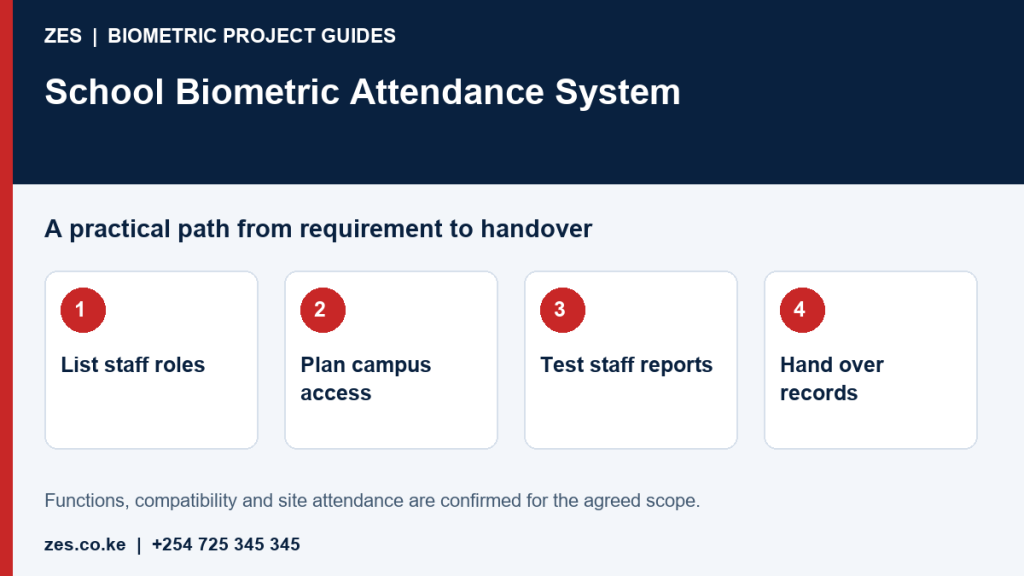
A School Biometric Attendance System Kenya project can help manage staff arrival, departure, duty schedules and payroll review. It should begin with teachers and employees, clear policy and responsible data handling. Student biometrics require a separate, higher-scrutiny decision involving children’s rights, necessity and appropriate safeguards.
Define the staff attendance purpose
Decide whether the system is intended to record normal workdays, boarding duties, weekend activities, support shifts or payroll inputs. Avoid collecting biometric data simply because a device can do so. The intended purpose should be communicated to staff.
Map different staff schedules
Teachers, administrators, drivers, security, kitchen teams and cleaners may not follow the same timetable. Configure approved schedules and responsibilities, then test term time, holidays, examination periods and special events.
Choose a practical location
A staff-only administration entrance may provide a controlled clocking point without mixing employee attendance with student movement. Consider queue space, device height, lighting, power, network and after-hours access. Protect equipment from rain, dust and tampering.
Handle legitimate exceptions
School duties can begin away from the main campus, including trips, competitions, training or authorized errands. Create a documented process for off-site work, forgotten punches and device failure. A missing scan should be reviewed, not treated automatically as misconduct.
Staff attendance and payroll
Supervisors should review exceptions before HR or payroll receives totals. Leave, duty changes and approved extra work must come from authorized records. Manual corrections should keep a reason, date and approver.
Multiple campuses and branches
School groups need consistent employee identifiers, synchronized device time and centralized reporting while preserving campus-level administration. Avoid separate duplicate profiles for a teacher who works at more than one campus. See the multi-branch biometric attendance guide.
Privacy and children’s data boundary
Kenya’s Data Protection Act treats biometric data as sensitive personal data. Schools should review necessity, lawful processing, security, retention and user rights. The ODPC guidance library includes biometric and education-sector guidance. This article concerns staff attendance; do not extend the project to student biometrics without a separate documented assessment and appropriate professional advice.
Reports that support school management
- Staff present, late, absent or missing a punch
- Attendance by department, role or campus
- Approved leave and off-site duty exceptions
- Weekend or boarding-duty attendance
- Manual changes with an audit trail
- Payroll-ready summaries after review
Implementation checklist
- Approve the staff-only attendance purpose and policy.
- Map schedules, campuses and exception types.
- Survey terminal placement, power and connectivity.
- Define enrollment, fallback and employee exit procedures.
- Test reports and payroll review with a sample group.
- Train administrators and protect their accounts.
What affects the school quotation?
Cost depends on staff numbers, campuses, terminal locations, device type, power and connectivity, schedule configuration, central reporting, payroll exchange and administrator training. The proposal should state clearly that student biometric processing is outside the staff-attendance scope unless separately assessed and approved.
A pilot with one staff entrance can confirm clocking speed, schedule rules, reporting and administrator responsibilities before wider deployment. Record the acceptance criteria and staff feedback rather than relying on a short sales demonstration.
Frequently asked questions
Can teachers clock in at different campuses?
Yes, if the identity, assignment and device-synchronization design supports it. Administrators should set effective dates and review unusual cross-campus records.
Should students use the same biometric system?
Not by default. Children’s biometric data requires a separate necessity, rights and safeguards assessment with appropriate professional advice. This guide addresses employee attendance.
Can the system send lateness directly to payroll?
It can prepare reports, but management and HR should review schedules, duty exceptions and missing records before any financial or disciplinary action.
Request a school attendance assessment
Share the number of staff, campuses, schedules, existing HR or payroll tools and reporting needs. Request a scoped ZES staff-attendance assessment.
School Biometric Attendance System: project planning brief
A school biometric attendance system needs a clear purpose and a manageable operating process. For staff attendance, the brief should identify teachers, administrative staff, support staff, work schedules and reporting responsibility. A school should not assume that a staff attendance project also covers learner biometrics. Those are different decisions requiring separate consideration. This guide focuses on planning and deploying staff systems with ZES around the institution's approved requirements.
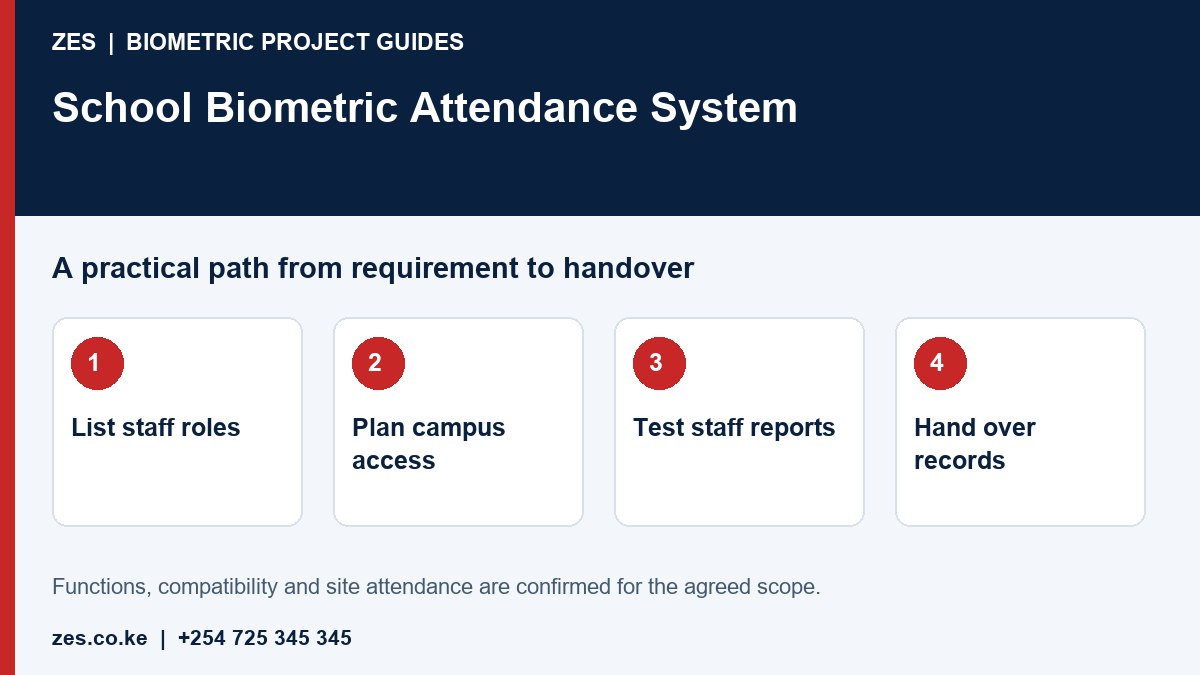
Define the staff groups and purpose
List the groups included, their normal reporting times and the people who review records. Teachers, boarding staff and cleaners may work different patterns. Attendance should reflect approved duties, including authorised off-site activity where applicable. State what the institution wants to improve: record retrieval, exception handling or a defined report. Avoid collecting extra information simply because software makes it possible. The school should appoint the person responsible for staff communication and the appropriate privacy review.
Choose a location that fits the campus
Map staff entrances, reception and routes used during busy arrival periods. Consider whether staff working in separate buildings would face an unnecessary detour. Protect the equipment according to its specified environment. Keep queues away from learner movement and emergency routes. Network, power and safe working access need coordination with school management. A campus survey is more useful than selecting a device position purely because an electrical socket is already present.
Plan enrolment and the academic calendar
Agree who validates employee identifiers and enrols users. Use sample identities for initial tests and provide a process for people who cannot reliably use the chosen method. Schedule installation and training around the school calendar, with timing confirmed directly. Staff changes and temporary appointments need an access-management process. Where the school has boarding or weekend duties, identify these patterns before configuring the reporting rules rather than adjusting records repeatedly after deployment.
Test reports before routine reliance
Demonstrate a normal day, approved absence, missed punch and a staff member assigned to a different schedule. Confirm who may correct an event and whether the change history is retained. Ask the administrator to produce the report without installer intervention. A missing clocking event needs review before conclusions are drawn about work performed. If payroll output is requested, agree its format and validation responsibilities separately from the attendance installation.
Hand over to named school operators
Provide equipment and account information to authorised school representatives. State routine checks, backup responsibilities and the support route. Keep records available when staff or management changes. Agree how leavers are removed and how retention requirements are reviewed. Any learner-identification project requires its own scope and appropriate specialist assessment. A clear staff-only deployment is easier to procure and administer than an undefined promise to manage every kind of campus attendance.
Prepare an assessable ZES enquiry
Include the location, organisation type, employee numbers and number of devices or controlled doors. Describe the existing equipment, software, shifts and intended reports. Identify who will approve the scope and receive training. Share sample or sanitised requirements, not employee biometric records or passwords. Ask the proposal to distinguish equipment, supporting infrastructure, software, configuration, testing, training, recurring charges and support.
Frequently asked questions
Does this include learner biometric registration?
No. This article concerns employee attendance. Learner data and identification require a separately reviewed purpose, safeguards and scope.
Can teachers and support staff use different schedules?
That requirement can be specified and demonstrated with the proposed software. Confirm the available functions before purchase.
Related biometric guides
- Staff Attendance for Schools: Daily Checks, Approved Duties and Term Reports
- Biometric Attendance System Price Kenya: Compare Installed Costs and Recurring Fees
Discuss your requirement with ZES
ZES reviews each brief before confirming the appropriate assessment, installation or support scope. Site visits, travel, equipment availability and specialist delivery responsibilities are confirmed directly. Final interfaces and functions are agreed against accessible technical information and the written proposal.
Biometric attendance services · Access-control services · Request a quotation · Request a site assessment