
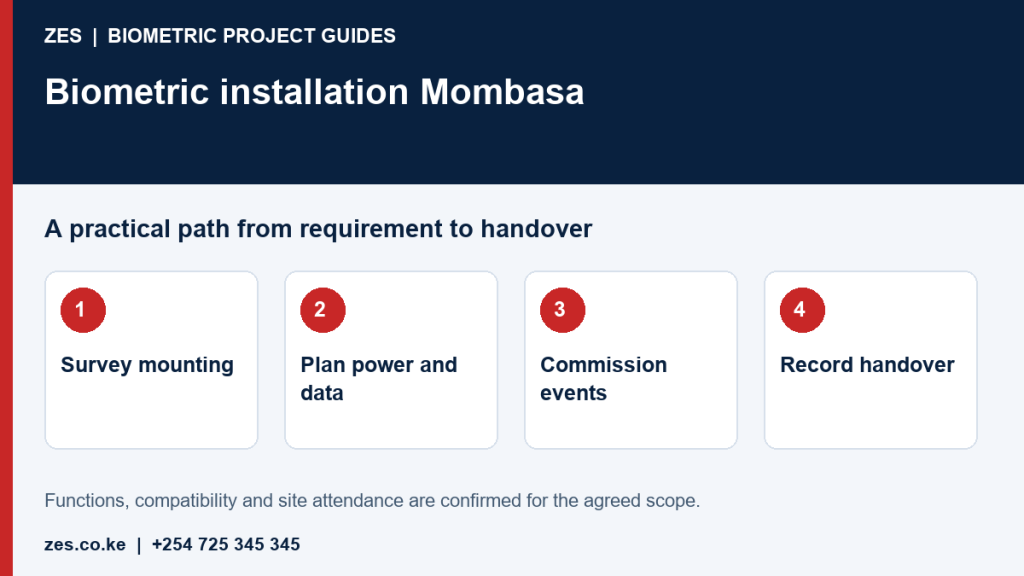
Biometric installation in Mombasa needs an agreed location, supporting infrastructure and a testable handover. Employers should establish whether the requirement is attendance, controlled access or both. Each brings different equipment and acceptance questions. This guide focuses on site delivery rather than business-wide report design. ZES can review photographs, layouts and system requirements before confirming a survey, installation programme and the competent parties responsible for supporting works.
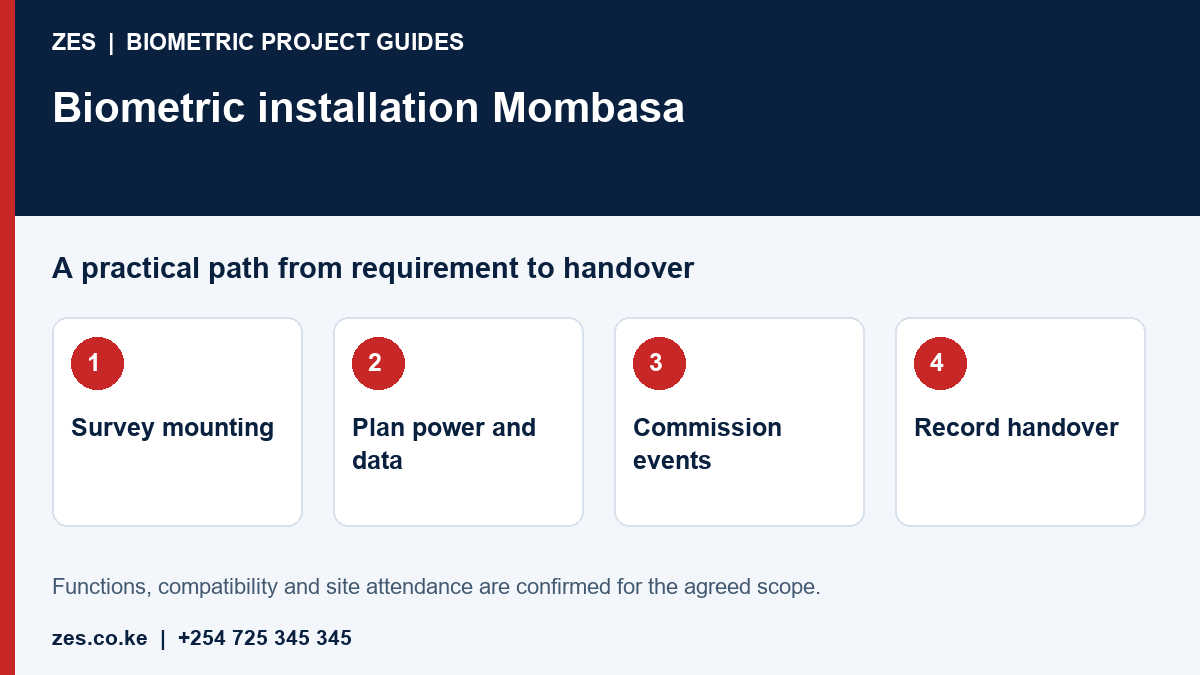
Choose a position suitable for equipment and users
Assess approach space, congestion, reach and separation from busy door movement. Confirm manufacturer limits for exposure and installation. Provide protection and service access appropriate to the selected model. Avoid treating an unused wall or available socket as sufficient evidence of a suitable position. If attendance and door control share a device, establish exactly which functions are supported and how the combined installation will be tested.
Define power and network responsibilities
Identify the responsible IT and facilities contacts. Specify cable routes, power supply, network availability and any required containment or reinstatement. Existing internet access does not automatically provide permitted device communication. Agree who manages configuration and authorises access. Backup requirements should identify every component needed for the agreed function. A backed-up terminal may not provide a central report if the recorder, server or network component it depends on is unavailable.
Control configuration before enrolment
Record employee identifiers, intended schedules, departments and administrator permissions. Use sample identities to establish the data flow before collecting operational records. Keep installer access authorised and limited to the agreed scope. Confirm software licence and version compatibility. Migration from an existing installation needs its own validation plan. Avoid importing a large staff dataset simply to discover later that identifiers, schedules or device connections do not align with the reporting application.
Witness commissioning through the whole workflow
Check clocking, correct timestamps, transfer to software and retrieval of the agreed report. Demonstrate relevant exception and connection-loss behaviour. Have an authorised administrator operate routine functions. Record results and unresolved dependencies. For door control, add the appropriate hardware, release and safety checks under a separately defined scope. Attendance testing alone does not establish that an installed door-control system meets the requirements of the particular doorway.
Record handover and maintenance access
Keep device identification, configuration basis, account ownership and support information with the organisation. Agree the practical training and service scope. Confirm regional travel and attendance arrangements for Mombasa directly. Review the installation after initial normal operation for recurring failed events, connection issues and administrative difficulty. ZES can assess changes against the agreed scope. A clear handover also explains which work remains with the employer, building management or a software vendor.
Prepare an assessable ZES enquiry
Include the location, organisation type, employee numbers and number of devices or controlled doors. Describe the existing equipment, software, shifts and intended reports. Identify who will approve the scope and receive training. Share sample or sanitised requirements, not employee biometric records or passwords. Ask the proposal to distinguish equipment, supporting infrastructure, software, configuration, testing, training, recurring charges and support.
Frequently asked questions
Does installation include payroll integration?
Only when expressly scoped and supported by compatible accessible interfaces. It is a separate deliverable from mounting and configuring a terminal.
Can an existing device be relocated?
Assess its condition, supported software, cabling and intended new environment before confirming suitability or the cost.
Related biometric guides
- Biometric Attendance System Mombasa: Multi-Department and Multi-Site Planning
- Biometric Installation Nairobi: Site Survey, Configuration and Handover
Discuss your requirement with ZES
ZES reviews each brief before confirming the appropriate assessment, installation or support scope. Site visits, travel, equipment availability and specialist delivery responsibilities are confirmed directly. Final interfaces and functions are agreed against accessible technical information and the written proposal.
Biometric attendance services · Access-control services · Request a quotation · Request a site assessment