
Updated 4 November 2026 · Zama Engineering Systems buyer guide
IP CCTV Camera Installation Kenya projects need a working video system, rather than a collection of cameras that happen to power on. For a business, school or managed property, the useful starting point is the evidence people need to retrieve. This guide explains how to prepare an installation brief that connects camera positions, the data network, recording and everyday operation before equipment is ordered.
Begin with the recording task
Describe the activities the organisation needs to review: a delivery arriving, people entering a reception, or a transaction at an authorised observation point. Identify whether an overview or closer detail is needed at each position. These requirements should appear in a camera schedule, with a plain description of what each view is expected to show. A quotation based only on camera quantity leaves the actual usefulness of those views unresolved.
IP CCTV Camera Installation Kenya: map the complete signal path
A network camera depends on more than its lens. Ask how the camera connects to a suitable switch or recorder, where network and electrical responsibilities meet, and which existing infrastructure can be reused. Hikvision's support guidance illustrates why recorder bandwidth needs attention when cameras and other traffic share a network connection. The installer should check the proposed equipment and topology instead of treating a spare socket as proof of adequate capacity.
Specify an installation that can be maintained
Agree cable routes, equipment labels, accessible termination points and the location of the recorder with the people responsible for the building. Include supports, protective containment, making good and any customer enabling work in the proposal. Where cabling crosses tenant or departmental boundaries, obtain the necessary coordination before work starts. A neat rack is helpful, but an accurate connection record is what allows the next technician to identify the affected camera without guessing.
Separate viewing permission from system administration
Decide who needs live viewing, who may export footage and who administers the system. Keep customer ownership of accounts and recovery arrangements clear. Remote viewing, audio, analytics and third-party access should each be deliberate scope decisions. A person who needs to review one entrance does not automatically need administrative control of the whole installation. Keep private network diagrams and credentials in the controlled handover file, rather than a public project enquiry.
Accept the installation through playback and retrieval
At handover, use an agreed sample from every camera to confirm that the recorded view corresponds to the camera schedule. Test retrieval and export using the customer's authorised operator account, and check the displayed time. Record any views that need a later night assessment or depend on outstanding site work. Obtain equipment references, the connection schedule and the agreed support route so the customer can distinguish a recording fault from a viewing problem.
Compare the supplied scope
| Decision | Information to confirm | Useful result |
|---|---|---|
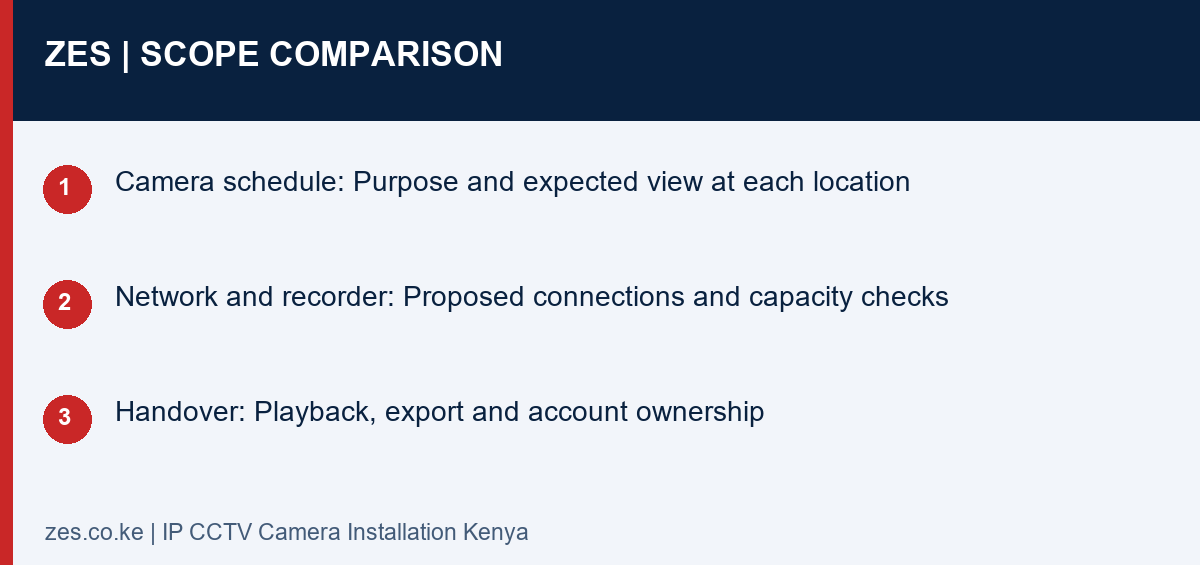
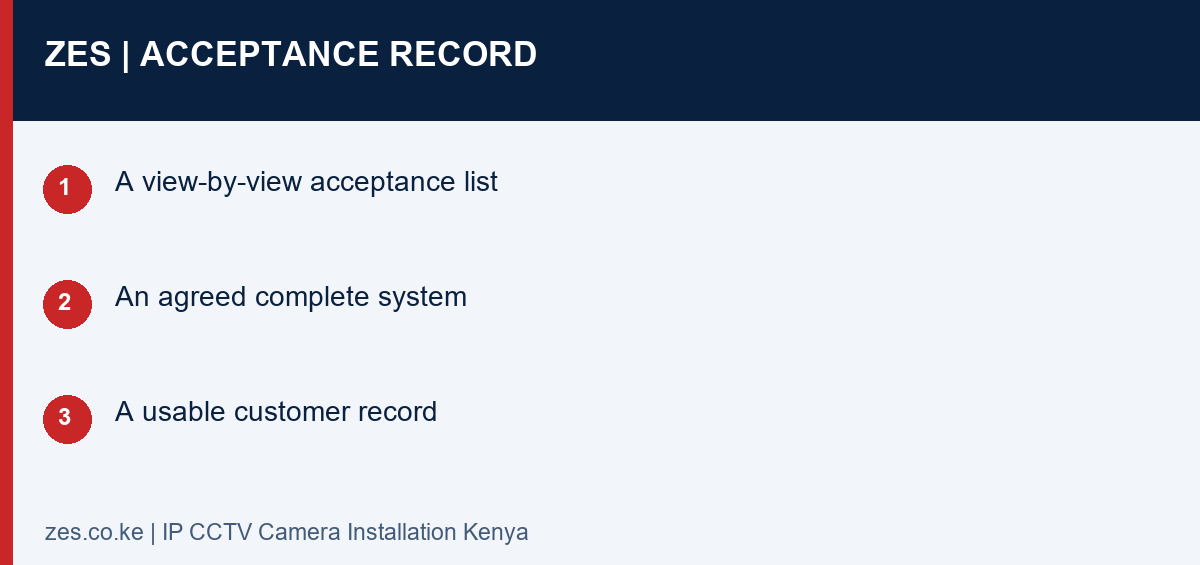
| Camera schedule | Purpose and expected view at each location | A view-by-view acceptance list |
| Network and recorder | Proposed connections and capacity checks | An agreed complete system |
| Handover | Playback, export and account ownership | A usable customer record |
A practical planning example
A small distributor may need an entrance overview and a closer dispatch view. Two cameras with identical specifications can produce very different results at those positions. The buyer can ask for an annotated schedule and a recorded demonstration for each task, then compare proposals against that schedule. The example is a planning scenario, not a claim about a completed ZES installation.
IP CCTV Camera Installation Kenya: enquiry checklist
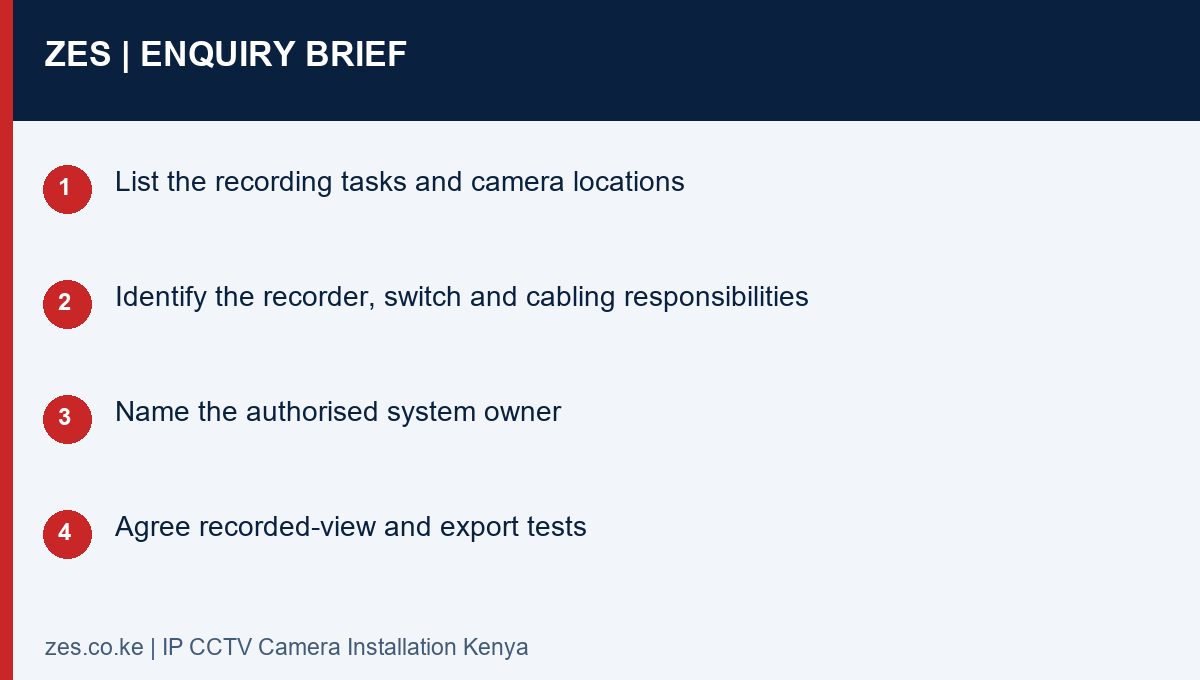
- List the recording tasks and camera locations
- Identify the recorder, switch and cabling responsibilities
- Name the authorised system owner
- Agree recorded-view and export tests
Questions before commissioning
Can existing network cabling be reused?
Possibly, after condition, route, connectivity and capacity checks. Keep reuse and replacement decisions explicit in the proposal.
Does an IP camera include remote monitoring?
A camera alone does not establish an internet connection, remote account or monitoring service. Define each requested function and its costs separately.
Discuss your CCTV requirement with ZES
Read the related ZES CCTV planning guide and explore CCTV surveillance services. Share the location, equipment information and intended outcome. ZES confirms the appropriate assessment, availability, proposed delivery responsibilities and commercial terms for the actual enquiry.
Request a scoped quotation · Request a site assessment · Call +254 725 345 345
Technical background: Hikvision recorder bandwidth guidance. Confirm the actual project requirements with the responsible advisers and relevant product information.