

Updated 4 November 2026 · Zama Engineering Systems buyer guide
Wireless CCTV Installation Nairobi can describe different arrangements: cameras using local Wi-Fi, a wireless link between buildings or equipment using a mobile connection. A buyer should identify the intended arrangement before comparing packages. This guide focuses on local wireless CCTV planning, including site assessment, power, network ownership and acceptance under the conditions in which a Nairobi property will actually use the system.
Define what the wireless connection replaces
Explain which part of the proposed route is difficult to cable and what buildings or areas need connection. Ask the designer to identify the actual radio link rather than label the entire system wireless. Some parts may still use network cabling, and cameras or radio equipment may still need local power. A marked scope schedule helps the customer understand what work is avoided and what installation work remains necessary.
Assess the property and existing network
Tell the installer about the buildings involved, obstructions, expected operating hours and who controls the existing network. Where landlord or tenant permission is needed for equipment locations, obtain it before permanent work. The assessment should examine the proposed wireless path and the wider network requirement. Avoid publishing detailed network layouts in an open enquiry. Use a controlled technical exchange with the authorised customer contact once assessment arrangements are confirmed.
Wireless CCTV Installation Nairobi: plan for normal business activity
Agree when the link should be tested and what other network activity is representative of ordinary use. A brief quiet-period live view is weak evidence for a system expected to record reliably during a busy day. Ask for playback from the agreed cameras under the accepted operating arrangement. If shared network equipment is involved, identify the person responsible for changes that could later affect the connection.
Separate camera access from general Wi-Fi use
The customer's IT owner should approve how the CCTV equipment connects to the network and who can reach it. Ask for a documented access arrangement and a private configuration handover. Do not treat access to a guest Wi-Fi network as automatic approval for permanent security equipment. Axis's hardening guidance provides useful background on controlling access to network video equipment; the actual implementation needs to suit the selected products and customer environment.

Agree fault boundaries and support
The proposal should identify responsibility for cameras, radio equipment, power and any customer-managed router or switch. At completion, record equipment references, link locations and the agreed configuration baseline. Test recording and retrieval, not just a wireless signal indicator. Ask how a support enquiry will distinguish a camera fault from a network outage or a changed customer configuration. Keep maintenance and recurring service allowances explicit in the final commercial scope.
Compare the supplied scope
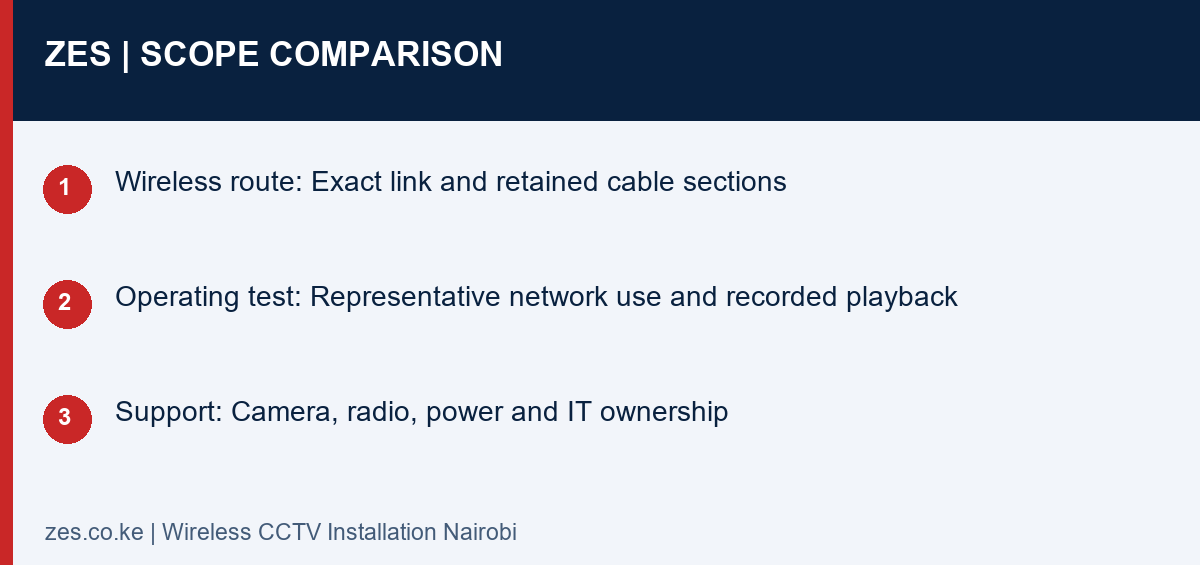
| Decision | Information to confirm | Useful result |
|---|---|---|
| Wireless route | Exact link and retained cable sections | A clear installation scope |
| Operating test | Representative network use and recorded playback | A relevant acceptance result |
| Support | Camera, radio, power and IT ownership | A practical fault-reporting route |
A practical planning example
A business connecting a camera in a separate store building can ask for a site assessment of the connection route and available power. The quotation can distinguish radio-link equipment from the camera and recorder work. That makes the proposed alternative to trenching understandable without promising that a wireless connection will suit an unassessed building layout.
Wireless CCTV Installation Nairobi: enquiry checklist
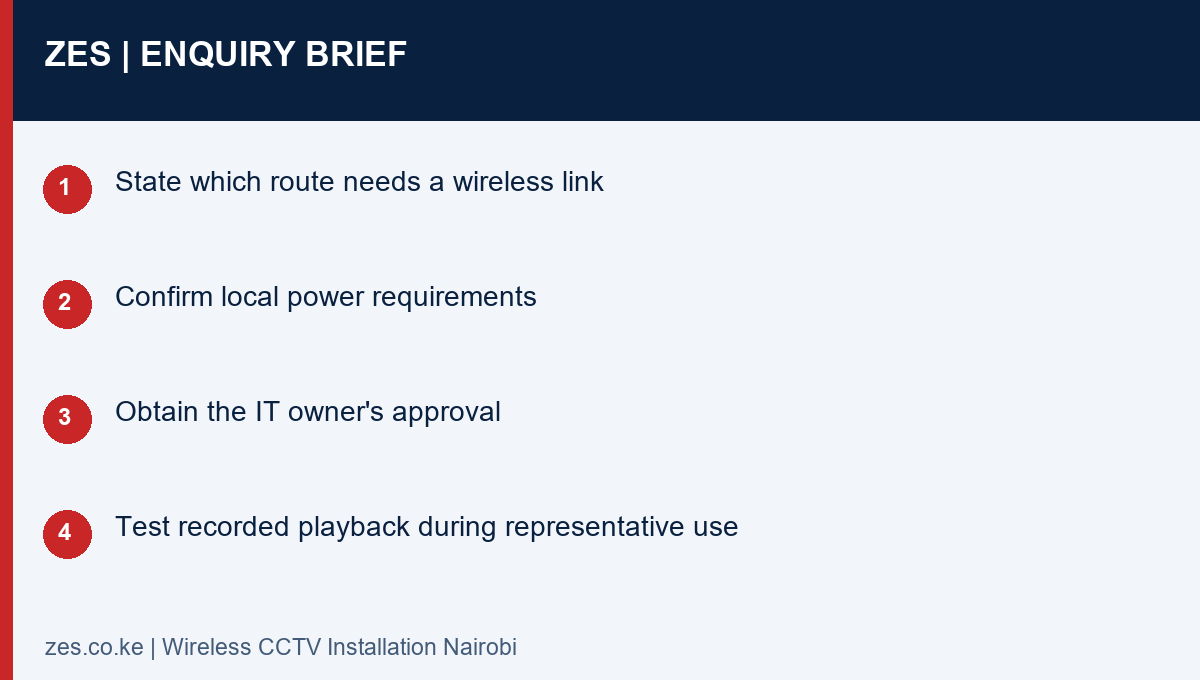
- State which route needs a wireless link
- Confirm local power requirements
- Obtain the IT owner's approval
- Test recorded playback during representative use
Questions before commissioning
Does wireless mean no cables anywhere?
Usually some power or local connection work remains. Ask the proposal to show the complete equipment and cable arrangement.
Can existing home or office Wi-Fi be used?
It needs assessment and approval for the required camera traffic, coverage and access arrangement. A visible network name is not proof of suitability.
Discuss your CCTV requirement with ZES
Read the related ZES CCTV planning guide and explore CCTV surveillance services. Share the location, equipment information and intended outcome. ZES confirms the appropriate assessment, availability, proposed delivery responsibilities and commercial terms for the actual enquiry.
Request a scoped quotation · Request a site assessment · Call +254 725 345 345
Technical background: Axis network-video hardening guidance. Confirm the actual project requirements with the responsible advisers and relevant product information.