
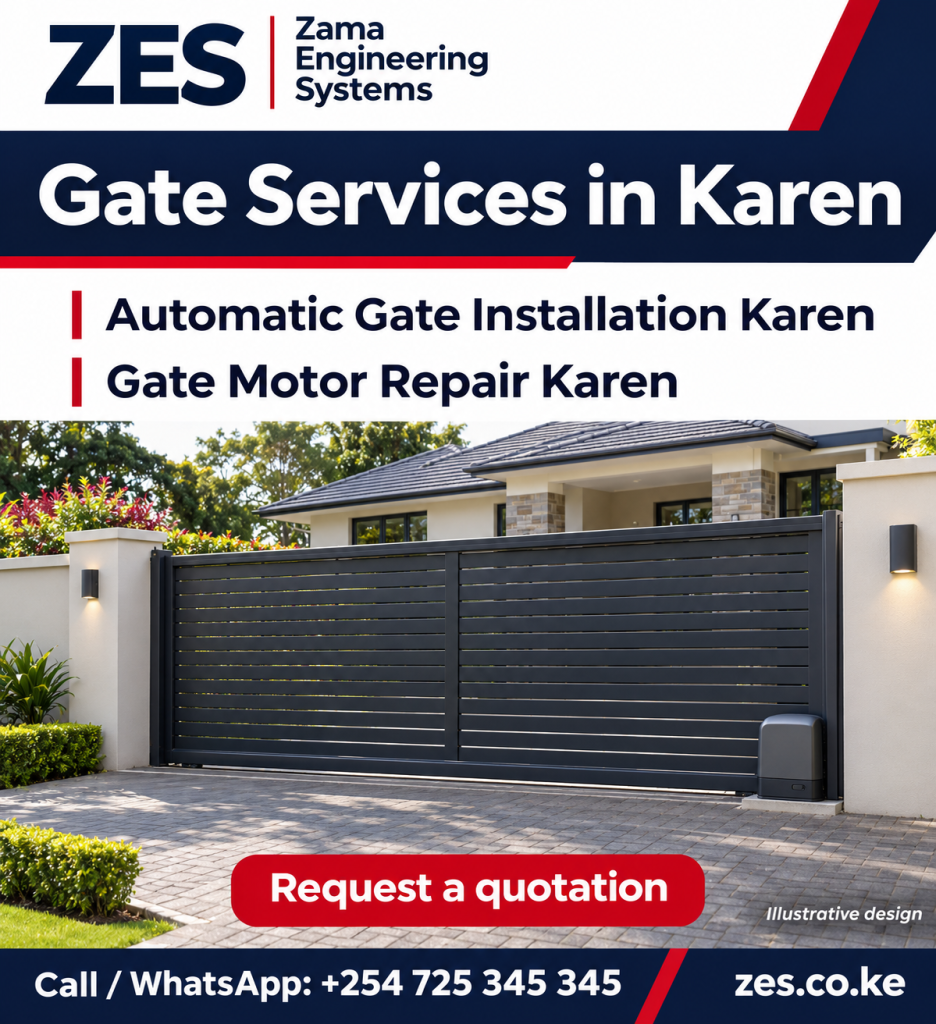
Automatic Gate Installation Karen — planning, quotation and owner guidance
Arriving home should not mean parking at the entrance, stepping out into the rain and wrestling with a heavy gate. Automatic gate installation in Karen can make everyday access more convenient while giving you better control over who enters your property. The important part is choosing a system that works with your gate, driveway and household routine.
Zama Engineering Systems (ZES) helps customers plan gate automation alongside the access controls and supporting infrastructure it needs. Whether you want to automate a manual gate or include automation in a new entrance, start with the outcome: a gate that opens predictably, closes correctly and is straightforward for authorised users to operate.
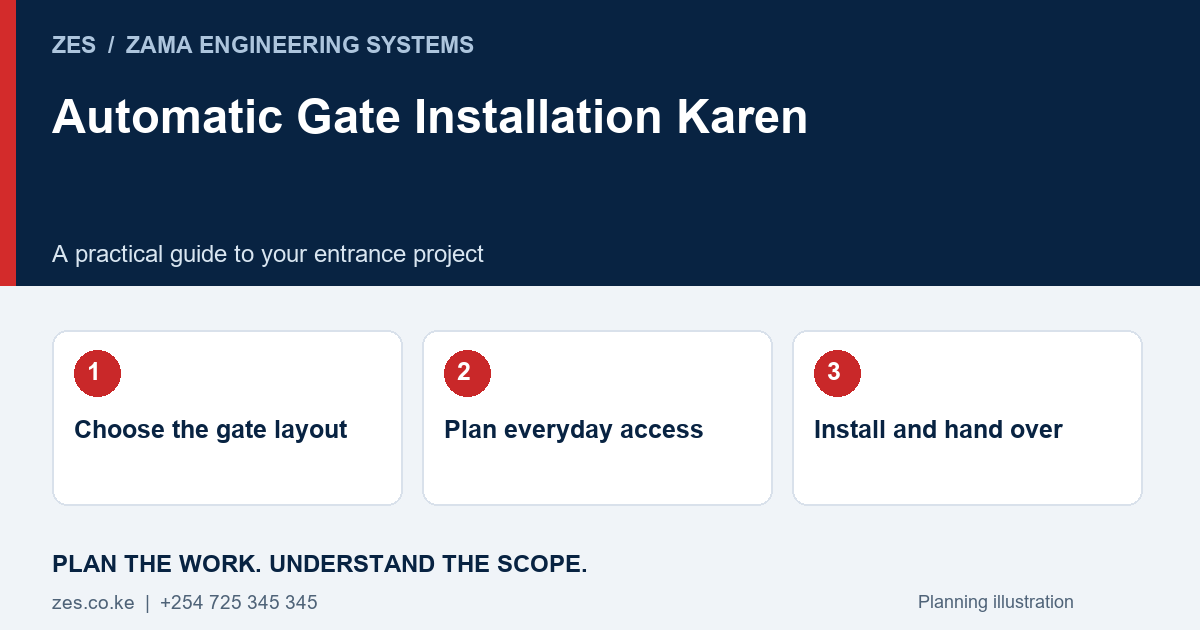
Automatic gate installation Karen: what should you choose?
The first choice is usually between a sliding gate and a swing gate. Both can provide convenient vehicle access, but they use space differently.
A sliding gate moves sideways along the boundary. It can be worth considering where you want to preserve space in front of or behind the entrance, provided there is sufficient room for the gate to retract. A swing gate opens on hinges and needs a clear area for its leaves to move. It may suit an existing hinged entrance whose structure and geometry are appropriate for automation.
The decision should follow the property layout. A gate that looks attractive in a catalogue may be awkward beside your parking bay, pedestrian entrance or driveway wall. During the survey, discuss where you stop the car, where visitors wait and how people enter on foot.
Can you automate the gate you already own?
Often, the sensible starting point is to assess the existing gate rather than assume it must be replaced. Its supports, movement hardware and condition determine what can be retained.
A suitable upgrade may involve an operator, compatible controls, power provision and the necessary protective measures. Other entrances first need attention to hinges, wheels, alignment or damaged supports. Those repairs belong in the quotation so you know the full cost before committing.
Tell ZES about scraping, sagging or previous repairs. You do not need to diagnose the problem yourself. A photograph of the stationary gate, together with a description of how it currently operates, is a useful starting point.
Make daily access easy for the whole household
A good installation reflects the people who use it. A remote control may be sufficient for a small household. A property with staff, deliveries or frequent visitors may benefit from a compatible intercom or a more structured access arrangement.
Think through three ordinary situations:
- Returning home: where will you operate the gate, and where will the vehicle wait?
- Receiving a visitor: who answers, confirms the visitor and opens the entrance?
- Changing access: who removes a lost remote or updates permissions when a user leaves?
Phone-based control is another option to discuss, but it should be chosen with its connectivity and account requirements in mind. Convenience features are most useful when the owner understands how to manage them.
What affects the installation cost?
There is no dependable all-in price based only on the word “automatic.” A motor package for a prepared gate is a different project from an entrance requiring fabrication, electrical work and new controls.
| Cost element | What your quotation should explain |
|---|---|
| Existing gate | Whether repairs or alterations are required |
| Automation equipment | The proposed operator and supplied accessories |
| Electrical provision | Supply work, cable routes and connection responsibilities |
| Access options | Remote quantities, intercom or other selected controls |
| Site finishes | Any excavation, paving reinstatement or making good |
| Completion | Testing, user guidance and the actual support terms |
Ask for a complete installed scope rather than comparing motor prices alone. If you are working to a budget, identify essential work first and price optional convenience features separately.
What happens during a ZES installation project?
The project begins with your enquiry and site information. Assessment establishes the entrance arrangement and the work needed. You then receive a proposal covering the selected equipment and agreed installation responsibilities.
Once the scope is approved, the work can be scheduled around the site’s readiness. At completion, the handover should explain normal operation, authorised manual release and what to do if the system behaves unexpectedly. Keep the equipment details and access records together.
Gate automation is part of a wider entrance system. ZES also provides access-control planning and installation, which is useful if your project includes controlled pedestrian doors or other restricted areas.
Questions homeowners ask
Will the gate work during a power cut?
That depends on the selected equipment and backup arrangement. Ask what is included, what operating limitations apply and how authorised users should handle an outage. Do not assume every motor package includes backup power.
Does an automatic gate need maintenance?
Yes. Discuss the care and inspection requirements for the actual installation. The appropriate schedule depends on its equipment, usage and environment.
Can the gate be controlled from a phone?
Compatible systems can offer connected control. Confirm the required connectivity, subscriptions, permissions and alternative access method before choosing the feature.
Seven easy checks before approving your Karen gate project
These seven checks are decisions you can make as an owner. They do not involve opening equipment, adjusting electrical parts or testing a moving gate yourself. Use them to organise the conversation with your installer and to understand exactly what an automatic gate installation proposal includes.
1. Follow the journey from the road to the parking space
Imagine an ordinary arrival, beginning before you reach the entrance. Where can your vehicle wait while the automatic gate opens? Can another vehicle leave at the same time? Where does a visitor stop when they need to call someone? Mark those positions on a photograph or simple plan.
Now consider the space inside. A vehicle should be able to move clear of the entrance without stopping in the gate’s operating area. If you normally park near the boundary, show that position to the assessor. It may affect the choice between sliding and swing operation.
Include people on foot in the same exercise. A household member carrying shopping, a gardener or a visitor should not have to improvise a route around a moving gate. Discuss a suitable pedestrian arrangement during the survey.
Your result should be a shared understanding of the entrance layout. It does not need to be a polished architectural drawing. It needs to show how the automatic gate will fit the property’s everyday movement and where the installer must investigate potential conflicts.
2. Separate what you want to keep from what needs assessment
Make a list of existing entrance components: gate leaves, posts, track or hinges, pedestrian door, lights, intercom and any wiring provision. Mark which items you would prefer to keep. Preference is useful information, but the installer still needs to establish suitability.
For each retained component, ask what condition or compatibility check is required. For example, a gate may look sound while its movement hardware needs attention. Conversely, an older gate may be a viable basis for an upgrade when the assessment supports it.
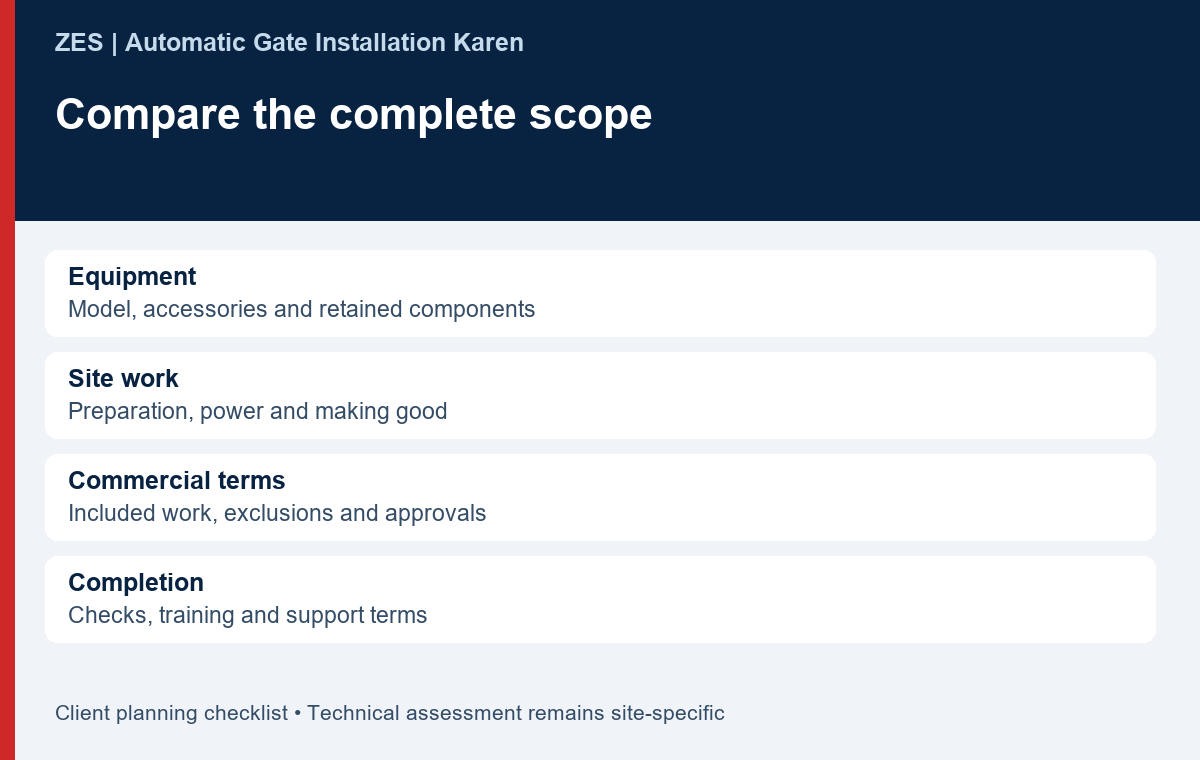
Ask the quotation to distinguish three groups: retained items, supplied items and items whose suitability remains unconfirmed. This is clearer than a vague statement that “existing accessories will be reused.”
If repairs are necessary, establish whether the automatic gate installer includes them or another contractor must complete them. Agree who confirms that preparation is ready. That prevents an installation date being arranged while unresolved mechanical work still stands in the way.
3. Define access for residents, staff and visitors
Start with a user list rather than an accessory catalogue. Count the regular drivers, identify who answers visitors and name the person responsible for access administration. A small household and a property with several occupants may need different arrangements.
Decide what should happen when a remote is lost. Who reports it, who can remove its access and how does the affected user enter meanwhile? Keep a record of issued devices without displaying sensitive access information in a public place.
For an intercom, think about unanswered calls. If the usual person is away, is there an agreed alternative? Ask about the capabilities of the actual proposed equipment instead of assuming every intercom supports the same call handling.
An automatic gate is easier to own when daily responsibilities are clear. The aim is not to buy the greatest number of features. It is to give the right people convenient access while keeping the management of those features under the property owner’s control.
4. Distinguish essential work from optional convenience
When a quotation exceeds your initial budget, ask for a scope discussion before removing items. Some work is necessary for the assessed installation, while other additions are preferences. The installer should explain that distinction.
Gate preparation, suitable power provision and required protective measures belong to the working installation. Extra remote quantities beyond current needs or certain convenience controls may be considered separately, depending on the design.
Ask whether a later addition would require reopening finished surfaces or replacing another component. Sometimes modest provision during the initial project is worthwhile. Sometimes it is better to wait until the future requirement is known.
Record exclusions in plain language. “Electrical supply by client,” for example, needs an identified contractor and an agreed completion point. An automatic gate project is not fully priced until you understand those separate responsibilities. Compare the total cost of reaching the same usable result, not just the amount payable to one supplier.
5. Discuss power interruptions before they happen
Tell the installer whether power interruption is a particular concern at your property. Ask which backup arrangement, if any, is included and what the manufacturer specifies for that equipment. Do not convert a general battery claim into a promise of unlimited operation.
Discuss the authorised manual-release procedure as part of the handover. Establish who will hold the keys and who will receive instruction. The condition of the gate matters; releasing an unstable gate is not an ordinary owner task.
Also consider communication. If connected access relies on a phone or network, what is the agreed alternative when that connection is unavailable? Different systems offer different options, so ask about the selected product.
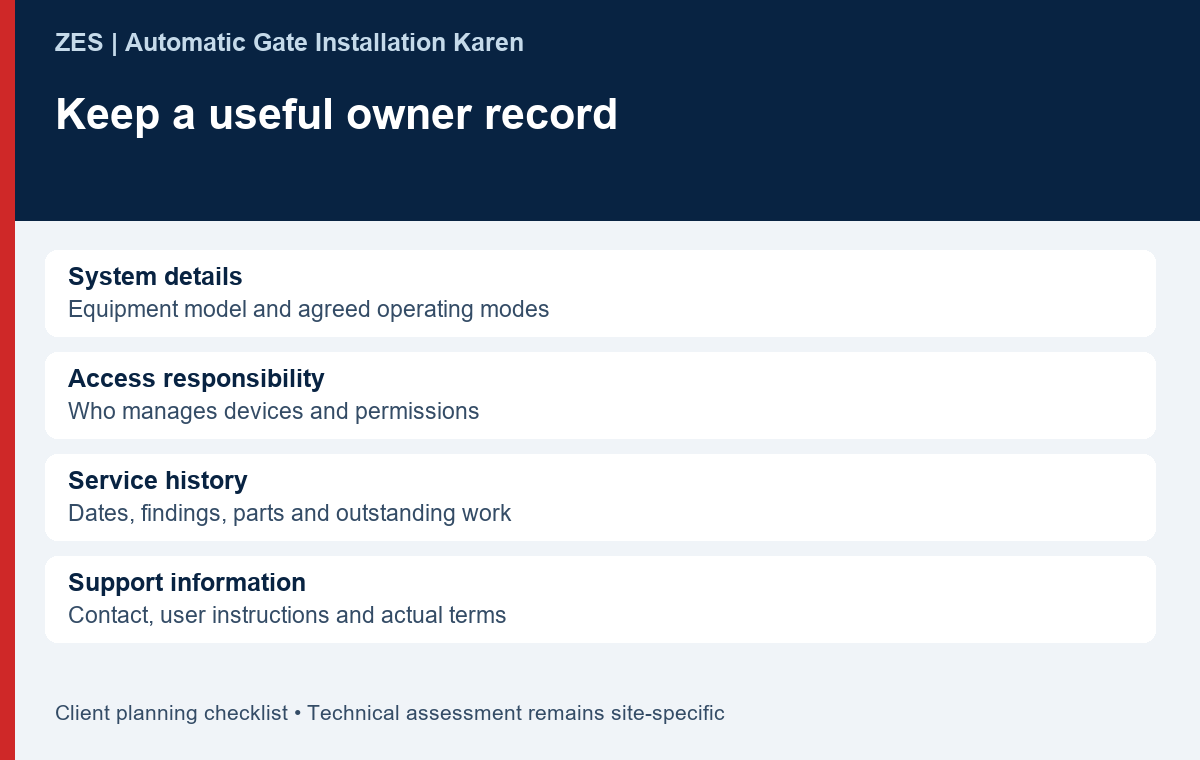
Keep the answers in a short owner record with the equipment information. When an interruption occurs, users should be able to follow the documented procedure rather than search for keys, guess at controls or call several people who do not know how the automatic gate was configured.
6. Agree what successful completion looks like
Before the work starts, define the functions you expect to see demonstrated. These might include each supplied remote, the agreed visitor controls and any selected operating mode. The list should reflect the quotation.
Ask the responsible installer to document the relevant commissioning and protective checks. Do not test an uncertain response by placing a person or vehicle in the gate’s path. Owner demonstration and technical safety testing have different purposes.
At handover, check that the supplied equipment matches the approved proposal or a documented agreed substitution. Obtain the model information, user instructions and actual support terms. If work remains outstanding, record it and agree the next action.
A clear completion record protects both customer and installer from misunderstandings. It also gives a future technician a starting point. Your automatic gate installation should leave you knowing what was installed, how authorised users operate it and whom to contact if its behaviour changes.
7. Plan simple ownership tasks and professional servicing
Ask which observations the manufacturer expects an owner to make and which maintenance tasks require a technician. This is particularly useful for properties where several people may notice a fault but no one is clearly responsible for reporting it.
Keep the entrance and access routes managed according to the installer’s instructions. Report new scraping, unusual sounds, impacts or changes in movement. Do not change force settings or bypass a protective device to keep the automatic gate operating.
Retain service records with dates and work descriptions. If the same symptom returns, that history helps the next assessment distinguish a recurring problem from a new one. Record changes to access devices separately from mechanical service work.
Finally, review the arrangement when the property changes. New parking positions, building work or a different number of users can affect the entrance. Tell the installer about those changes rather than assuming the original gate installation remains suitable for every later use.
A simple brief you can send before the survey
Your first message does not need technical terminology. Explain whether the project is a new entrance or an existing gate upgrade, provide the Karen location and attach safely taken photographs. Describe the number of regular vehicles, visitor arrangements and any known movement problems.
Add your intended programme and any work being done by other contractors. If you have a budget range, share it as a planning constraint rather than asking for an unspecified “best motor.” A useful response can then distinguish the required work from options.
Keep personal access codes, remote credentials and security-sensitive instructions out of general enquiry attachments. The initial brief should communicate the property requirement without distributing information that belongs only with authorised users.
Comparing two offers fairly
Put both quotations beside the same brief. Check the equipment, remote quantities, electrical responsibilities, preparation and making good line by line. Ask about any missing item rather than assuming it is included.
Then compare the completion and support arrangements. Does each offer explain who trains the users, what records are supplied and how a fault is reported? A difference in price may reflect a difference in scope.
Choose after those differences are clear. This gives your automatic gate project a practical basis for approval and helps ZES prepare a proposal that responds to the entrance you want to use.
A one-page automatic gate handover checklist
Prepare a one-page owner record before the installation is completed. Under “automatic gate equipment,” enter the model and the supplied controls from the agreed proposal. Under “gate installation work,” list any preparation, electrical provision and finishing that formed part of the project.
Add a section for the demonstration. Record which automatic gate functions were shown to the authorised users and where the manufacturer instructions are stored. The technician’s technical checks should have their own appropriate record; the owner checklist does not replace them.
Create a separate line for outstanding work. State the responsible contact and next step instead of treating an unfinished item as an informal promise. Keep the actual gate installation support terms with the same folder.
Finally, name the person who manages the automatic gate access devices and the person who arranges service. They may be the same person, but the responsibility should be explicit. Review the record when the property is handed over or user arrangements change.
This small amount of organisation makes the automatic gate easier to own. It helps the household find the correct information during an interruption and gives a future service provider a clearer account of the installation.
Get a quotation for your Karen property
Send ZES your location, gate photographs and a short description of the access you want. Include any planned paving or building work. Book a site survey or request an automatic gate quotation. You can also call +254 725 345 345 to discuss the project.
Further reading: HSE powered-gate safety guidance explains why the complete installation needs assessment. This is UK technical background, not a statement of Kenyan legal requirements.
Gate Motor Repair Karen: assess before replacing
An existing entrance may need repair rather than a complete new installation. For a Gate Motor Repair Karen enquiry, describe the observed fault, when it began, which controls are affected and the current gate position. Share previous service records and safely accessible equipment information. A stopped gate alone does not establish that the motor needs replacement.
The assessment should consider the gate movement, operator, power arrangement, controls and relevant protective provisions. Ask for the findings and an explanation of the proposed work. Where mechanical repairs are required, identify who will complete them before the automation is returned to normal operation.
Repair and future installation requirements
If you are also considering Automatic Gate Installation Karen for a changed entrance, tell the assessor about the planned gate and future usage. A component suitable for the current installation may not suit a larger or differently operated gate. Keep the immediate repair scope separate from the later project so both decisions are clear.
Compare the repair proposal with any replacement option using the same deliverables: equipment, compatible accessories, fitting, checks, handover and actual support terms. Ask which existing parts will remain and what limitations are outstanding. Do not assume a new operator includes fabrication or electrical preparation.
For additional guidance, read automatic gate motor replacement. Send ZES the site details and relevant photographs through the quotation form to discuss an assessment.