
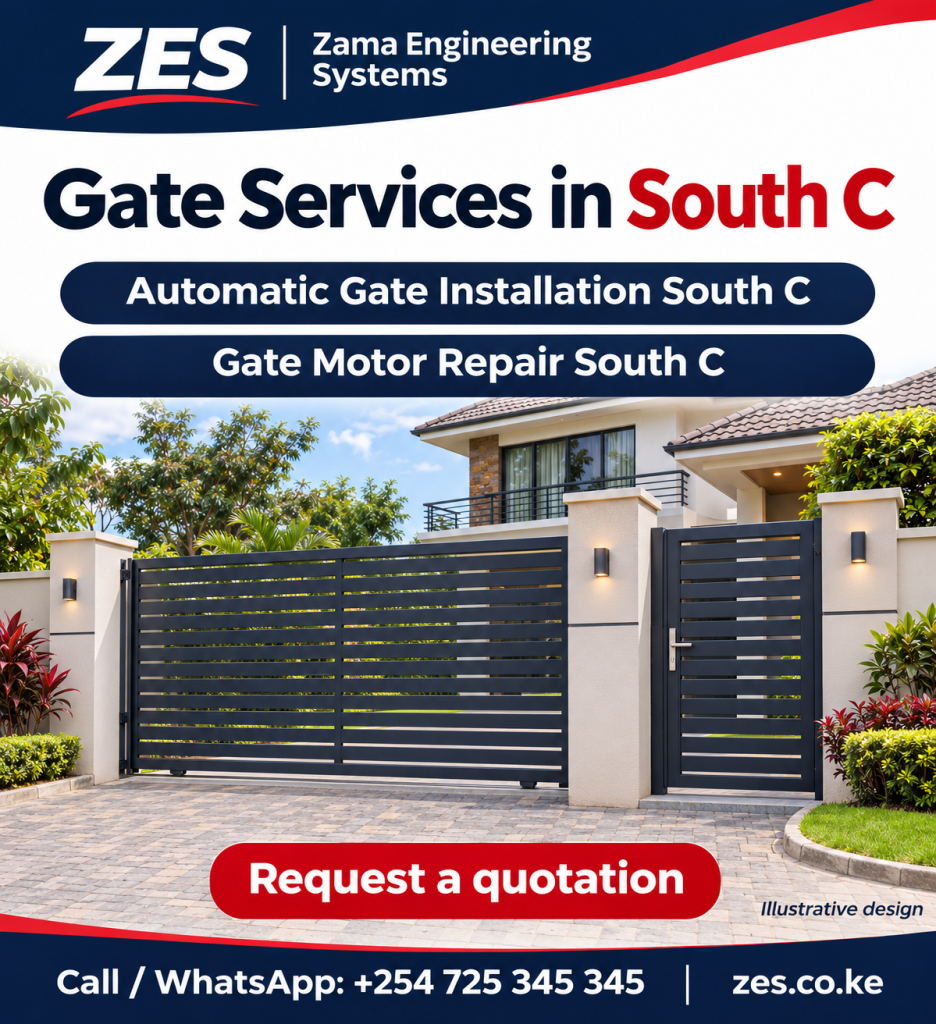
Automatic Gate Installation South C should make everyday entry understandable for the people who use the property. A motor and two remotes may not answer how visitors arrive, how pedestrians enter or who deals with a lost handset. ZES can assess the entrance and discuss an installation scope based on the gate and the household or shared-property requirements.
This guide also covers Gate Motor Repair South C enquiries where the existing arrangement has become unreliable. Installation and repair decisions should begin with the actual equipment, movement condition and user procedure, rather than a guessed motor size or fault.
Automatic Gate Installation South C: 7 easy user-planning checks
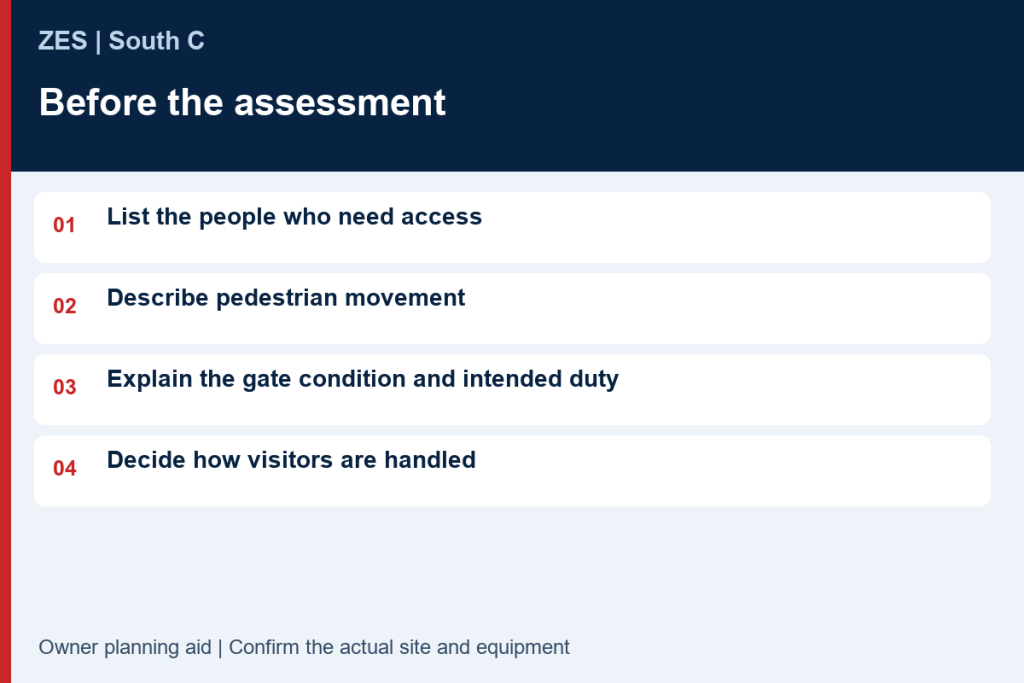
1. List the people who need access
Identify residents, authorised staff and anyone responsible for visitor entry. Explain whether the property is managed by one household or several users. The number of devices and the access-administration process should follow that requirement.
Do not share private codes in a public quotation message. The initial brief needs the desired arrangement, not credentials. Ask who will retain control of any supported accounts or administration settings after installation.
2. Describe pedestrian movement
Show the installer where people walk, wait and enter. A vehicle gate is part of an entrance used by people on foot as well as vehicles. If there is a separate pedestrian door, include it in the description of normal arrival.
The competent assessment should consider the movement area and relevant protective provisions for the complete entrance. A remote control does not by itself establish that an operating arrangement is suitable for all users.
3. Explain the gate condition and intended duty
State whether the gate is new, manual or already automated. Report scraping, damaged supports or unusual movement. Necessary preparation should be explained before equipment is selected.
Include the busiest periods and any planned change in use. A shared property can have a different operating pattern from a quiet household. Ask how the proposed model suits the assessed gate and demand.
4. Decide how visitors are handled
Explain who approves entry and whether an intercom or other system is involved. Identify existing equipment where known. Compatibility and configuration responsibility should be confirmed before assuming a new motor will connect to every accessory.
If the usual contact is unavailable, the property should have an understood visitor procedure. That is an owner-management decision to discuss alongside the equipment, not an unspecified promise that automation will handle every situation.
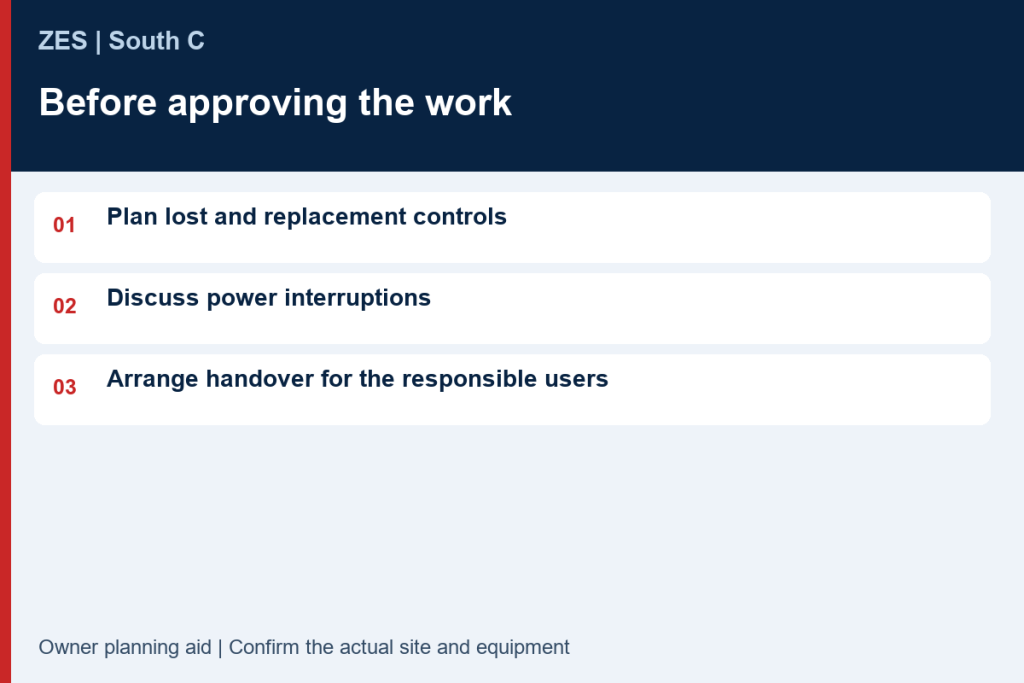
5. Plan lost and replacement controls
Ask how additional devices are approved and how missing devices can be handled where the system supports removal. Issuing a new remote does not automatically disable the old one. For shared access, keep a device register with the authorised manager.
If existing remotes are retained, confirm compatibility with the proposed receiver. Similar appearance is not enough. The remote programming guide explains the information useful before ordering.
6. Discuss power interruptions
Describe the operation you expect during an outage and ask what the proposed arrangement supports. Confirm the actual included backup equipment and limitations. Do not assume every gate motor package contains the same battery provision.
The responsible user should receive the correct instructions for the installed system. Do not improvise a release procedure or open electrical equipment when power fails. Use the manufacturer instructions and the property’s approved process.
7. Arrange handover for the responsible users
Nominate who receives the demonstration and documentation. Record the equipment, issued controls, completed work and actual support terms. If other users need instructions, plan how that information will reach them.
A handover should leave the owner able to manage the agreed arrangement. It should not depend on an unexplained installer account, unlabelled devices or verbal instructions that are lost when a caretaker changes.
Gate Motor Repair South C: report the problem clearly
Describe what happens during ordinary use: no response, partial movement, reversal or intermittent failure. Include when the fault began and known previous repairs. These are useful observations, but they do not establish the failed component without assessment.
If one handset is affected while other normal controls are known to work, say so. If every control produces abnormal behaviour, report the wider complaint. Avoid repeated attempts when the gate moves unpredictably and keep people away from the movement area.
Ask the repair quotation to state the finding, work and parts, retained equipment and completion checks. Where replacement is recommended, request the reason and compare the complete scope. See the motor replacement guide for that decision.
Example: two households share one gate
In an illustrative arrangement, several authorised users need access but only one person holds the equipment documents. Before an upgrade, the households agree who approves devices and reports faults. They list required controls and explain the visitor procedure to the installer.
The proposal states the supplied equipment and any retained accessories. At handover, the responsible users receive instructions and a device record. If a repair remains necessary, it is listed separately from the new controls rather than hidden in a general statement that the gate has been upgraded.
The example does not assume that every South C property is shared. It shows how user planning can affect a gate installation even when the physical equipment appears straightforward.
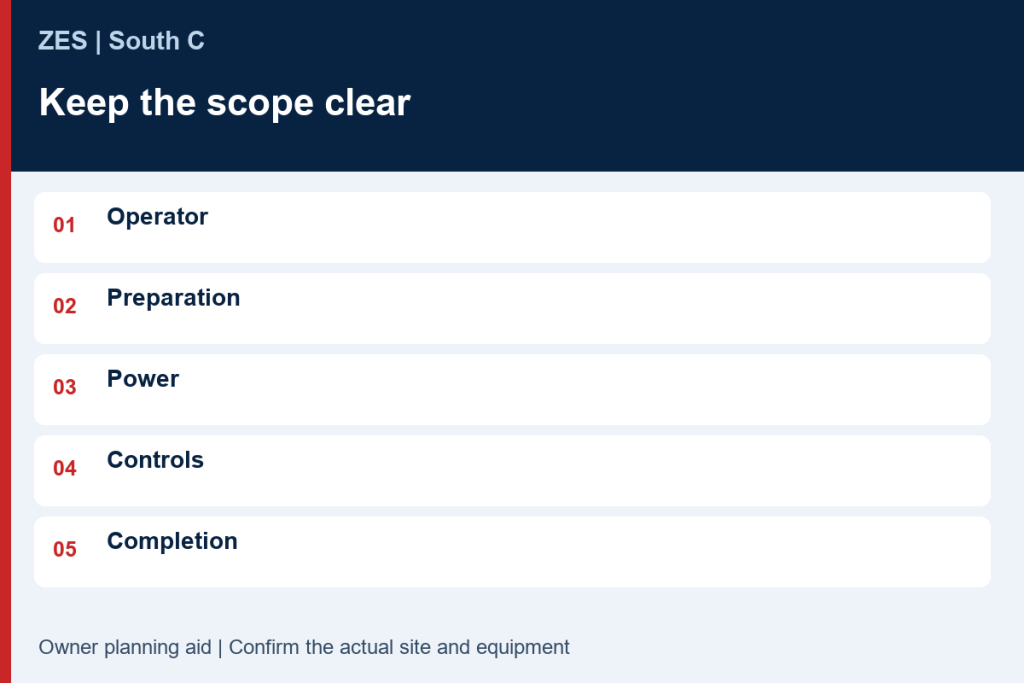
What should the quotation contain?
| Item | Owner question |
|---|---|
| Operator | Which model suits the assessed gate and use? |
| Preparation | Are gate, support or site repairs needed? |
| Power | What work and backup provisions are included? |
| Controls | How many devices and which supported functions? |
| Completion | What is demonstrated and documented? |
| Terms | What are the actual price, exclusions and support terms? |
Ask for unclear items to be confirmed before comparing totals. A low motor-only figure is not a complete project price if other work remains undefined. No fixed price or attendance guarantee is stated in this guide.
Questions from property owners
Can the same remote operate more than one function?
That depends on the supported receiver and equipment arrangement. Explain the desired functions and ask the installer to confirm compatibility and programming before purchasing controls.
Should children or visitors use the vehicle opening on foot?
The site needs a competent assessment of pedestrian movement and the appropriate arrangement. Explain who uses the entrance and follow the agreed operating instructions; do not assume a vehicle gate is suitable for every pedestrian use.
What if a remote is missing?
Notify the authorised manager and discuss the supported access-removal process. A replacement handset alone does not cancel a missing device. Avoid generic reset instructions that could disrupt other users.
How do we find the correct user manual?
Identify the installed model from records or a safely accessible label. Manufacturer resources such as Centurion technical support can help locate relevant information. A procedure for another model should not be assumed suitable.
Planning an automatic gate around household routines
The useful starting point for an automatic gate is how the household uses the entrance. Explain who drives, who enters on foot, how visitors are admitted and who takes responsibility when the system develops a fault. These details help turn a general request for a gate motor into an installation brief.
Discuss the normal user controls and the management of spare or lost devices. If a household member should not operate a particular function, explain that requirement. The installer should assess the supported arrangement instead of assuming that every remote button has the same purpose.
Make pedestrian access explicit
A gate installation should consider how people approach and pass through the entrance. Tell the assessor about any separate pedestrian route and the way visitors usually arrive. Relevant protective provisions and operating behaviour need consideration for the actual layout.
Do not assume that an accessory alone makes every possible entrance arrangement suitable. The complete automatic gate installation needs assessment. Users should receive instructions about normal operation and what to do when behaviour changes.
Agree the outage arrangement before handover
Ask which interruption arrangements the proposed gate automation equipment supports and what is included in the quotation. The explanation should identify relevant limitations rather than promise uninterrupted access under every condition. Any release procedure must correspond to the installed model.
Make sure the people responsible for the entrance receive the instructions. Retain manuals and manage associated keys or access information appropriately. If the main contact is away when a problem occurs, another authorised person should know where the documents and service contact can be found.
Prepare for a later repair enquiry
Keep the gate motor reference, installation invoice and service records together. When requesting gate repair, describe the observed symptom and current access situation. Explain whether all normal controls are affected and whether a relevant change occurred recently. Avoid repeated cycling, forcing movement or bypassing a protective device to keep the entrance in use.
Ask the technician to document the finding and completed work. If the operating arrangement changes after a repair, explain it to authorised users and update the owner record. A household’s gate automation file should reflect the current equipment, rather than remain a folder containing only the original sales quotation.
Contact ZES for a South C assessment
Request a quotation with the location, gate photographs, expected use and control requirements. For a fault, include the symptom and access situation. Call or WhatsApp +254 725 345 345, or book a site survey, to discuss the next step.