
Automatic Gate Installation Umoja should include a control arrangement that the owner can manage after handover. When a handset later fails, the useful question is whether the problem concerns that device, the receiver or the wider gate installation. ZES can assess installation requirements and Gate Remote Repair Umoja enquiries using the actual equipment and reported behaviour.
This guide concentrates on remotes and authorised access. It does not provide universal cloning, reset or wiring instructions. The correct approach depends on the receiver, supported transmitter system and the owner’s authority to change access.
Automatic Gate Installation Umoja: 7 easy control checks
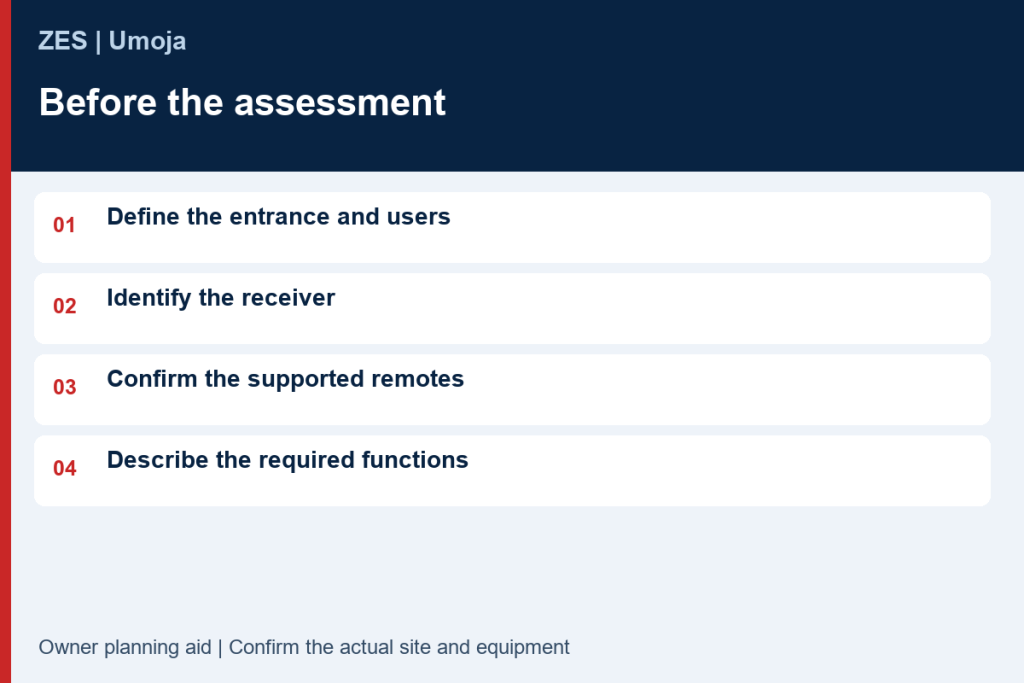
1. Define the entrance and users
State the gate type, condition and expected use, then identify the authorised people who need controls. A shared property should nominate who approves devices and manages changes. The equipment proposal should reflect both the physical entrance and the user requirement.
Explain pedestrian and visitor movement alongside vehicle access. The installer should assess the complete arrangement and relevant protective provisions rather than treat a remote as the whole automation system.
2. Identify the receiver
The gate motor brand may not identify a separately fitted receiver. Use existing records or a safely accessible label to establish the current equipment. A photograph of the handset can help, but appearance alone is not a compatibility test.
If the information is inaccessible, arrange assessment. Do not open live enclosures merely to obtain a photograph for an enquiry. The technician can record the relevant details appropriately.
3. Confirm the supported remotes
Ask which devices work with the proposed receiver arrangement and how many are included. Similar button layouts or advertised frequencies do not establish complete compatibility. Confirm the exact supplied item before purchase.
If existing remotes must remain in use, make that requirement explicit. A new motor or controller can require a review of retained accessories. The quotation should explain the agreed arrangement.
4. Describe the required functions
State what each device should operate. Some properties have more than one entrance or supported function, but the equipment must be checked against that request. Do not assume that extra buttons automatically support every desired action.
At handover, demonstrate the functions actually agreed. Keep the relevant instructions with the property record so users do not have to discover the arrangement by trial and error.
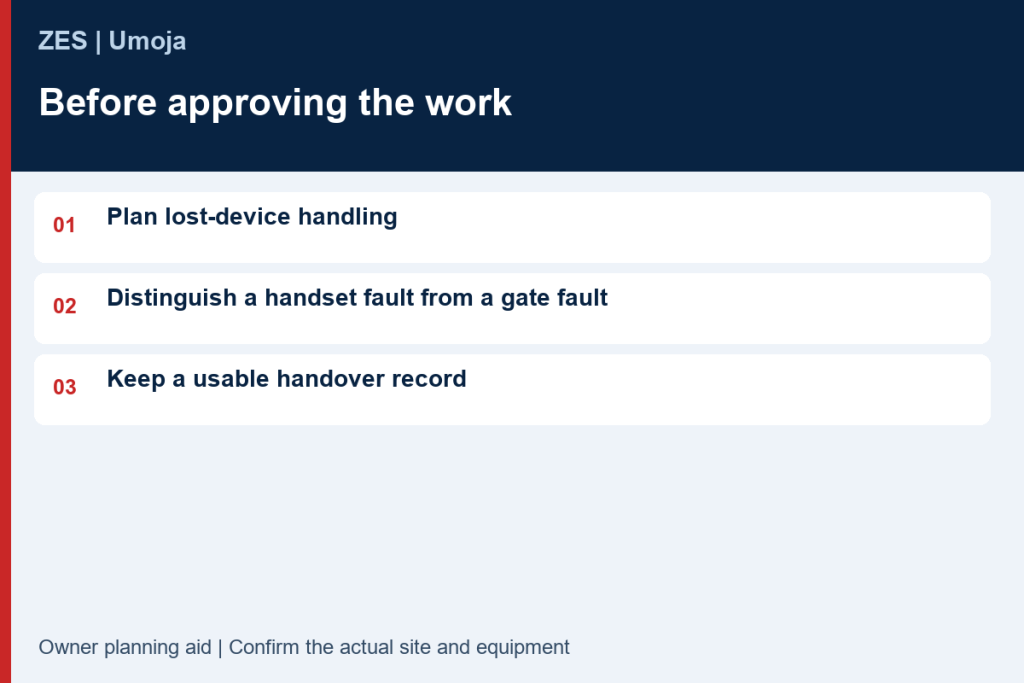
5. Plan lost-device handling
Discuss how missing remotes can be removed from access where the gate automation system supports it. Issuing another handset does not itself disable the lost one. For shared properties, the manager should approve the change and update the device register.
Avoid generic reset instructions that might disrupt other users or settings. An authorised service process should identify the equipment and explain the effect of the proposed action.
6. Distinguish a handset fault from a gate fault
Report whether one remote is affected or whether the entrance responds abnormally through all normal controls. If another control is already known to work, that is useful information. It is not a complete diagnosis by itself.
Do not repeatedly operate an unpredictable gate to investigate the handset. Keep people clear and arrange assessment. A control complaint should not be used to overlook a wider movement or safety concern.
7. Keep a usable handover record
Record the gate motor, receiver, supplied remotes and responsible administrator. Retain relevant instructions, invoice and actual support terms. Private access information should stay with authorised people rather than in a widely circulated maintenance message.
If controls change during a repair, update users and the register. A successful handover explains what has changed and what remains in service.
Gate Remote Repair Umoja: repair, replacement or programming?
A damaged handset, an incompatible device and a receiver-programming requirement are different enquiries. Tell ZES what happened and provide the equipment details if known. Do not assume a universal remote will solve every problem.
Ask the proposed service to identify what is supplied, what programming or assessment is included and how compatibility is established. If the automatic gate has a wider fault, that work should be explained separately from the remote request.
The Nairobi remote programming guide provides additional owner questions. For a gate that does not open, use the not-opening repair guide to prepare the access and symptom information.
Example: a lost remote at a shared property
In an illustrative case, a resident loses a handset and asks for another. The authorised manager identifies the installed receiver and asks what supported action can address the missing device’s access. Replacement and permission removal are treated as related but separate decisions.
The supplier confirms the compatible handset and programming scope. The manager updates the device record and communicates any effect on other users. A new remote is not presented as proof that the lost device has been disabled.
This example does not promise a particular receiver capability. It shows why the equipment and authorised process matter before a replacement is supplied.
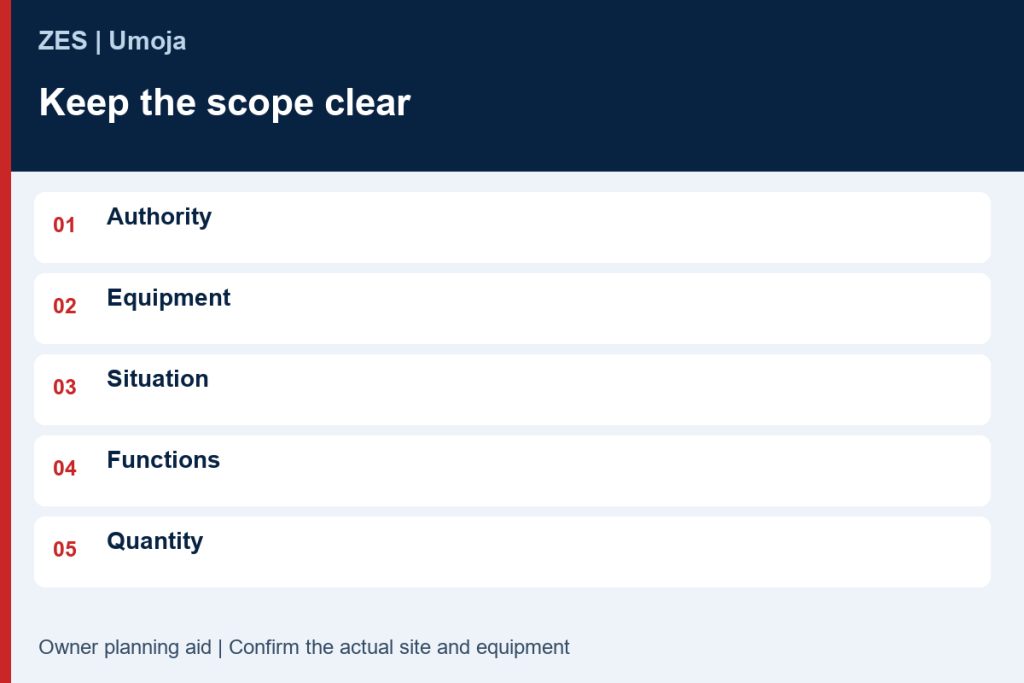
Remote enquiry checklist
| Information | What to explain |
|---|---|
| Authority | Owner or manager approving access changes |
| Equipment | Receiver and handset details if known |
| Situation | Lost, damaged, intermittent or additional device |
| Functions | The entrance or supported action required |
| Quantity | Number of authorised devices needed |
| Scope | Supply, programming and any wider fault assessment |
Do not include private codes in the general enquiry. ZES can discuss the appropriate next step after the device and responsibility are identified. Attendance, availability and actual terms should be confirmed directly.
Controls in a new installation quotation
Ask the quotation to list devices and quantities alongside the motor, power work, relevant protective provisions and commissioning. A kit description should not leave the owner guessing how many users can operate the entrance or who handles programming.
If an intercom or other access system is involved, identify its model and provider. Compatibility and configuration responsibility should be clear. The completed demonstration should cover the user’s intended action through to the automatic gate response.
Manufacturer documentation remains model-specific. Centurion’s technical resources are one reference point for relevant equipment; procedures should not be copied from a different model into an unknown installation.
Common questions about gate remotes
Can any universal handset be programmed?
Do not assume so. The actual receiver and supported transmitter system determine compatibility. Ask for confirmation before buying a device based only on its appearance or advertised frequency.
Does a remote fault mean the motor is damaged?
Not necessarily. Report the observed behaviour and whether other normal controls are known to work. The assessment should establish the cause before motor or controller replacement is proposed.
Can a tenant request extra remotes?
Follow the property’s authorised approval process. A shared entrance should have a named person who manages device additions and records. ZES needs an authorised instruction for access changes.
What if the model is unknown?
Provide existing documents and safely taken photographs. ZES can discuss identification or assessment. Do not open electrical equipment simply to complete an online enquiry.
When one remote fails and when the whole gate stops
A remote complaint and a gate motor complaint are not automatically the same problem. Report whether one handset is affected or whether every normal authorised control has stopped working. These observations help define the enquiry, but they do not replace assessment of the actual receiver and gate automation system.
Use the equipment records and safely taken photographs available to you. A handset’s appearance or number of buttons is not enough to establish compatibility. If the receiver reference is inaccessible, let the technician identify it appropriately during the visit.
Confirm authority before changing access
The owner or authorised manager should approve additions, removals and programming changes. At a shared property, a resident’s need for another remote should follow the property’s access-management process. Avoid distributing generic reset instructions that may affect other users or settings.
Ask what the proposed change will do. Issuing a replacement remote does not necessarily remove access associated with a missing one. The supported process depends on the installed equipment and should be explained before work proceeds.
Review controls during installation
For a new automatic gate installation, list the required devices and functions in the enquiry. Confirm quantities, compatibility and the approved arrangement. If an existing receiver is to be retained, make that requirement explicit before the gate motor is selected and supplied.
At handover, demonstrate the functions actually agreed and identify who manages future device requests. Keep the relevant instructions with the gate automation record. Users should not have to discover the gate automation system’s behaviour through trial and error.
Retain the service outcome
After gate repair or control work, ask for a record of the finding, supplied items and completed checks. Note any remaining recommendation. If the complaint concerned a handset, record the actual outcome rather than assuming the entire entrance was renewed.
A useful record helps the next service enquiry distinguish remote management from a wider fault. If the automatic gate later moves abnormally or fails to respond, report the current behaviour and follow the installed-system instructions. Do not force movement or bypass protective provisions to compensate for an unresolved problem.
Contact ZES for an Umoja enquiry
Request a quotation with the property location, gate details and the installation or remote problem. Call or WhatsApp +254 725 345 345 to confirm the next step. For a new entrance, book a site survey so the controls form part of a complete assessed proposal.