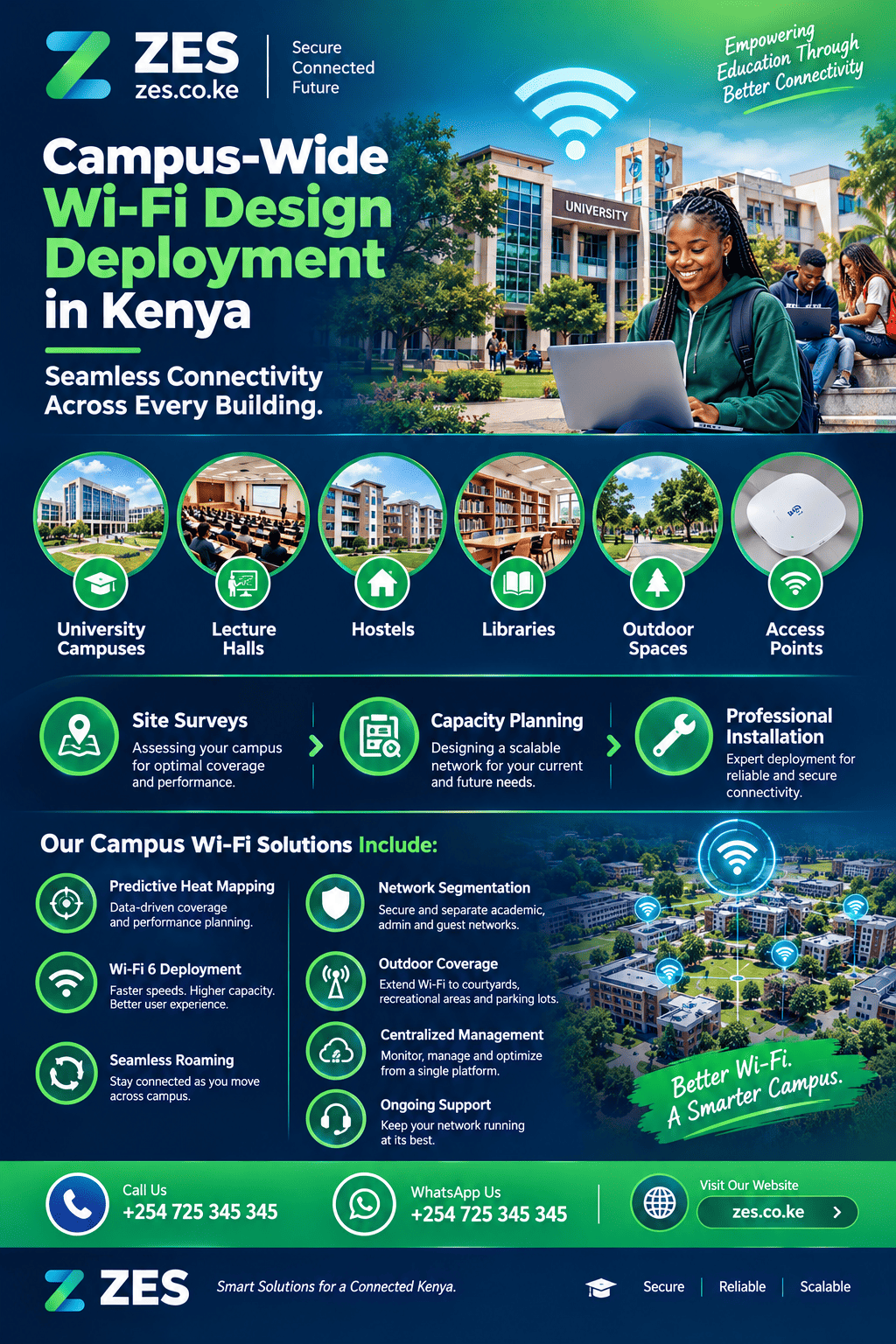
Campus-wide Wi-Fi design and deployment in Kenya needs a clear picture of where people work, study and gather. A signal visible in every building does not prove that a network will support a busy lecture, a shared workspace or the evening demand in a residential block.
For a school, college, hospital or business campus, the useful starting point is an agreed service brief. Zama Engineering Systems (ZES) can assess connectivity requirements through its networking and Wi-Fi services. Equipment, coverage areas, implementation phases and support arrangements should follow the surveyed requirements.
Map the campus by use, not only by floor area
Divide the site into practical zones: classrooms, offices, meeting rooms, libraries, residences, workshops and selected outdoor spaces. For each zone, record expected users, devices, busy periods and important applications. Mark areas that are outside the current scope so nobody assumes that every corner of the property is included.
Compare an administrative office with a large teaching room. Both may occupy a similar floor area, but their device counts and peak usage can be very different. A design brief should describe those differences. Include accessibility needs and the devices people actually use rather than planning solely around the newest laptops.
- Building plans and the boundaries of required coverage.
- Expected simultaneous users and typical devices in each zone.
- Applications that matter during peak periods.
- Existing access points, switches, internet links and cabling.
- Known faults, complaints and times when performance deteriorates.
- Planned building changes and future phases.
Use a survey to test design assumptions
Building materials, room layouts and interference affect wireless design. Predictive planning can help develop an initial arrangement; on-site investigation checks the conditions that drawings cannot fully describe. HPE Aruba Networking’s RF design guidance emphasises capacity as well as coverage and explains the value of surveys.
Ask what the survey will deliver. Useful outputs include proposed mounting locations, cable routes, areas requiring further investigation and the assumptions behind the equipment count. A coloured coverage picture without the underlying requirements is difficult to use when comparing quotations.
Where the campus remains occupied, arrange access to representative rooms and busy areas. Record anything that could not be inspected. A locked room, incomplete building or unavailable power route should be treated as an unresolved item rather than quietly assumed to be suitable.
Define a realistic performance target
Agree what a successful installation should allow people to do. Targets should identify the test location, device type, application or measurement, and expected demand. An internet speed result from one empty room is not an acceptance test for the entire campus.
Keep local wireless performance and internet service capacity separate in the brief. A slow internet connection can limit users even when the wireless link is healthy. Conversely, purchasing more internet bandwidth does not fix every local coverage or congestion problem. The assessment should identify which part of the path needs attention.
Include the network behind the access points
Every proposed wireless location needs an appropriate connection back into the wider network. Review building links, switching, rack space, power and management. The project team should identify where existing infrastructure can be reused and where new work is needed.
For separate buildings, ask the designer to explain the proposed connection method and route. Civil works, permissions, distance, access and maintenance can influence that decision. Where a wireless building link is proposed, it should have its own assessed requirements rather than being treated as an invisible extension of indoor Wi-Fi.
The network infrastructure scope should state those dependencies clearly. If a building link or electrical supply is supplied by another contractor, identify the required completion date and acceptance responsibility.
Agree who can connect and what they can reach
Students, employees, visitors and contractors may require different access. Write the intended policy in plain language before translating it into network configuration. For example, visitors may need internet access while administrative systems remain available only to authorised staff.
Define account ownership, onboarding, expiry and support for forgotten credentials. If integration with an existing identity system is requested, confirm that the interface and permissions are available. Avoid promising automatic integration before the systems have been assessed.
Also decide who can change network settings and how those changes are recorded. Administrative access should be controlled by the institution, with any external support access agreed and reviewable. Retention and handling of connection records should follow the institution’s approved policies.
Check movement between areas with real devices
People may move between rooms or buildings while using applications. Roaming behavior depends partly on the client device, so the design should be validated with representative equipment rather than assuming every phone behaves identically. HPE Aruba’s RF guidance notes that clients decide when to roam.
Choose test routes that reflect actual work. Include corridors, room transitions and other areas named in the brief. If uninterrupted use of a particular application is a requirement, make that application part of the agreed test instead of relying on a general claim of seamless coverage.
Treat outdoor areas as a separate design requirement
Identify the outdoor spaces that need service and when people use them. Equipment selection, mounting, access for maintenance and exposure to weather need review. A sheltered courtyard and an exposed field are not interchangeable installation environments.
Confirm the power and data routes, building permissions and responsibility for any specialist work. Avoid extending the promise to the whole property when the actual requirement is a few shared spaces. Clear coverage boundaries help the institution control cost and evaluate the result.
Use a pilot before a large rollout
A representative pilot gives the team a chance to test the design and support process before repeating it across the campus. Select an area that includes meaningful demand and realistic building conditions. Agree what findings would require changes to the wider plan.
Then organise implementation around teaching, clinical or business schedules. Name the change owner, user communication route and escalation contact. Record the order in which areas move to the new network and the fallback arrangement where one is feasible. Keep the old and new documentation clearly distinguished during the transition.
What drives the quotation?
Cost depends on coverage boundaries, demand, equipment selection, building links, cable routes, mounting, power, licensing and support. Two campuses with the same student population can require different designs because their buildings and usage patterns differ.
Ask for a proposal that separates the survey, equipment, installation, configuration, testing and ongoing services. Include any subscriptions, specialist works, travel or mobilisation terms. Identify provisional items and the information needed to firm them up. This makes comparison more useful than a single price per access point.
Agree acceptance and operational handover
Review the completed installation against the zone schedule. Test agreed locations and applications, access policies and representative movement routes. Record outstanding gaps and the conditions under which the checks were performed. If peak demand cannot be reproduced at handover, agree a follow-up review instead of treating a quiet-period test as conclusive.
Request an equipment inventory, location plan, configuration records, licence ownership details and a support guide. The campus team should know how to report an incident and what information to include: affected area, time, device, application and whether other users are affected.
Frequently asked questions
Can our existing access points remain in use?
Possibly. Their condition, management compatibility, support status and suitability for the required duty need assessment. Reuse should be an explicit design decision.
Can installation happen in phases?
Yes, where the design supports a phased approach. Building connections, management and user access need to work coherently across the transition.
Does better Wi-Fi require a new internet provider?
Not necessarily. First identify whether the constraint is wireless coverage, local network capacity, internet service or an application. The remedy should follow the diagnosis.
Start with a campus connectivity brief
Send ZES your location, building plans, user estimates, existing equipment and priority areas. Include the planned rollout window and known service problems. Book a campus site survey or request a quotation based on the areas and outcomes that matter to your institution.