
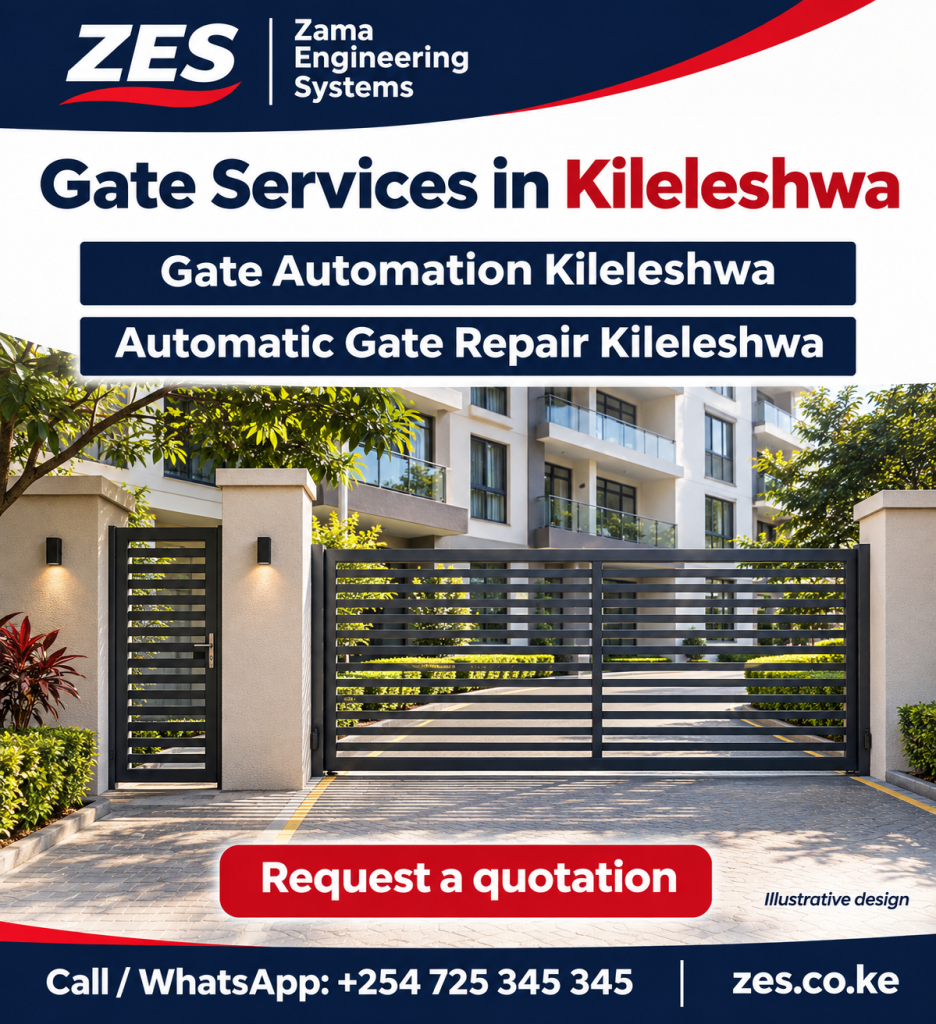
Gate Automation Kileleshwa enquiries often begin with an entrance that already exists. A new owner, tenant committee or managing agent may inherit a working gate without knowing its model, service history or who controls the remotes. Before adding equipment or approving a repair, establish what is installed and what the property needs it to do. ZES can assess gate automation and repair requirements in Kileleshwa and prepare a defined scope for the entrance.
This guide concentrates on taking responsibility for an existing system. It covers installation planning and Automatic Gate Repair Kileleshwa enquiries together because a proposed upgrade can reveal unresolved faults. Availability, attendance arrangements and the actual supplied terms should be confirmed directly with ZES.
Gate Automation Kileleshwa: 7 easy handover checks
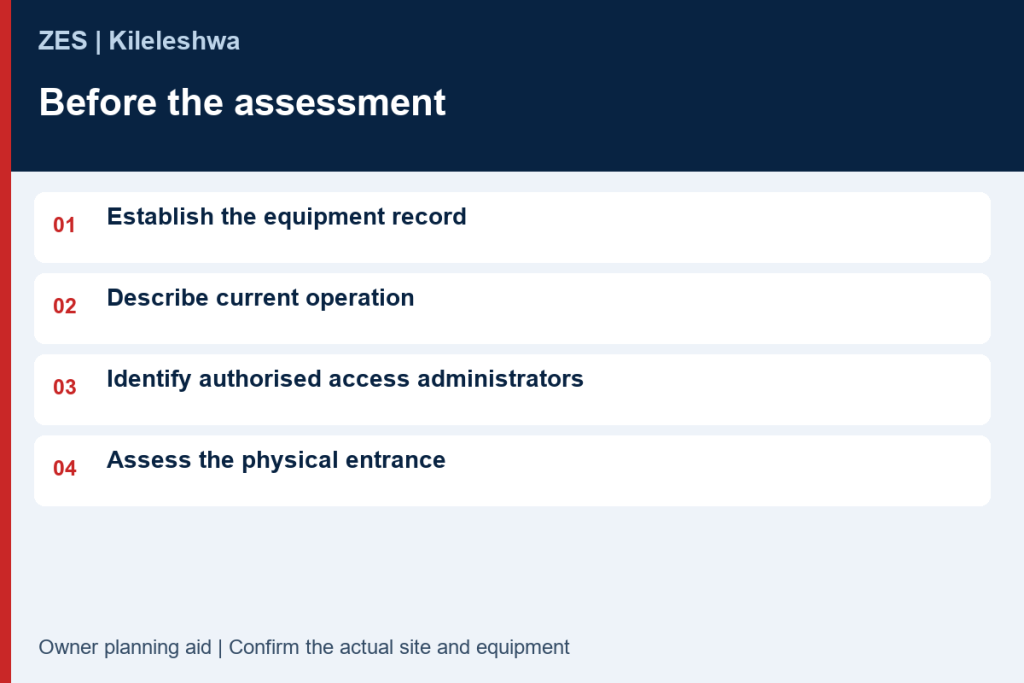
1. Establish the equipment record
Look for the original quotation, invoice, user manual and previous service reports. Record the gate motor model from those documents or a safely accessible label. If a separate receiver, intercom or access-control device is installed, identify it separately. A motor brand does not necessarily identify every connected component.
Do not remove electrical covers to collect information for an enquiry. If a label or controller reference is inaccessible, let the technician record it during assessment. Photographs of the complete gate, movement area and accessible equipment can support the initial discussion without turning the owner into a repair technician.
2. Describe current operation
Ask the people who normally use the automatic gate what works and what causes difficulty. Distinguish no response, partial travel, reversal, poor remote operation and a visitor-control problem. These are observations, not diagnoses. A short written history is more useful than an unsupported statement that the motor is finished.
If the automatic gate behaves unpredictably, keep people clear and arrange competent assessment. Do not repeatedly trigger abnormal movement to obtain a video. The property’s existing access procedure and the correct user instructions should guide any owner action.
3. Identify authorised access administrators
Find out who can approve additional remotes or changes to the control arrangement. For a shared property, nominate a responsible manager. A bag of unlabelled handsets and an undocumented receiver is a management problem as well as a service inconvenience.
Record issued devices without placing private codes in a general maintenance file. If devices are missing or former users retain access, discuss the supported removal process. Adding new remotes does not itself cancel old permissions. See the gate remote programming guide for a useful enquiry checklist.
4. Assess the physical entrance
Gate automation depends on the condition of the automatic gate, supports and running arrangement. Tell the assessor about scraping, sagging, visible damage or changes to the surrounding surface. A new controller or more powerful motor should not be assumed to correct a mechanical problem.
Explain pedestrian movement and where visitors wait. An entrance used by vehicles can also attract people on foot. The competent assessment should consider the complete arrangement and relevant protective provisions, rather than only whether a remote makes the motor run.
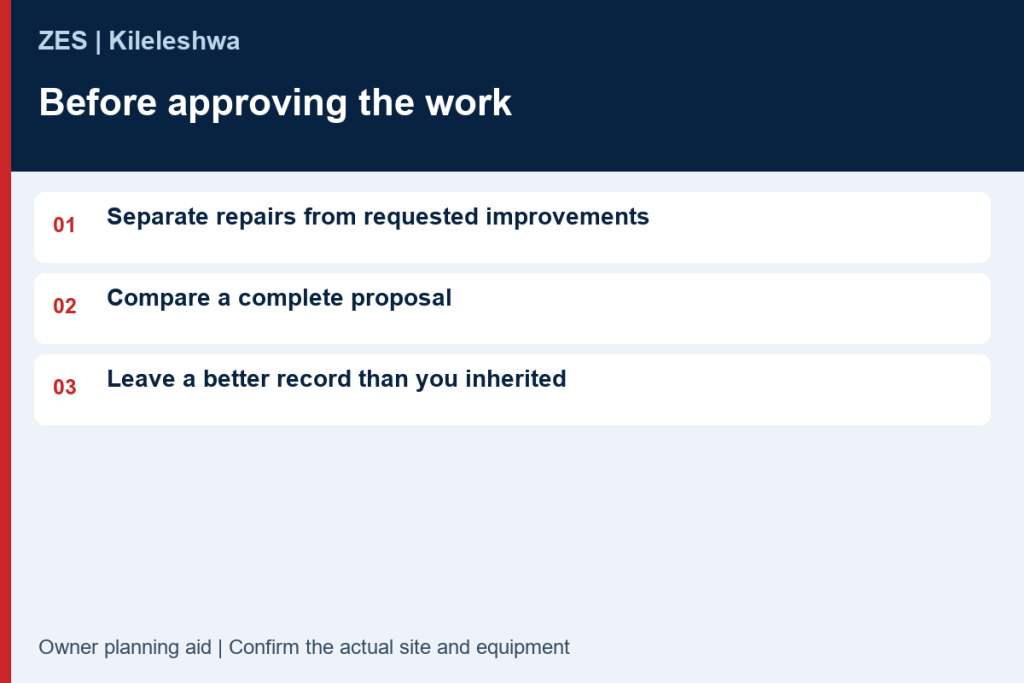
5. Separate repairs from requested improvements
Write two lists: the faults affecting the existing arrangement and the additional functions you would like. A confirmed repair, a new remote and an intercom upgrade may be different work packages. Keeping them separate makes the quotation easier to approve and the outcome easier to check.
Ask which conditions must be addressed before normal operation resumes. Convenience improvements should not hide an unresolved safety concern. Where another provider maintains an intercom or access system, identify their responsibilities before ordering replacement equipment.
6. Compare a complete proposal
A useful gate quotation states the finding or installation brief, proposed equipment, retained components, site work, controls and completion checks. Confirm taxes, transport, quotation validity and actual support terms where applicable. Do not compare a motor-only offer with a completed repair or installation as though they are identical.
If further investigation is needed, agree that stage and its approval point. A clearly bounded assessment can be more useful than a fixed price for a guessed fault. ZES can discuss the next step using the known equipment and site information.
7. Leave a better record than you inherited
At handover, keep the final equipment list, work completed, supplied parts and relevant user instructions. Record any outstanding recommendation separately. The person responsible for the property should see the agreed controls demonstrated and know the service contact.
For a managed entrance, update the device register and tell users about changed procedures. A useful record survives a change of caretaker or managing agent. It also gives the next service visit a factual starting point.
Automatic Gate Repair Kileleshwa: prepare the fault history
Describe when the fault began, whether it happens every time and what changed beforehand. Previous repairs, impact, building work or an outage may be relevant. A sequence helps the technician plan the assessment, but it does not prove the cause on its own.
State whether the automatic gate is closed, partly open or obstructing normal access, and whether an approved alternative entrance is available. Confirm the site contact and appointment arrangements. This article does not promise an attendance time or a particular repair before the fault is assessed.
The repair proposal should explain what condition is being addressed and what remains in service. If replacement is recommended, ask why and compare the complete options. Our motor replacement guide outlines the questions that distinguish repair from replacement.
A practical takeover example
Imagine a manager inherits an apartment gate with several remotes and no service file. Residents report that one handset is unreliable, while the caretaker mentions occasional stopping during travel. Those complaints should be recorded separately. A new handset may address one user’s problem without explaining the stopping gate.
The manager first gathers accessible equipment details and previous invoices, then asks for assessment of the reported faults. The technician’s proposal distinguishes the confirmed repair from any optional access-control improvement. If a separate provider manages the intercom, their role is documented too.
At completion, the manager keeps the finding, parts and user instructions together. Issued devices are recorded and remaining work is listed clearly. This is an illustrative planning example, not a claimed ZES project or a diagnosis for every similar entrance.
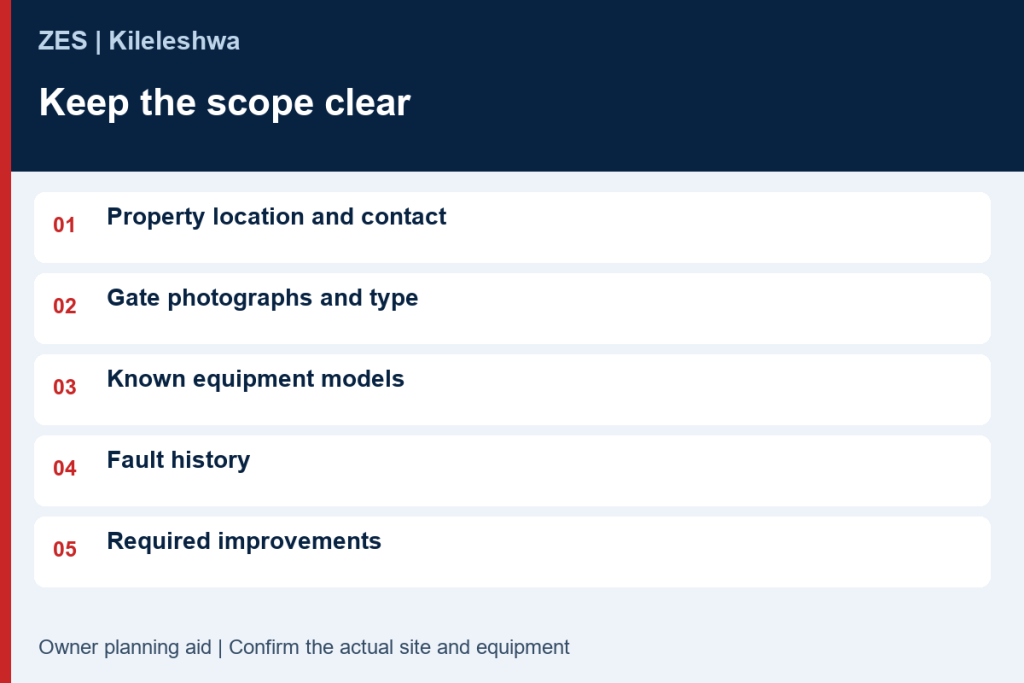
What to send with a Kileleshwa enquiry
| Information | Why it helps |
|---|---|
| Property location and contact | Supports attendance and access planning |
| Gate photographs and type | Shows the entrance and movement arrangement |
| Known equipment models | Helps identify the installed system |
| Fault history | Separates observations from assumptions |
| Required improvements | Defines the desired additional functions |
| Existing documents | Preserves prior findings and supplied terms |
Share sensitive access information only through an appropriate authorised process. A public enquiry does not need passwords or gate codes. If information is missing, say so rather than guess a model or technical specification.
Questions before approving work
Can an existing gate be automated without replacing it?
Possibly, following assessment of the automatic gate and proposed equipment. The quotation should identify any preparation or repairs. Retaining the physical gate does not mean that every existing accessory will suit a new operator.
Can ZES repair a system installed by someone else?
ZES can review the enquiry and assess the installation requirements. Provide the available equipment details and service history. Compatibility, parts availability and the actual repair scope must be confirmed for the specific system.
What if nobody knows who holds the remotes?
Ask the authorised manager to coordinate an access review. The supported options depend on the receiver and controls. Do not apply a generic reset procedure that could disrupt the whole property.
What documents should the technician provide?
Ask for the finding, work performed, supplied parts, relevant instructions and actual support terms. The record should distinguish completed work from outstanding recommendations. Manufacturer resources such as Centurion technical support help identify the correct model documentation.
Taking over an automatic gate without a complete file
When a new owner or manager inherits an automatic gate, start by separating what is known from what needs verification. An old invoice may name the original gate motor while a later replacement is fitted at the entrance. A remote handed over with the keys may operate a separately installed receiver. Ask the assessor to establish the current arrangement before proposing changes.
Create a simple inventory for the gate automation: equipment references, available manuals, controls in use, known faults and people authorised to approve work. Mark uncertain entries as unverified. This avoids turning a previous owner’s recollection into a specification. The inventory can be completed during the assessment without the owner opening live equipment.
Decide which changes belong in the first visit
A takeover visit can identify immediate concerns, document normal operation and recommend further work. It should not automatically become approval for a complete replacement. Ask the technician to distinguish a confirmed gate repair from an optional improvement to the access arrangement.
If controls need to change, identify who has authority over the entrance and which devices should remain active. Do not assume that receiving new remotes removes access associated with old ones. The supported process depends on the installed receiver and should be discussed with the responsible owner.
Keep an accessible owner record
After assessment, keep the gate motor details and service report with the property documents. Record the agreed operating procedure, relevant manufacturer instructions and any unresolved recommendations. A shared property should nominate who maintains the record when a caretaker leaves.
An automatic gate with a documented history is easier to discuss with a future service provider. The record does not guarantee fault-free operation, but it reduces guesswork about past repairs and current equipment. Review it after an authorised change to the gate automation, rather than leaving the original installation file untouched for years.
Request a ZES assessment in Kileleshwa
Request a quotation with the automatic gate details and the problem or improvement you want assessed. For a new installation, book a site survey. Call or WhatsApp +254 725 345 345 to discuss the enquiry and confirm the next step.