
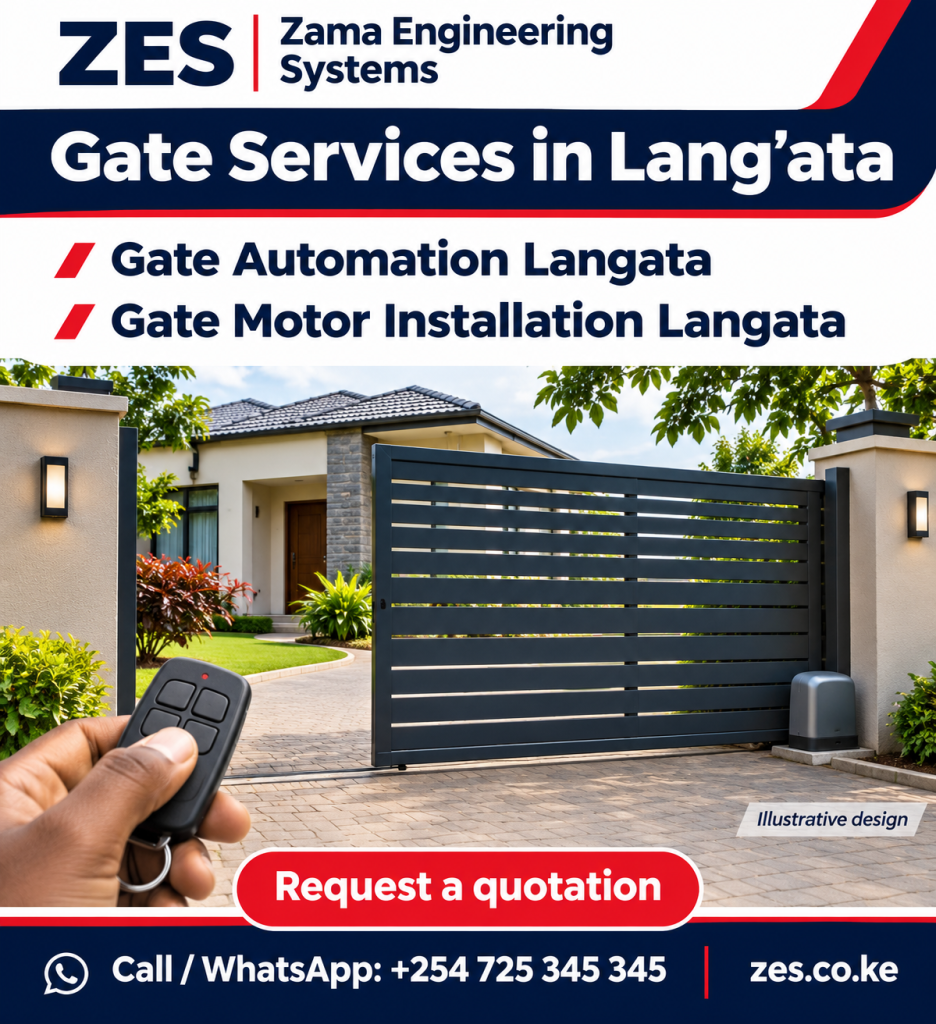
Gate Automation Langata should include a plan for who operates the entrance and how access changes over time. New residents, replacement remotes, an added intercom or a different motor can all affect the control arrangement. ZES can assess the automatic gate and equipment requirement for a Lang’ata property and define the proposed installation and handover scope.
This guide connects Gate Motor Installation Langata with access-device planning. It helps owners avoid buying equipment that leaves the user procedure unclear. It does not claim that every existing receiver or external system can be retained without compatibility checks.
Gate Automation Langata: 7 easy access-planning checks
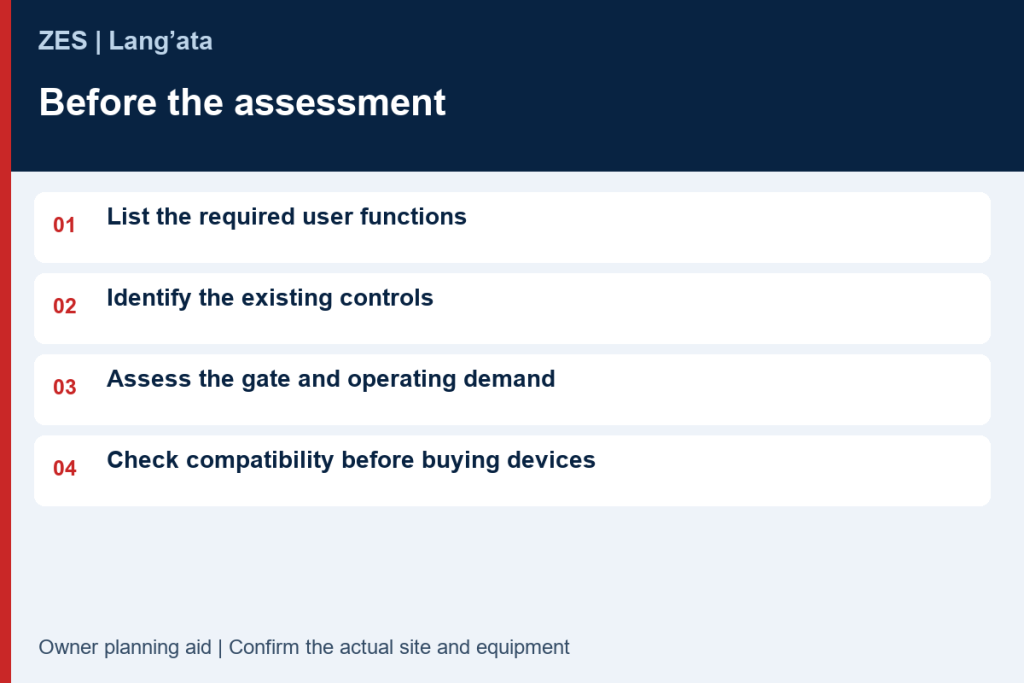
1. List the required user functions
Describe what authorised users need to do: enter by remote, approve visitors or operate another supported control. If more than one entrance is involved, identify each function separately. A clear user brief is more useful than simply requesting a smart gate.
State who will administer the devices after installation. The owner should understand the agreed arrangement without depending on an undocumented installer account or a former caretaker’s memory.
2. Identify the existing controls
Record the known receiver, remotes and any intercom or access system. The receiver may be separate from the motor, so the gate motor brand is not always enough to identify a compatible handset. Use existing documents and safely accessible labels.
If details are unknown, arrange assessment rather than guess. Do not open live equipment to obtain a photograph for a quotation. Private credentials should remain outside general project messages.
3. Assess the gate and operating demand
Controls are only one part of the installation. Explain the gate type, condition and expected use, including busy periods. A new receiver cannot correct a defective mechanical entrance, and a new motor should not be selected to overcome unresolved movement problems.
The competent assessment should consider the full movement area and relevant protective arrangements. Identify pedestrian routes and visitor waiting areas alongside vehicle access.
4. Check compatibility before buying devices
Ask which remotes and accessories are supported by the proposed arrangement. Similar casing, button count or branding does not establish compatibility. If the project changes a motor or controller, review the existing devices before assuming they will continue to work.
A quotation should state the supplied quantities and any programming service. If another provider manages an external system, assign configuration and demonstration responsibilities explicitly.
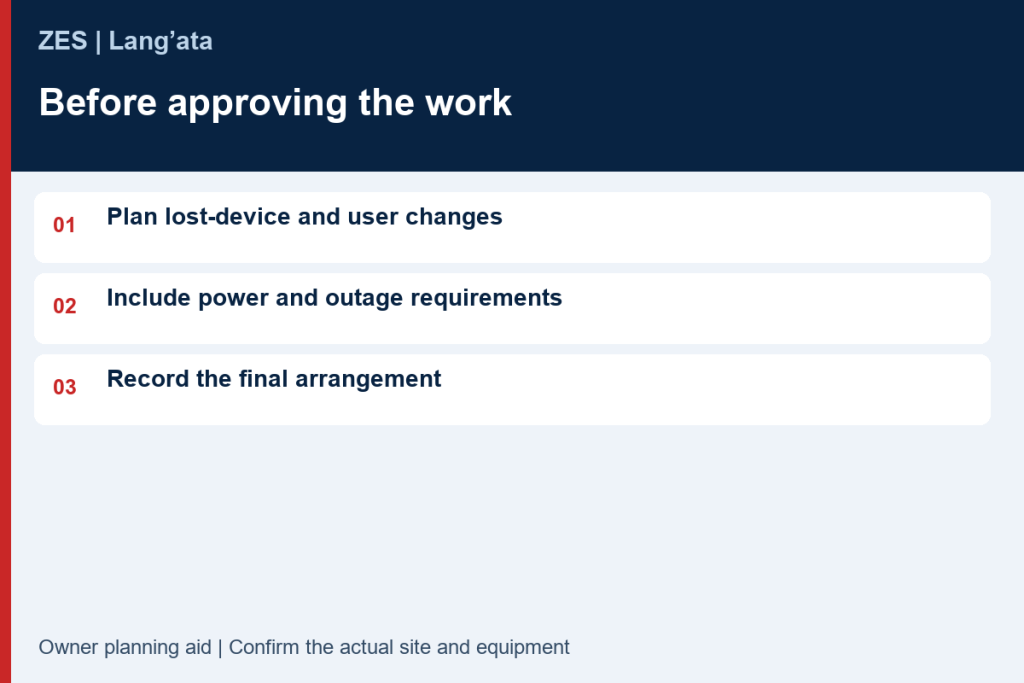
5. Plan lost-device and user changes
For shared access, keep an authorised device register and a named approver. Discuss the supported process for missing devices or departing users. Issuing a replacement handset does not automatically cancel the old device’s permissions.
Avoid generic reset instructions that might disrupt every user. The correct procedure depends on the installed equipment and should be handled through an authorised process. Our remote programming guide explains useful enquiry details.
6. Include power and outage requirements
Tell ZES what operation is expected during an interruption. Ask which backup provisions are supported and included. Do not assume a battery, solar connection or manual-operation procedure from the words automatic gate.
Users should receive the correct instructions for the installed equipment and site arrangement. If the automatic gate behaves abnormally, keep people clear and seek competent assistance rather than improvising a workaround.
7. Record the final arrangement
Keep the equipment models, final scope, relevant instructions and actual support terms together. Record issued controls and any retained external equipment. Demonstrate the agreed end-to-end function at handover.
If work remains outstanding, identify it separately. A local control that operates the motor does not prove that an intercom or other promised interface has been completed.
Gate Motor Installation Langata: equipment and controls belong in one proposal
Ask the installer to identify the motor model and its suitability for the assessed gate and usage. The offer should also explain mounting, power work, controls, relevant protective provisions, commissioning and exclusions.
Where existing accessories are retained, request confirmation of their compatibility and condition. If new controls are required, plan how users move to them. A motor replacement can affect access administration even when the physical gate stays in place.
Compare complete quotations, including applicable taxes, transport and support terms. The gate price guide explains why a supply-only motor figure is not a universal installed price.
Example: one remote is intended to serve two functions
An owner wants a handset to operate a gate and another supported function. The useful brief identifies both devices and describes the intended action. The installer checks compatibility rather than assuming the number of buttons on a handset proves it can perform the requested tasks.
The quotation states the supplied receiver or controls, programming and any work by another provider. At handover, the owner sees the agreed functions demonstrated and receives the relevant instructions. Private access information remains with the authorised person.
This is an illustrative planning example, not a promise that every pair of systems can be combined. The actual equipment and supported arrangement determine what is possible.
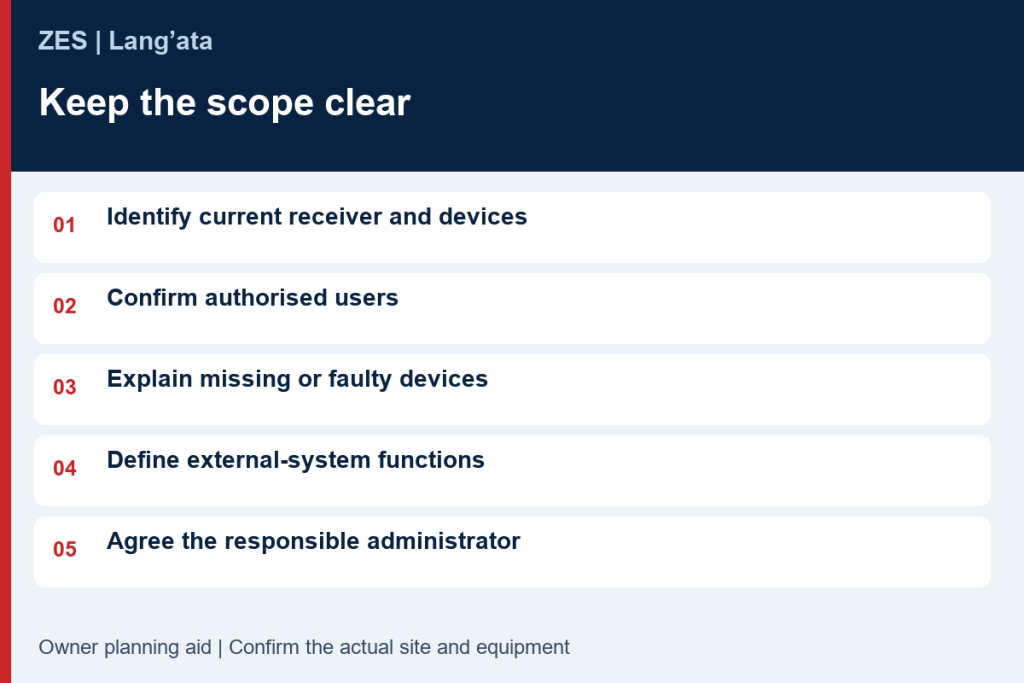
A control-transition checklist
| Before the change | At handover |
|---|---|
| Identify current receiver and devices | Record the installed arrangement |
| Confirm authorised users | Record issued controls |
| Explain missing or faulty devices | Confirm the agreed access changes |
| Define external-system functions | Demonstrate the complete function |
| Agree the responsible administrator | Provide usable instructions and contact details |
The checklist is useful for a new installation and for an upgrade. It helps prevent the situation where equipment has been fitted but residents or staff do not know which devices they should use.
When the complaint is an unreliable remote
Describe whether one device is affected or whether the automatic gate responds abnormally to all normal controls. Include the receiver and handset details if known. A remote complaint should not automatically be treated as a failed motor.
Ask for a clear finding and proposed work. A damaged handset, programming requirement and wider gate fault are different scopes. If the automatic gate is unpredictable, avoid repeated triggering and arrange competent assessment.
Manufacturer resources such as Centurion technical support help identify the correct model documentation. Procedures for other models should not be copied into an unknown installation.
Questions before approving an installation
Can existing handsets be kept with a new motor?
Possibly, subject to the supported receiver arrangement. Ask for confirmation before ordering. If retention requires additional equipment, the quotation should identify it and its responsibility.
Who owns the administration process?
The authorised owner or manager should know who may approve devices and manage supported accounts. Agree the handover requirements so the property is not left with unclear access responsibility.
Can a lost handset be disabled individually?
The available method depends on the equipment. Ask the technician to explain the supported process and any effect on other users. Do not assume every receiver has the same capability.
Does installation include visitor communication?
Only if the scope says so. Explain whether an intercom is required or retained, and confirm compatibility, configuration and acceptance responsibilities.
Planning access devices without locking in assumptions
A gate automation project should describe the controls needed now and any reasonably foreseeable change. That does not mean buying every possible accessory at the start. It means asking whether the proposed equipment supports the intended arrangement and what would be involved in adding a function later.
List the required devices and authorised users. If an existing receiver or intercom must remain, identify it from available records and ask for compatibility confirmation. The gate motor brand alone may not identify every component in the access system.
Distinguish a function from a device
A remote with several buttons does not automatically provide several useful gate functions. The supported operation depends on the complete installation and its configuration. Explain the outcome you need, such as an authorised visitor command, rather than assuming a particular handset can deliver it.
Ask the installer to include the required devices and agreed functions in the quotation. At handover, users should see the actual arrangement demonstrated. Keep the instructions relevant to the installed automatic gate, not a generic video for another model.
Review controls when equipment changes
A replacement gate motor or receiver may require changes to remotes or other interfaces. Before approving the work, ask which controls can remain and how the change will affect users. For a shared property, plan communication and device management as part of the project.
Do not assume that issuing new devices removes access associated with lost ones. The authorised management process depends on what the installed system supports. Keep sensitive access details with the responsible owner or manager.
Maintain a useful device record
Record the approved equipment, issued controls and relevant service changes under the property’s normal management arrangements. The record need not contain unnecessary personal details, but it should help the responsible person understand what has been added or removed.
If a later fault concerns one remote, describe that observation when requesting gate repair. If every normal control is affected, report that instead. Avoid concluding that the gate motor has failed from a single symptom. ZES can assess the reported behaviour and explain the proposed scope for the actual gate automation installation.
Contact ZES about gate automation in Lang’ata
Request a quotation with the location, gate photographs, known equipment and desired user functions. Call or WhatsApp +254 725 345 345, or book a site survey, to discuss the next assessment step.