
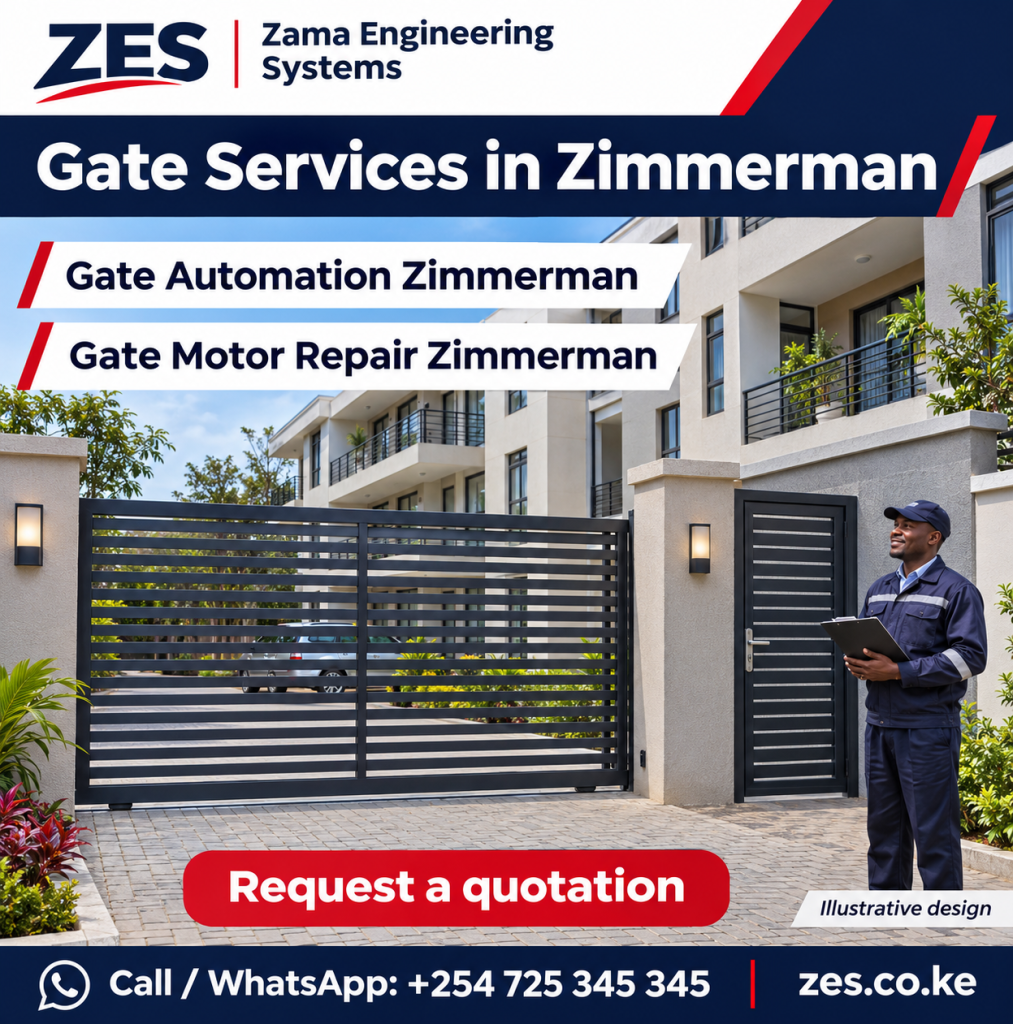
Gate Automation Zimmerman should include a practical way to manage a shared entrance after installation. When faults recur, a usable service history helps the owner explain what changed and what has already been repaired. ZES can assess new automation requirements and Gate Motor Repair Zimmerman enquiries using the actual equipment, operating demand and reported behaviour.
This guide focuses on shared-property responsibility and maintenance records. It does not assume that every property has the same usage, equipment or service requirements.
Gate Automation Zimmerman: 7 easy management checks
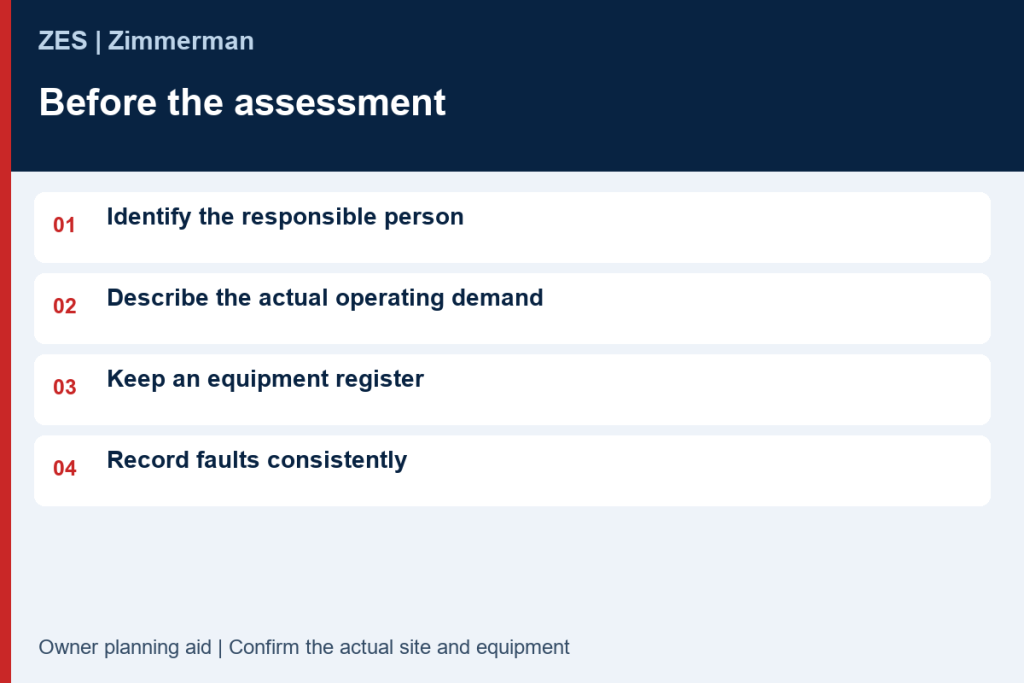
1. Identify the responsible person
Nominate who manages the automatic gate, approves service work and holds the equipment documents. A caretaker may report a fault while the owner or property manager authorises spending. Make those responsibilities clear.
Give users a consistent way to report a problem. Conflicting instructions from several people can make it harder to distinguish the original complaint from changes made afterward.
2. Describe the actual operating demand
For a new installation, explain the expected vehicle movements and the busiest periods. Include pedestrian and visitor arrangements. An installer needs the site requirement rather than only the number of occupants.
For an established gate, record changes such as additional users or a different access arrangement. The assessor can determine whether the installed equipment remains suitable for its current use.
3. Keep an equipment register
Retain the gate motor, controller, receiver and relevant accessory details where available. Store manuals and invoices together. Record replacement components so the file reflects the current system rather than only the original installation.
Only collect information that is safely accessible. Inaccessible labels or enclosure details can be recorded by the technician during an appropriate visit.
4. Record faults consistently
A useful entry includes the date, observed symptom, affected controls and current gate position. Note whether the problem is continuous or intermittent and whether a recent event may be relevant.
Keep observation separate from diagnosis. Writing that the automatic gate stopped is different from concluding that the motor failed. The technician should investigate the cause before a major replacement is approved.
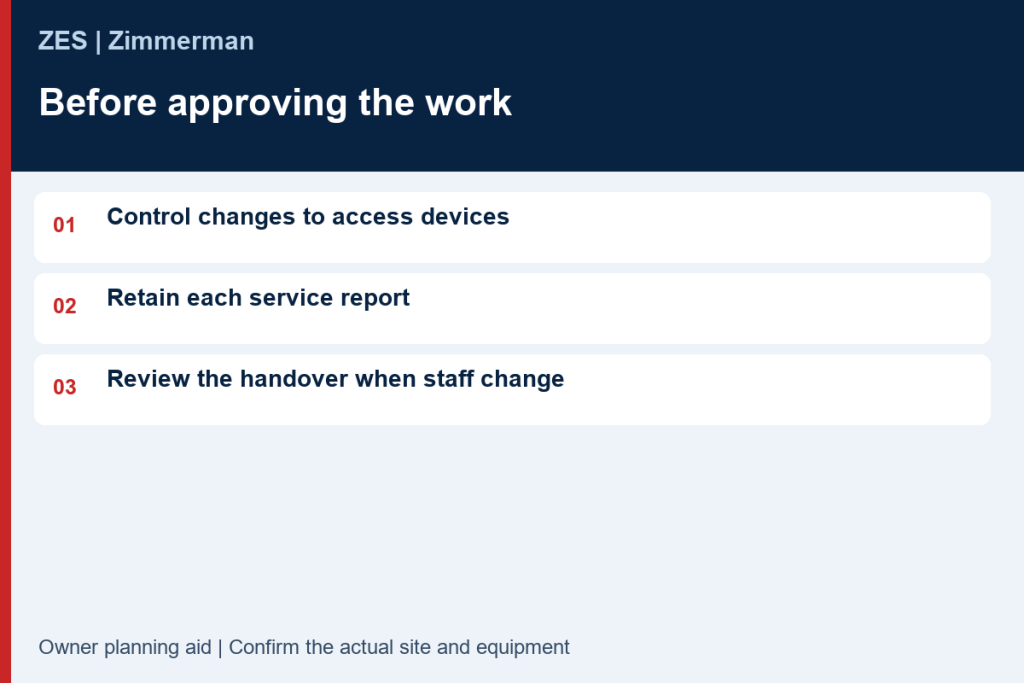
5. Control changes to access devices
List issued devices according to the property’s management process, and identify who may approve additions or removals. Where the installed system supports removal of lost devices, arrange that through an authorised process.
Do not share programming or reset instructions indiscriminately. A change can affect other users or settings, so its purpose and effect should be understood before work is carried out.
6. Retain each service report
Ask for the finding, work completed, supplied parts, relevant checks and outstanding recommendations. Keep the actual warranty and support terms. A brief record is more useful than an invoice that only says gate repair.
When the same symptom returns, provide the earlier report. It may help the next assessment, but it does not automatically establish that the same component has failed again.
7. Review the handover when staff change
Ensure a new caretaker or manager receives the documents and user instructions. Explain normal operation, reporting arrangements and the installed system’s outage procedure. Sensitive access information should be shared only with authorised people.
If the documents are incomplete, arrange a review rather than guess how the equipment should be operated. A property can retain useful knowledge even when the person who originally supervised installation is no longer available.
Gate Motor Repair Zimmerman: make the history useful
Send the technician a concise summary of the current complaint, then attach relevant earlier records. Highlight recent repairs, replaced items and any change to controls or usage. Avoid presenting a long list of guessed causes as if they were confirmed findings.
If the automatic gate moves abnormally, keep people clear and avoid repeated cycling. Do not force movement, enter the travel area or bypass a protective device to keep access operating. Follow the installed instructions and obtain assistance where the arrangement is unclear.
The repair proposal should distinguish the confirmed work from optional improvements. It should explain what will remain, what parts are proposed and what approval is needed if the scope changes.
An illustrative recurring-fault enquiry
A shared gate has stopped intermittently, but different residents describe different symptoms. The property manager gathers dated observations and the last service report. The technician can then compare the current complaint with documented work rather than rely on conflicting recollections.
The assessment may identify a new fault, an unresolved issue or a change in operating conditions. The service record should explain the conclusion and completed work. This is an illustrative scenario, not a ZES case study or a diagnosis of your gate.
A simple service log
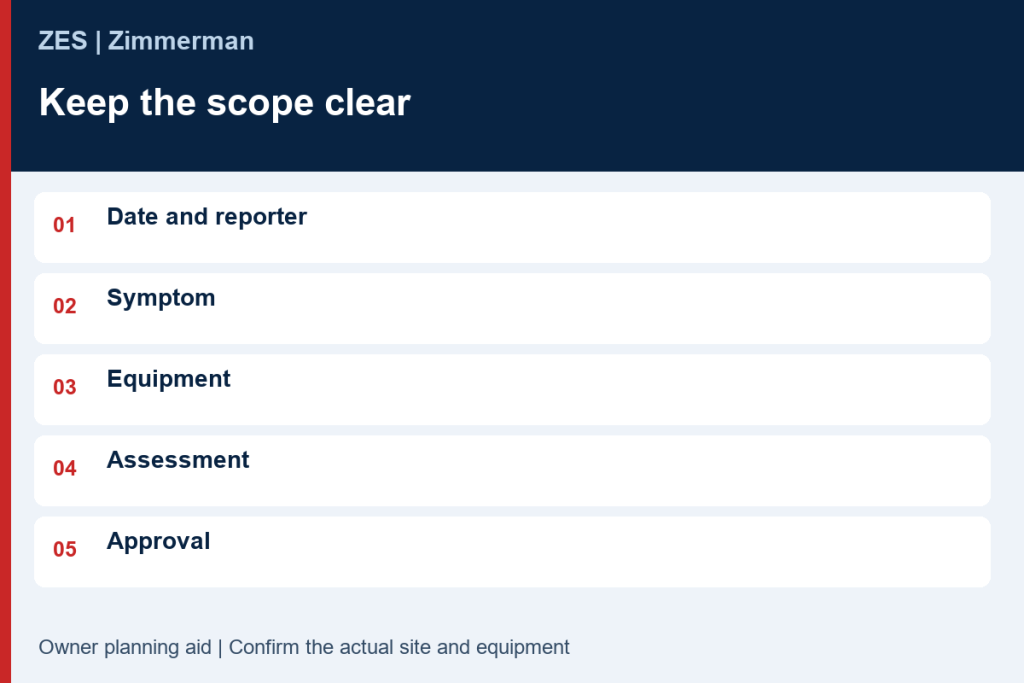
| Field | What to record |
|---|---|
| Date and reporter | When the issue was observed and who reported it |
| Symptom | What the gate actually did |
| Equipment | Known model and relevant component details |
| Assessment | Technician’s documented finding |
| Approval | Agreed scope and approving person |
| Completion | Work, parts, checks and outstanding recommendations |
The log should support decisions, not become a store of unnecessary personal information or access codes. Keep sensitive records under the property’s normal access controls.
For equipment selection at a shared property, see gate automation for apartments. For replacement decisions, see automatic gate motor replacement. Applicable model documentation is available through resources such as FAAC manuals.
Questions from property managers
How often should the gate be serviced?
Use the actual manufacturer’s instructions and the service plan agreed for the equipment, usage and site conditions. This guide does not prescribe one interval for every gate.
Does a repeated symptom mean the previous repair failed?
Not necessarily. The same visible behaviour can have different causes. Provide the earlier report and ask the assessor to explain the current finding and any relationship to past work.
Should all residents receive remotes?
That is a property-management decision supported by the gate automation system’s capabilities and access policy. Define authorised users, device approval and lost-device handling before issuing controls.
Can a caretaker approve repairs?
The owner or management should define that authority and any spending limit. Agree the process before attendance so the technician knows who can authorise the proposed scope.
What should a new manager receive?
Equipment details, user manuals, service history, current support contacts and the authorised device-management process. Any outstanding recommendations should be clearly identified.
Keeping the shared entrance record useful over time
A service file is useful only if the next responsible person can understand it. For shared gate automation, keep a short equipment summary at the front: the current gate motor, relevant controls, manuals and service contact. Attach detailed reports behind it rather than expecting a new manager to reconstruct the gate automation system from old messages.
Update the summary after an authorised equipment change. If an older invoice refers to a replaced component, retain it as history but identify the current item. This prevents a future gate repair enquiry from being based on an obsolete model reference.
Separate reports from conclusions
Residents may describe the same automatic gate problem in different ways. A manager can collect the observed behaviour, approximate time and affected controls without deciding the cause. Keep those observations distinct from the technician’s assessment finding.
When a fault recurs, provide the previous work record and the current symptom. The assessor can then explain whether the issue appears connected with earlier work or requires a different investigation. Do not assume that repetition proves either poor workmanship or a failed motor.
Manage changes in responsibility
When a caretaker or manager leaves, transfer the gate automation documents through the property’s normal process. Identify who can approve service work and who controls device requests. Sensitive access information should remain restricted to authorised people.
The new responsible person should receive instructions for normal operation and the applicable outage arrangement. If the instructions or equipment details are missing, arrange a review rather than rely on a generic procedure for another gate motor.
Review use as well as maintenance
An entrance can change over time through different occupancy, visitor patterns or controls. Tell the service provider about relevant changes in use. The suitability of the automatic gate should be considered against the current operating requirement.
Keep the agreed service plan and actual manufacturer instructions with the record. This guide does not prescribe one maintenance interval for every installation. The equipment, demand and site conditions need to inform the plan. A clear file supports that discussion and helps the owner retain useful knowledge beyond any one staff member’s tenure.
Record outstanding recommendations separately
A completed gate repair may leave an optional upgrade or another trade’s work outstanding. Keep a separate list with the recommendation, responsible person and next decision. Do not mix that list with completed work. If a recommendation concerns whether the automatic gate may be used, follow the technician’s instructions and make the relevant users aware. The record should explain the current arrangement without suggesting that a new gate motor was supplied when only a smaller component was replaced. Review the list at the next authorised service visit and update it when work is actually completed.
Request service in Zimmerman
Request a quotation with your location, gate type, current requirement and relevant records. For installation planning, book a site survey. Call ZES on +254 725 345 345 to discuss the assessment arrangement and scope.