
Updated 1 November 2026 · Zama Engineering Systems buyer guide
Home Security Systems Kenya should make a household easier to protect and manage, without leaving residents dependent on unexplained apps or shared passwords. Cameras, intercoms, intrusion detection and selected home-safety devices have different jobs. Begin with the household's routines and the risks you want to address, then choose compatible equipment and clear operating arrangements.
Map everyday use of the home
Describe who normally opens the entrance, receives deliveries and stays in the property during the day. Include household members who may find a phone app difficult to use. Consider a practical visitor procedure and an appropriate alternative when an internet connection is unavailable. A system that works only for its most technical user can become inconvenient for everyone else. Equipment choices should support the people who actually live there.
Home Security Systems Kenya: separate the functions
CCTV supports viewing and recording; an intercom supports communication at an entrance; intrusion detection reports defined conditions. Smoke or gas detection has separate selection and installation considerations. Do not assume that buying an all-in-one app establishes suitable detection for every hazard. Define each required outcome and ask which products and competent installation arrangements are appropriate. State whether the work is new, an extension or a repair.
Choose camera views with privacy in mind
Identify the entrance, parking or shared-area views that serve the household's legitimate security purpose. Avoid unnecessary capture of neighbouring private areas. Agree who can view and export footage, and how long recordings are retained. Account access should be under the household's control. Do not share live footage or images of visitors publicly merely because an app makes exporting easy. Discuss sensitive placement and use questions before installation.
Check networking before adding smart devices
Smart Home Automation Nairobi proposals should identify Wi-Fi or wired-network requirements, supported devices and any recurring subscriptions. Poor coverage can look like a faulty camera or intercom. Ask whether the proposed equipment continues its essential local functions without internet and how a changed router is handled. Keep a simple equipment list so a future network provider can understand the installation without resetting everything unnecessarily.
Keep app accounts and notifications manageable
Use agreed customer accounts with a documented recovery process. Decide who receives which alerts and what action they should take. Too many low-value notifications can make genuine issues easier to miss. Review access when phones are replaced or household arrangements change. Remote installer access, where needed, should be authorised and proportionate. Confirm which ongoing assistance is included and which changes require a separate service visit.
Demonstrate the normal household tasks
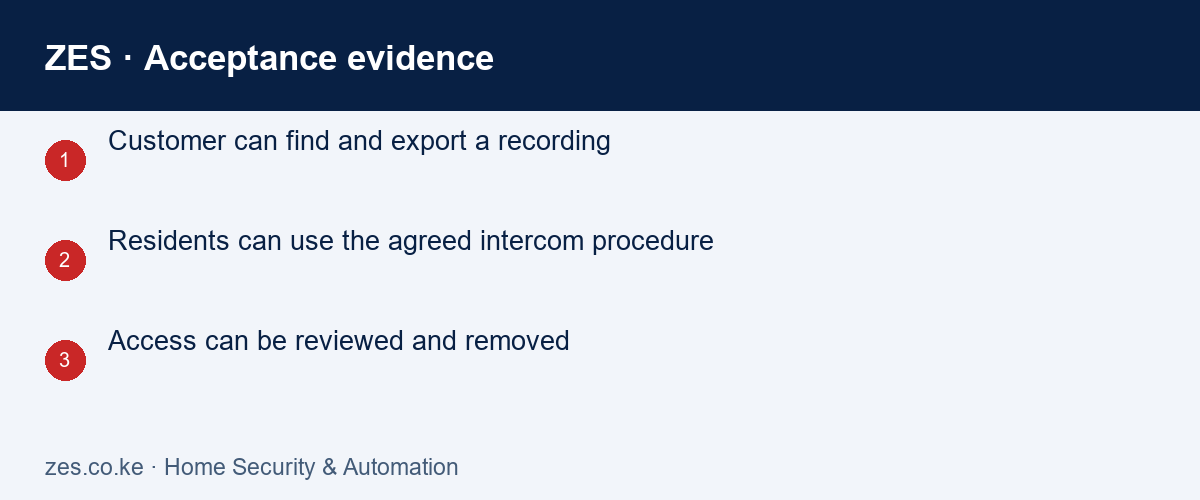
Before acceptance, have the nominated users operate the entrance communication, find a recording and review relevant notifications. Explain the agreed response to a power or network interruption. Leave instructions, equipment references and service contacts in a usable form. Avoid handing over only a set of installed apps. The household should understand the system's limitations as well as its intended features, without claims that technology can guarantee prevention of every incident.
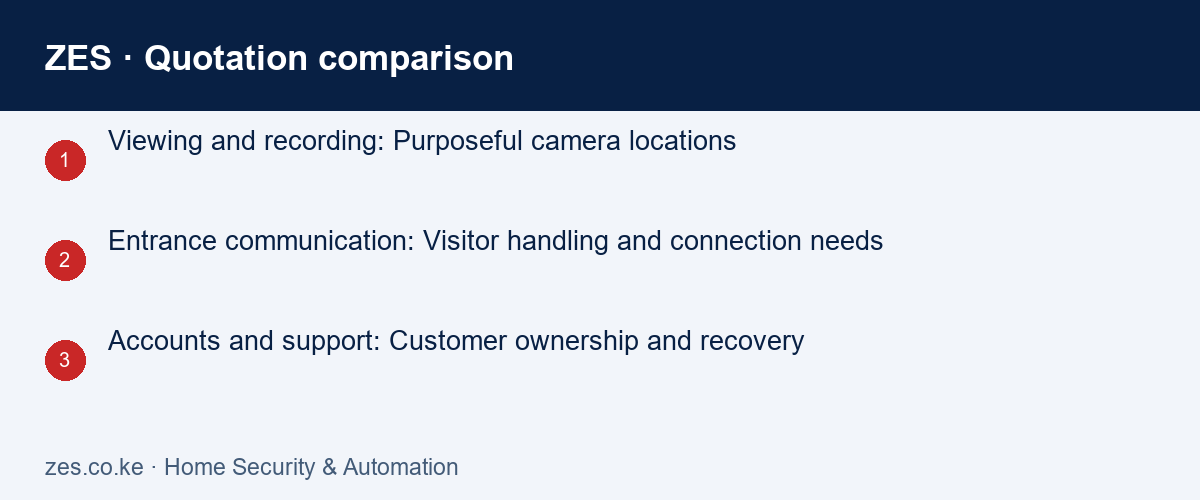
Compare the project scope
| Decision | Information to confirm | Useful acceptance evidence |
|---|---|---|
| Viewing and recording | Purposeful camera locations | Customer can find and export a recording |
| Entrance communication | Visitor handling and connection needs | Residents can use the agreed intercom procedure |
| Accounts and support | Customer ownership and recovery | Access can be reviewed and removed |
A practical planning example
A household may need an intercom for deliveries and reliable entrance recordings, while a complex automation package adds little value. A focused brief can produce a simpler system that residents actually use. This is an illustrative household scenario, not a client testimonial.
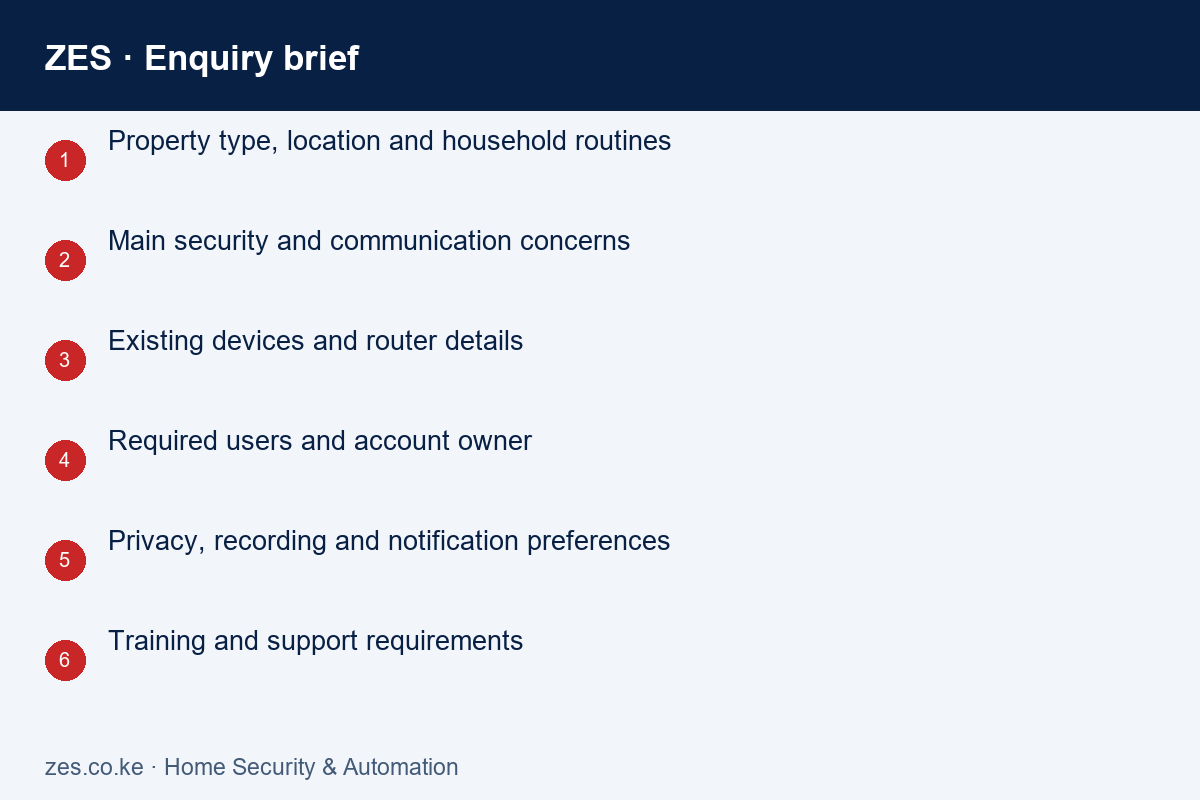
Home Security Systems Kenya: enquiry checklist
- Property type, location and household routines
- Main security and communication concerns
- Existing devices and router details
- Required users and account owner
- Privacy, recording and notification preferences
- Training and support requirements
Related enquiry: Smart Home Automation Nairobi. Include the location and the intended outcome so the proposed scope can address the actual requirement.
Frequently asked questions
Can existing devices be retained?
Possibly. Share the model references so compatibility, condition and support limitations can be assessed.
Do all devices work without internet?
No. Local and cloud-dependent functions differ. Ask for a clear explanation and an agreed outage demonstration.
Can ZES quote from a photograph alone?
Photographs help the initial enquiry, but a final scope may require a site assessment and confirmation of power, networking and installation access.
Home Security Systems Kenya: discuss the scope with ZES
Explore the Home Security & Automation service enquiry page or all specialist service categories. Share the site, quantities, existing equipment and required outcome. Assessment, availability, delivery responsibilities and commercial terms are confirmed in the written proposal.
Request a scoped quotation · Request a site assessment · Call +254 725 345 345
Further reference: ODPC guidance resources. Product instructions and project-specific specialist advice remain important for the actual equipment and work.