
Time and attendance biometric systems in Nairobi should help a manager produce dependable attendance records, resolve exceptions and prepare approved payroll inputs. Buying a fingerprint or face terminal is only one part of the work. The system also needs clear staff identifiers, shift rules, reliable device connections and a person responsible for reviewing records. ZES scopes the devices and reporting workflow around the organisation’s actual requirements.
Begin with the attendance rules you use
Document normal working hours, overnight shifts, breaks, overtime approval, public-holiday treatment and how missed punches are corrected. Specify who can approve a correction and how that decision is recorded. A clocking event is evidence of an interaction with a terminal; it is not automatic proof of misconduct or the correct payroll deduction. Human review is especially important when someone worked off-site, a terminal failed or a shift crossed midnight.
Match Nairobi sites to the right deployment
For an office in Westlands, Upper Hill, Parklands or the CBD, examine arrival queues and whether staff use more than one entrance. In Industrial Area, Baba Dogo and Ruaraka, test changes between shifts and the suitability of the selected identification method for the working environment. Retail teams in Eastleigh, Ngara, Kasarani and along Thika Road may need separate branch records and staff-transfer rules. The neighbourhood does not determine the device; the number of users, workflow and installation conditions do.
Fingerprint, face, card or an existing terminal?
Ask for a demonstration using mock records before selecting the identification method. Consider failed reads, enrolment, accessibility, lighting, terminal placement and the fallback procedure. Some sites may be better served by cards or another approach. If equipment already exists, provide its model, firmware and software details for a compatibility assessment. Do not assume that every device can connect to every attendance application or that an advertised interface is enabled on your installation.
Define the payroll boundary before installation
Agree whether the deliverable is an attendance report, a reviewed export or a tested connection to a named payroll system. Specify the required columns, employee identifiers, date format and treatment of exceptions. Run a trial that includes an overnight shift, approved leave, a missed punch and an authorised correction. Compare the results with the organisation’s approved rules. Integration should be confirmed for the actual device and software versions; it should not be inferred from the fact that both products support spreadsheets.
Keep staff-data responsibilities clear
Decide what data is necessary, who may administer terminals and who may read reports. Give staff a clear explanation of the proposed process and a route for raising errors. Biometric processing needs a considered privacy assessment and suitable safeguards; the ODPC publishes biometric guidance. Avoid enrolling people into a demonstration system or circulating staff records in quotation messages. Confirm retention, deletion and the process when an employee leaves. Installing a terminal does not by itself make an employer compliant.
Pilot the busiest shift before expanding
A useful pilot covers representative users and the busiest arrival period. Test device time, offline behaviour, reconnection and whether repeated events create duplicate records. Confirm that a local administrator can add and remove authorised users and that reports are understandable. Record unresolved issues before the system is used for payroll decisions. Multi-branch organisations should pilot one location and one reporting cycle before copying configuration to every branch.
Prepare a quotation brief that saves time
Send the Nairobi location, approximate staff count, entrances, shift patterns, existing device models and the name of any payroll software that needs assessment. State who will manage daily exceptions and whether access control is also required. ZES can then define the survey, demonstration and implementation scope. For a service quotation use the time-attendance service page; this guide supports the buying decision rather than creating a separate product promise.
Reference: Office of the Data Protection Commissioner guidance.
Related planning guides
- Access Control Systems for Offices in Kenya: Nairobi Door Planning
- Warehouse and Godown Technical Services in Nairobi: A Site Planning Guide
- CCTV Installation in Nairobi: Service Areas and the Right Site Brief
Discuss your site with ZES
Explore the relevant ZES service or request a site survey. Call +254 725 345 345 or email info@zes.co.ke. Include your location, property type and the outcome you need. ZES confirms scope, appointment availability and commercial terms for each enquiry.
Biometric Installation Nairobi: project planning brief
Biometric installation in Nairobi requires more than mounting a reader beside a door. Employers need an appropriate position, dependable power, suitable connectivity and tested attendance reporting. An office fit-out and an occupied warehouse present different access constraints. Use this installation brief to define enabling work, deployment responsibilities and the demonstration that will establish completion. ZES confirms the site scope and attendance arrangements before a visit is booked.
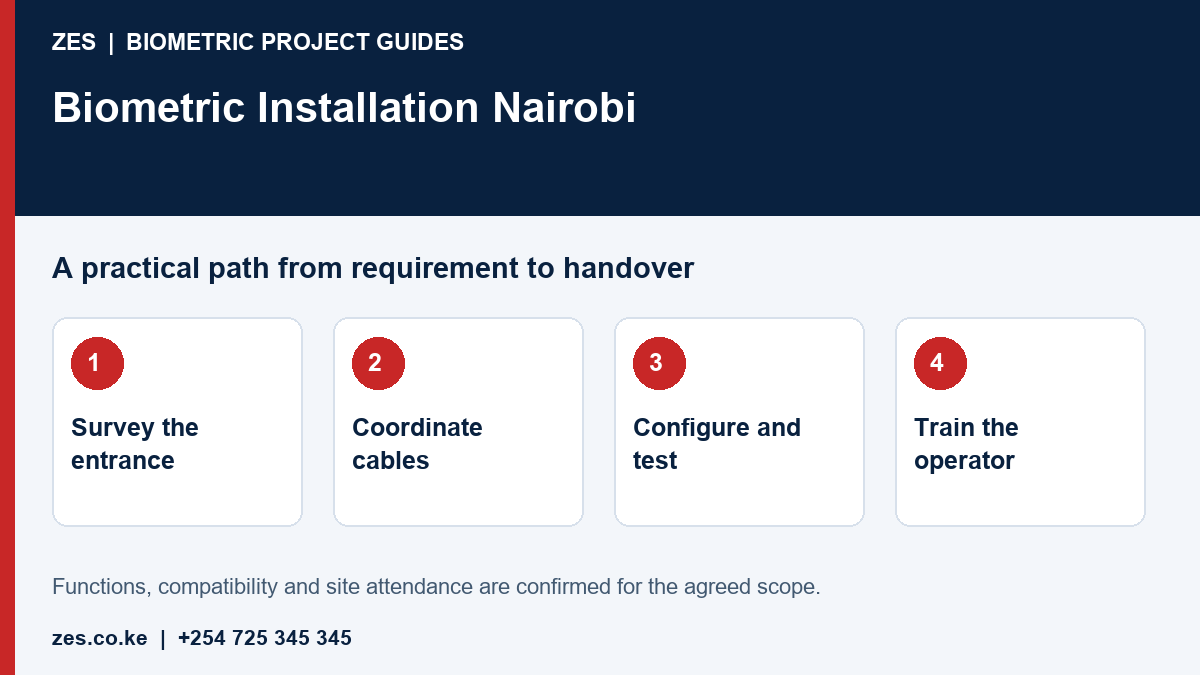
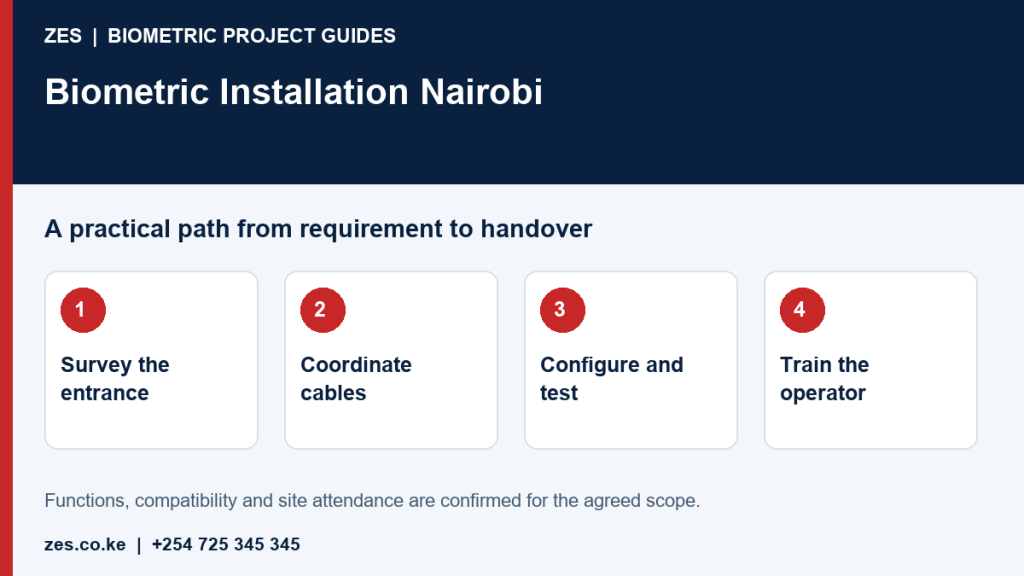
Survey the route users will actually take
Identify the arrival route, likely queue and whether users approach carrying tools or goods. Do not obstruct an exit or a busy reception path. Check environmental exposure, lighting and safe reach for the selected equipment. Attendance and door control should be specified separately. A location suitable for clocking may not be suitable for releasing a secure door or serving people arriving through a different entrance.
Coordinate landlord access and supporting work
For managed offices and shared buildings, confirm approval for mounting, cable routes and working hours. Establish who provides network ports, power, containment and any reinstatement. Record whether the installation can proceed during occupation or needs a planned interruption. A proposal should identify these dependencies before equipment arrives, including the responsible IT contact. Travel or same-day attendance must be confirmed directly for the particular appointment.
Configure with a controlled sample first
Agree employee identifiers, departments, shifts and report outputs before bulk enrolment. Test with sample identities and a small approved pilot group. Check time settings, connectivity and record transfer. Keep user permissions proportionate to each role. A successful device connection is only one checkpoint; the administrator should also retrieve events, review exceptions and generate the expected report without relying on an installer for routine operation.
Test faults as well as normal clocking
Demonstrate the agreed behaviour when network connectivity is interrupted, an event is duplicated or a staff member misses a punch. Check power-backup scope rather than assuming every connected component stays available. Record which parts of the system are covered by each test. If door control is included, define its separate hardware, safety and acceptance requirements. Outstanding dependencies should be documented with an owner and completion date.
Keep the handover usable
Provide equipment identification, configuration records, permitted operating tasks and the support contact route. Identify who receives administrator training and who owns software or cloud accounts. Demonstrate agreed exports and backup responsibilities. Review enrolment and access removal arrangements with the employer. A written close-out should distinguish completed installation from deferred software integration, so the organisation knows what can be used immediately and what still needs development or approval.
Prepare an assessable ZES enquiry
Include the location, organisation type, employee numbers and number of devices or controlled doors. Describe the existing equipment, software, shifts and intended reports. Identify who will approve the scope and receive training. Share sample or sanitised requirements, not employee biometric records or passwords. Ask the proposal to distinguish equipment, supporting infrastructure, software, configuration, testing, training, recurring charges and support.
Frequently asked questions
Can installation proceed in an occupied office?
Often it can be planned around operations, but access, power and network work determine the practical method and timing.
Are cabling and software included?
Only if stated. Request separate scope for devices, mounting, power, networking, software, configuration and training.
Related biometric guides
- Biometric Installers Near Me: How to Choose a Local Deployment and Support Partner
- Biometric Installation Mombasa: Mounting, Connectivity and Acceptance Checks
Discuss your requirement with ZES
ZES reviews each brief before confirming the appropriate assessment, installation or support scope. Site visits, travel, equipment availability and specialist delivery responsibilities are confirmed directly. Final interfaces and functions are agreed against accessible technical information and the written proposal.
Biometric attendance services · Access-control services · Request a quotation · Request a site assessment