
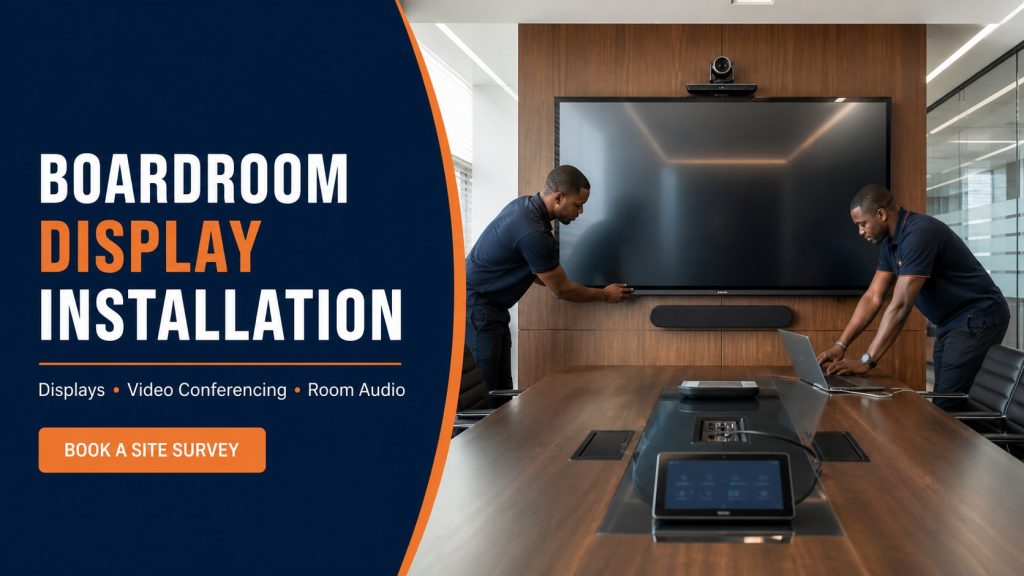
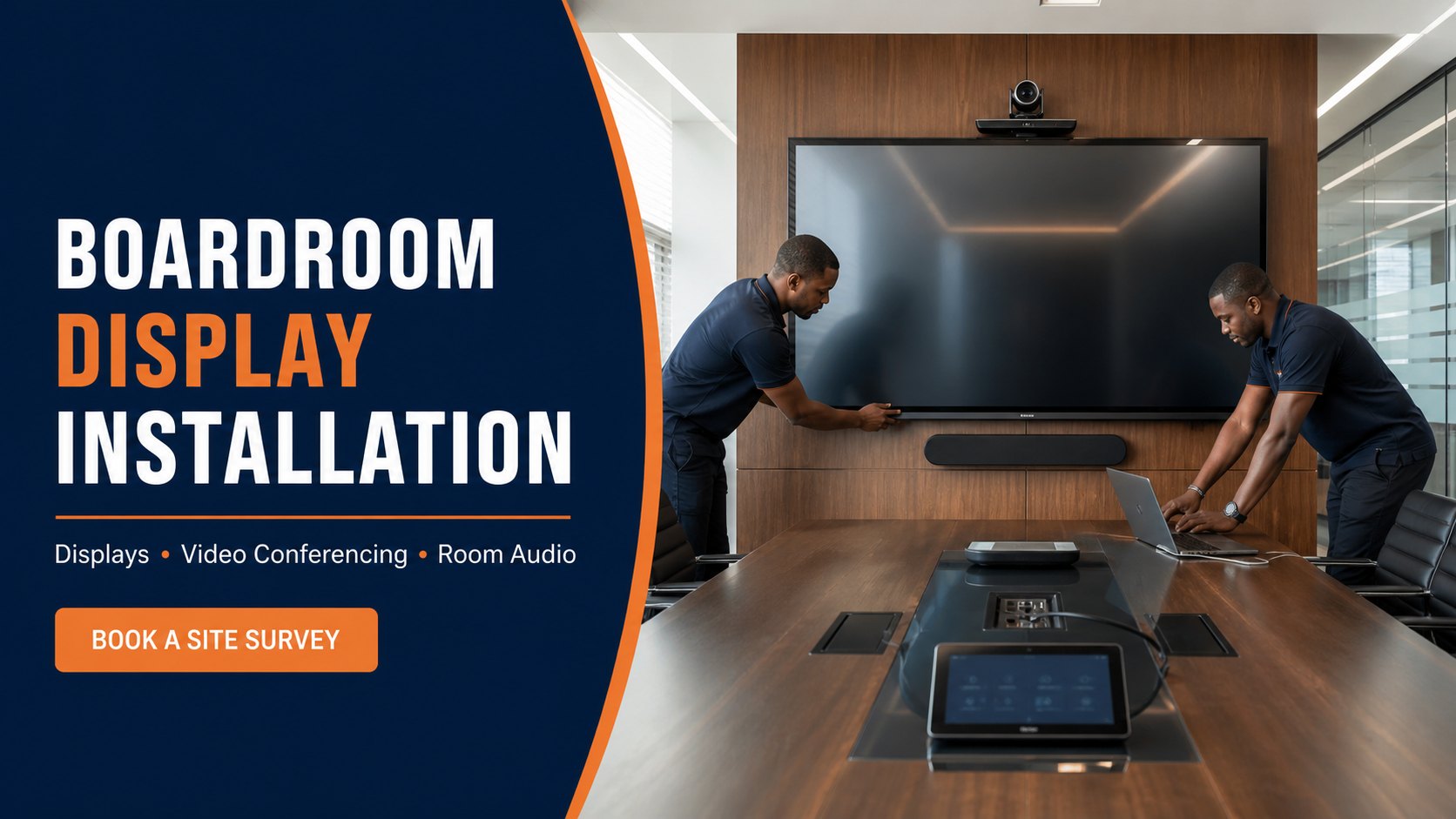
boardroom display installation should make meetings easier, not introduce a new technical puzzle at the start of every call. A well-planned room brings the main display, conferencing camera, microphones, speakers, participant laptops, network connectivity and control into a predictable workflow.
The intended audience is business owners, IT managers, facilities teams, schools, universities, NGOs, government offices and professional firms upgrading meeting rooms for local presentations and hybrid collaboration.
When this service is the right fit
A coordinated boardroom solution is useful when teams frequently present from laptops, host remote participants, record training, share dashboards or struggle with inconsistent cables and audio. The project should begin with meeting behaviour and room conditions rather than a list of impressive devices.
- Executive boardrooms and management meeting rooms
- Training rooms, classrooms and council chambers
- Hybrid meeting spaces for distributed teams
- Client presentation rooms and demonstration centres
- Interview, consultation and telemedicine rooms where appropriate
A useful proposal starts with the required business outcome. Screen size, camera coverage, viewing distance, wall construction, available power, network capacity, room acoustics, content sources, operating hours and future expansion can all change the correct design. Zama Engineering Systems (ZES) confirms these conditions during assessment rather than treating the installation as a one-product purchase.
What a professional scope should include
The agreed scope can cover the complete meeting experience from mounting to user handover:
- Display size and placement based on room dimensions and viewing distance
- Secure wall mount or purpose-built display support
- Video-conferencing camera position and field-of-view review
- Microphone and loudspeaker coverage planning
- Table HDMI, USB-C or wireless-presentation options
- Network connectivity, bandwidth and account ownership review
- Cable containment, equipment ventilation and power protection
- Configuration, test calls, user training and quick-start guidance
The quotation should identify which equipment is supplied, which customer-owned devices will be retained, what cabling and builders work are included, what testing will be completed, and which subscriptions or third-party services remain the customer’s responsibility. This prevents a low headline price from becoming an incomplete installation.
Engineering and design decisions
Boardroom performance depends on room geometry, acoustics and workflow. Key choices include:
- Single large display versus dual displays for content and remote participants
- Camera height, viewing angle and coverage of all seating positions
- Microphone pickup for the table size and room reflections
- Speaker position and echo-control capability
- Simple guest presentation without sharing administrative credentials
- Wired and wireless network design for stable calls and updates
Where displays, cameras, audio, control equipment and network devices share infrastructure, the design should document signal routes, cable categories, connection lengths, equipment ventilation, rack space, surge protection and access for future maintenance. Compatibility should be checked using exact device models rather than assumptions based only on connector appearance.
How ZES plans and delivers the project
1. Meeting-workflow discovery
ZES asks how many people use the room, which meeting platforms matter, what devices presenters bring and what problems the current setup creates.
2. Room survey
Dimensions, seating, lighting, acoustics, wall structure, power, network routes and equipment positions are documented.
3. System design
The display, camera, audio, presentation inputs, network and control method are selected as one compatible workflow.
4. Installation and configuration
Devices are mounted, connected, labelled and configured. Cables and small equipment are secured without blocking maintenance access.
5. Real meeting tests
The team tests local presentations and remote calls, checking camera framing, speech clarity, far-end audio, screen readability and the guest connection process.
The handover should leave the customer able to operate the system without depending on undocumented settings. ZES records the agreed configuration, demonstrates normal operation, identifies routine checks and explains how faults should be reported. Passwords and administrative access should be transferred to authorised customer representatives using an agreed secure process.
Common problems this approach prevents
A boardroom can contain expensive equipment and still deliver poor meetings. Typical causes include:
- A screen too small for spreadsheet or presentation text at the far seat
- Camera framing that excludes participants or points above eye level
- Microphones selected without considering room size and echo
- Multiple remote controls and input steps with no clear default
- Unreliable Wi-Fi or insufficient network capacity for video calls
- Cables and adapters that disappear because ownership is unclear
Some faults do not appear on installation day. Loose fixings, heat buildup, marginal signal paths, insufficient storage, weak wireless connectivity and inaccessible cable joints may emerge later. A practical design includes appropriate load margins, physical support, labelled cables, ventilation and maintenance access so the installation remains serviceable.
Integration with networking, security and power
ZES can coordinate the room with enterprise Wi-Fi, structured cabling, access control, room scheduling, CCTV where appropriate and backup power. Network and identity policies should be agreed with the customer’s IT team so conferencing accounts and firmware remain controlled after handover.
Business systems also need predictable power. Where the service is operationally important, the survey should consider surge protection, voltage quality, backup power and controlled shutdown. Remote access should use authorised accounts and appropriate network security; exposing equipment directly to the internet without a reviewed security method creates unnecessary risk.
What affects project cost?
A responsible quotation is based on the site and required outcome. The following factors normally have the greatest effect:
- Room size, seating capacity and number of displays
- Camera, microphone, speaker and conferencing-platform requirements
- Wired table connectivity versus wireless-presentation systems
- Acoustic treatment or furniture alterations outside the AV scope
- Cable distances, containment, equipment rack and network work
- Configuration, licences, training and ongoing support level
Customers receive a more useful quotation when they provide the site location, room or area photographs, device models, quantities, approximate mounting heights, available drawings, preferred completion date and the operational problem being solved. A site survey is recommended where wall structure, long cable routes, working-at-height access or system integrations cannot be confirmed remotely.
Service coverage across Kenya
ZES can assess projects in Kenya’s 47 counties, subject to project scope, scheduling, travel and site logistics. For county and subcounty work, the quotation identifies mobilisation, accommodation where applicable, access hours and any local coordination required. We do not publish hundreds of identical location pages; national and county content should provide genuine local service information, project evidence and useful subcounty coverage.
Questions to ask before appointing an installer
- What must a first-time visitor do to present successfully?
- Can everyone be seen and heard from their normal seat?
- Who owns conferencing accounts, passwords and subscriptions?
- Is the network ready for simultaneous high-quality calls?
- Are adapters, cables and controls secured and documented?
- How quickly can support diagnose an audio, camera or display fault?
Compare proposals on complete outcomes, not the cheapest equipment line. Confirm specifications, load ratings, cable management, configuration, testing, training, warranty, travel, taxes, exclusions and response arrangements. If an existing system is being expanded, ask how compatibility and current condition will be verified.
Related ZES services
- Enterprise Wi-Fi installation
- Structured cabling installation
- Commercial TV installation
- Preventive maintenance contracts
Frequently asked questions
Can ZES work with our existing display?
Yes, if its size, interfaces, condition and mounting arrangement suit the room and proposed conferencing equipment.
Which conferencing platform do you support?
The design can be reviewed around the platforms authorised by the customer. Exact licences, accounts and compatibility are confirmed before quotation.
Can visitors present without installing software?
Possible options include standard cables, adapters or approved wireless-presentation methods. The right choice depends on security policy and device types.
Will ZES train our staff?
Yes. Handover can include a practical demonstration and a concise quick-start workflow for authorised users.
Can you improve poor meeting-room audio?
ZES can assess microphone coverage, speaker placement, room reflections and conferencing settings, then recommend a scoped improvement.
Book a boardroom technology survey
Provide the room dimensions, seating capacity, meeting platforms, existing equipment and main user problems for a tailored assessment.