
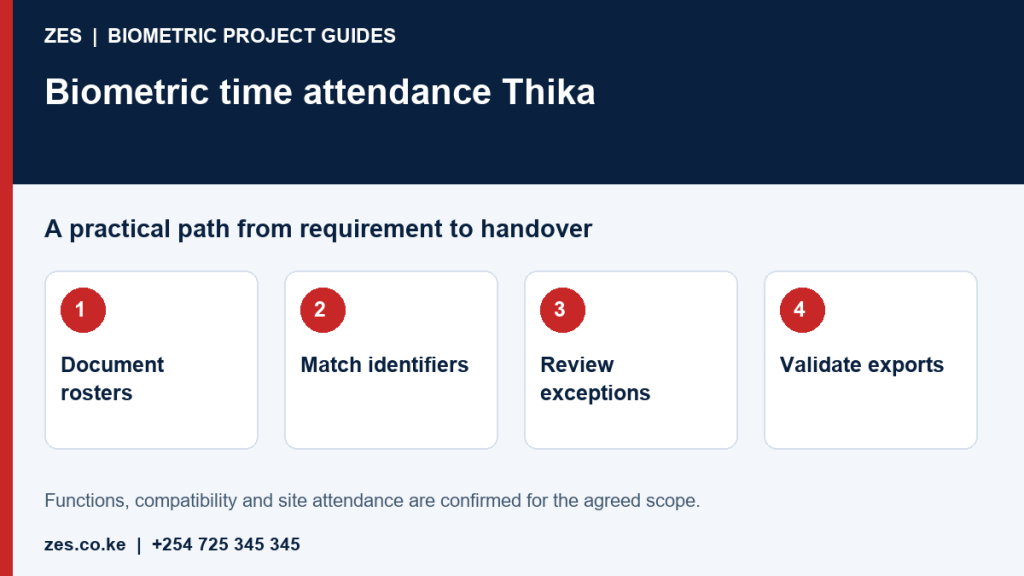
Biometric time attendance in Thika should turn recorded events into reports that administrators can explain. Recognition is only the first step; schedules, exceptions, employee identifiers and review responsibilities determine how useful the information becomes. This guide focuses on software workflow rather than scanner selection. Employers can use it to define sample cases and a report specification before asking ZES to assess the required devices and supporting interfaces.
Document the roster you really operate
List normal hours, rotating shifts, breaks, weekend duties and authorised off-site work. State who assigns a roster and when changes become effective. Software defaults should not silently replace the employer's approved rules. A clear roster also helps distinguish missing records from events assigned to the wrong day. Keep the rules understandable enough that a supervisor can explain an exception without relying on the installer to interpret every attendance calculation.
Use stable employee identifiers
Avoid using a name alone to match records from different terminals or applications. Decide how identifiers are created, checked and managed during transfers. Temporary and returning staff require an agreed process. Test sample imports and exports before any operational migration. A technically successful transfer can still produce misleading reports if identifiers do not align. Record ownership of the employee master data and the person authorised to correct associations between software and device records.
Review exceptions before producing final reports
Missing punches, duplicate events and approved absences need a documented route. Identify the person who reviews an exception, the information required and how a correction is recorded. An attendance event is not automatically the payroll result. Give staff a practical way to explain a discrepancy. Do not treat a missing event as conclusive evidence of absence. The workflow should make unresolved items visible rather than hiding them in an apparently complete monthly spreadsheet.
Test shift boundaries and report fields
Use sample data spanning midnight where relevant. Check how the application associates entry and exit events with the intended shift and reporting period. Ask for the actual fields managers need and demonstrate filtering by department or site. Supported functions depend on the selected software version and configuration. A vendor example may show what is possible, but it does not establish compatibility with every terminal or payroll product used by a Thika employer.
Approve interfaces and administrator handover
If an HR or payroll connection is required, identify the product, accessible interface, field mapping and error handling. Distinguish export files from an automated integration. Test the output with authorised staff and sample identities. Agree software ownership, access permissions, backups, training and recurring charges. ZES can review the report requirement and confirm a scope, with deployment, travel and support terms agreed for the actual premises rather than assumed from the service location.
Prepare an assessable ZES enquiry
Include the location, organisation type, employee numbers and number of devices or controlled doors. Describe the existing equipment, software, shifts and intended reports. Identify who will approve the scope and receive training. Share sample or sanitised requirements, not employee biometric records or passwords. Ask the proposal to distinguish equipment, supporting infrastructure, software, configuration, testing, training, recurring charges and support.
Frequently asked questions
Can shift rules be configured automatically?
Some software supports defined scheduling functions, but the intended rules must be demonstrated on the proposed version and approved by the employer.
Is a spreadsheet export a payroll integration?
It can support a manual workflow, but it is not the same deliverable as an automated, tested interface.
Related biometric guides
- Shift and Overtime Attendance: Rules, Midnight Boundaries and Exception Review
- Fingerprint Attendance System Thika: Enrolment and Reliable Clocking for Employers
Discuss your requirement with ZES
ZES reviews each brief before confirming the appropriate assessment, installation or support scope. Site visits, travel, equipment availability and specialist delivery responsibilities are confirmed directly. Final interfaces and functions are agreed against accessible technical information and the written proposal.
Biometric attendance services · Access-control services · Request a quotation · Request a site assessment