
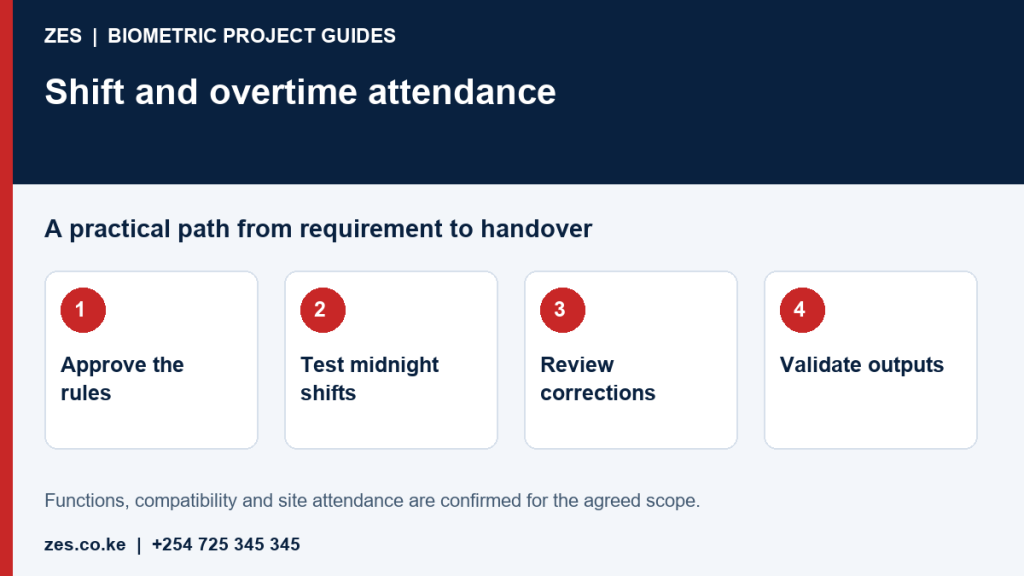
Shift and overtime attendance requires approved working rules, clear event boundaries and accountable review. A device timestamp is input to the process, not an independent decision about payable time. Employers should define their requirements before software defaults are applied. This guide helps HR teams, supervisors and implementers prepare test cases and report expectations. ZES can assess the device and software workflow, with payroll interfaces and specialist policy responsibilities agreed separately.
Write the rule set in ordinary language
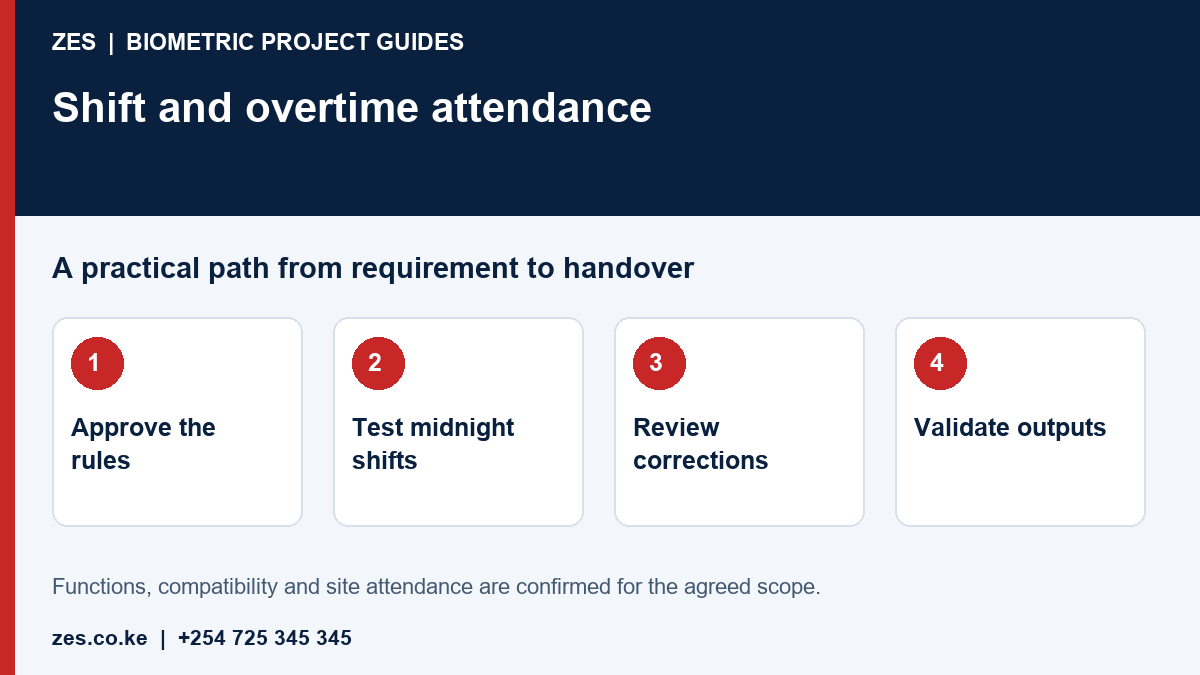
Describe scheduled start and finish, breaks, grace periods where approved, rotating rosters and authorised overtime. Identify the person responsible for policy decisions. Do not allow software configuration to create an employment rule without organisational approval. State which time events are required and what happens when they are missing. An understandable written rule set gives administrators a basis for explaining results and prevents different departments from relying on contradictory interpretations.
Test a shift that crosses midnight
Use sample events before and after midnight and state which rostered shift they belong to. Check the reporting date, pairing of events and treatment of the end of a payroll period. Repeated or missing punches should be tested separately. Different applications use different scheduling and calculation arrangements. A demonstration of a daytime office schedule does not establish that overnight work will be interpreted correctly by the proposed configuration.
Separate presence from approved overtime
A late exit may reflect overtime, a delayed clocking interaction or another circumstance requiring review. Agree who authorises overtime and what evidence supports the final decision. Attendance records should remain explainable when a supervisor changes a roster or approves an exception. Avoid automatically treating every early arrival or late departure as payable overtime. The appropriate calculation follows the employer's reviewed rules and any applicable professional advice, rather than an unexamined terminal setting.
Build an exception and correction trail
Name the person who reviews missed events, schedule changes and approved absence. Retain suitable accountability for corrections and make unresolved items visible. Give employees a way to explain discrepancies. Test the final report after an approved correction so the administrator can see how changes affect totals. A technically successful calculation can still be operationally wrong when the source roster or employee association is incorrect. Keep diagnosis of device and network faults separate from personnel conclusions.
Validate outputs before payroll use
Agree report fields, units, date range and employee identifiers. Compare sample outputs against manually reviewed scenarios before routine reliance. If records transfer to payroll, test mapping and error handling with authorised staff. The interface depends on accessible documentation and the selected product versions. Keep configuration changes controlled and review calculations after roster changes. ZES can assess implementation requirements, while the employer retains responsibility for approving working rules and decisions based on the records.
Prepare an assessable ZES enquiry
Include the location, organisation type, employee numbers and number of devices or controlled doors. Describe the existing equipment, software, shifts and intended reports. Identify who will approve the scope and receive training. Share sample or sanitised requirements, not employee biometric records or passwords. Ask the proposal to distinguish equipment, supporting infrastructure, software, configuration, testing, training, recurring charges and support.
Frequently asked questions
Does clocking out late prove approved overtime?
No. Review the employer's approved rules, authorisation and relevant circumstances before making payroll decisions.
Why should overnight shifts be tested separately?
Events cross calendar and reporting boundaries, so pairing and date assignment need explicit validation on the selected software.
Manufacturer reference: ZKTeco technical FAQs illustrate that schedule and report functions depend on the particular software version and configuration. This is not a compatibility promise or a claim of vendor authorisation.
Related biometric guides
- Factory Biometric Attendance System: Gates, Shifts and Production-Site Deployment
- Biometric Time Attendance Thika: Rosters, Exceptions and Management Reports
Discuss your requirement with ZES
ZES reviews each brief before confirming the appropriate assessment, installation or support scope. Site visits, travel, equipment availability and specialist delivery responsibilities are confirmed directly. Final interfaces and functions are agreed against accessible technical information and the written proposal.
Biometric attendance services · Access-control services · Request a quotation · Request a site assessment