
Updated 4 November 2026 · Zama Engineering Systems buyer guide
CCTV Camera Networking and Configuration should produce a documented connection arrangement that the customer's authorised team can operate and support. The scope includes more than making cameras appear on a screen. This guide helps Kenyan businesses brief camera-network work, coordinate facilities and IT responsibilities and accept a clear equipment record without sharing private network settings in a public sales enquiry.
Explain the installation or fault-assessment requirement
State whether cameras are new, being moved, intermittently unavailable or joining an existing recorder. Identify the customer contacts responsible for the building and IT systems. Provide equipment references and a description of the affected function, keeping credentials and detailed network information private. The supplier can then confirm assessment arrangements. A precise brief prevents an enquiry about remote viewing from being confused with a fault in local recording or a camera power problem.
CCTV Camera Networking and Configuration: agree the connection design
Ask for a clear description of the proposed camera, switch, recorder and viewing connections. The customer's IT owner should approve how the video system relates to other networks and who can administer it. Capacity and power requirements need assessment for the actual equipment and operating pattern. A working connection at one moment does not establish that shared infrastructure is suitable for the complete system under normal use.
Specify labels and physical work alongside configuration
Include cable routes, equipment labels, termination records, containment and any making-good work in the proposal. Identify which existing connections were tested and which remain provisional. Keep the record useful to both IT and facilities teams: the affected camera should be identifiable from its label and agreed location description. A clean physical installation and a controlled configuration record work together; neither is a substitute for the other.
Control permissions and maintenance access
Nominate the customer administrator and agree the authorised process for user changes and supplier support. Apply the selected product guidance and the customer's security requirements to the actual installation. Axis publishes hardening guidance covering access and administration of network video devices; it is useful background rather than a universal configuration recipe. Avoid enabling unnecessary exposure for convenience. Handover should leave the customer in control of recovery arrangements and any agreed continuing support access.
Test the recording path and document the baseline
Acceptance should confirm the relevant camera views, recording, playback and authorised retrieval functions under the agreed operating arrangement. Record equipment references, approved connection information, the support contact and any unresolved dependencies. Identify who must be consulted before a router, switch or camera configuration changes later. That baseline helps a future support visit distinguish equipment failure from an undocumented network change and reduces reliance on the memory of the original installer.
Compare the supplied scope
| Decision | Information to confirm | Useful result |
|---|---|---|
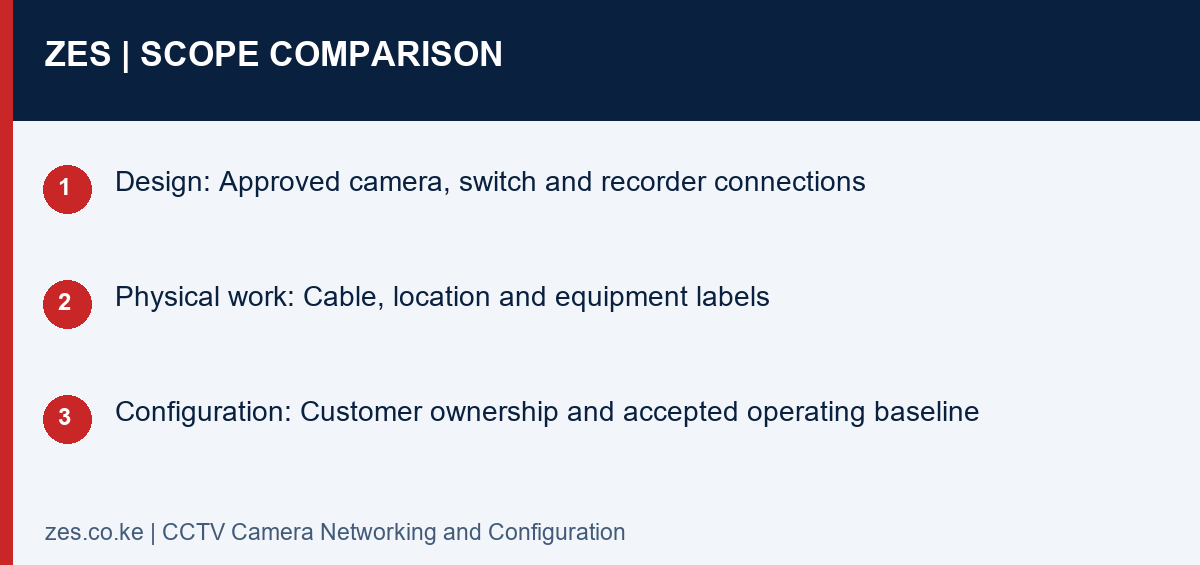
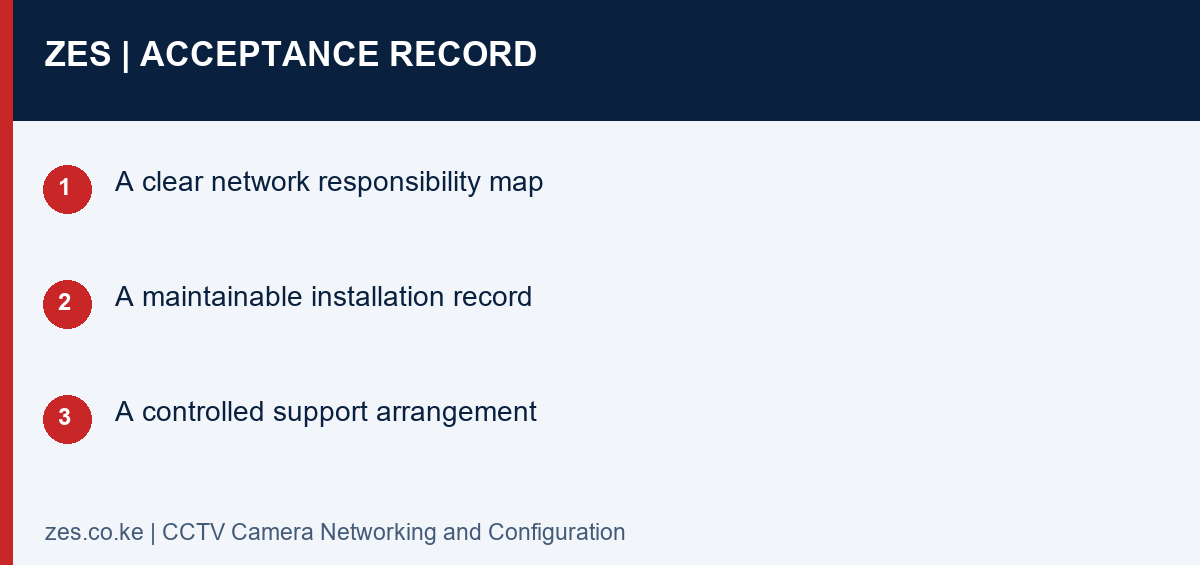
| Design | Approved camera, switch and recorder connections | A clear network responsibility map |
| Physical work | Cable, location and equipment labels | A maintainable installation record |
| Configuration | Customer ownership and accepted operating baseline | A controlled support arrangement |
A practical planning example
A business may report that cameras are visible locally but not through the approved remote arrangement. The assessor can distinguish the affected function and examine the relevant dependency without assuming the cameras need replacement. The final work record should explain what was changed and what was tested. This is an illustrative support scenario and does not prescribe changes to a live network.
CCTV Camera Networking and Configuration: enquiry checklist
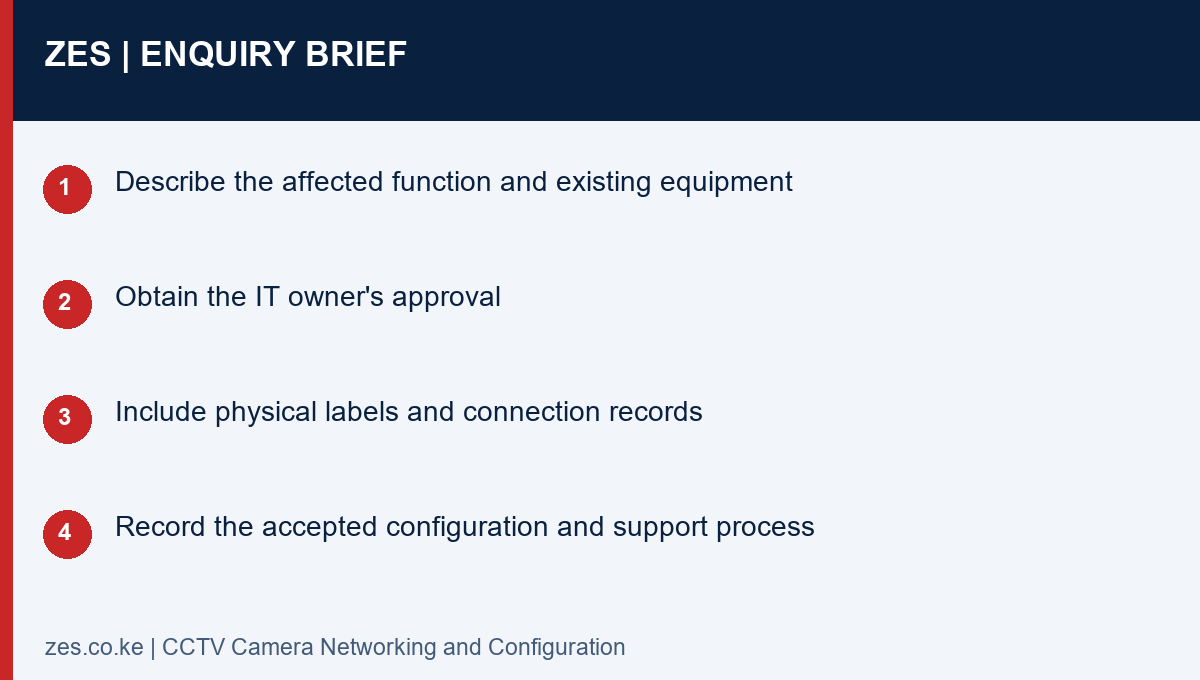
- Describe the affected function and existing equipment
- Obtain the IT owner's approval
- Include physical labels and connection records
- Record the accepted configuration and support process
Questions before commissioning
Should I send router passwords with an enquiry?
Keep credentials out of ordinary sales enquiries. Agree an appropriate controlled technical handover with the authorised people.
Does networking work include all building IT support?
Only the written scope establishes the responsibilities. Identify customer-managed and third-party equipment before accepting the proposal.
Discuss your CCTV requirement with ZES
Read the related ZES CCTV planning guide and explore CCTV surveillance services. Share the location, equipment information and intended outcome. ZES confirms the appropriate assessment, availability, proposed delivery responsibilities and commercial terms for the actual enquiry.
Request a scoped quotation · Request a site assessment · Call +254 725 345 345
Technical background: Axis OS hardening guidance. Confirm the actual project requirements with the responsible advisers and relevant product information.