
Updated 4 November 2026 · Zama Engineering Systems buyer guide
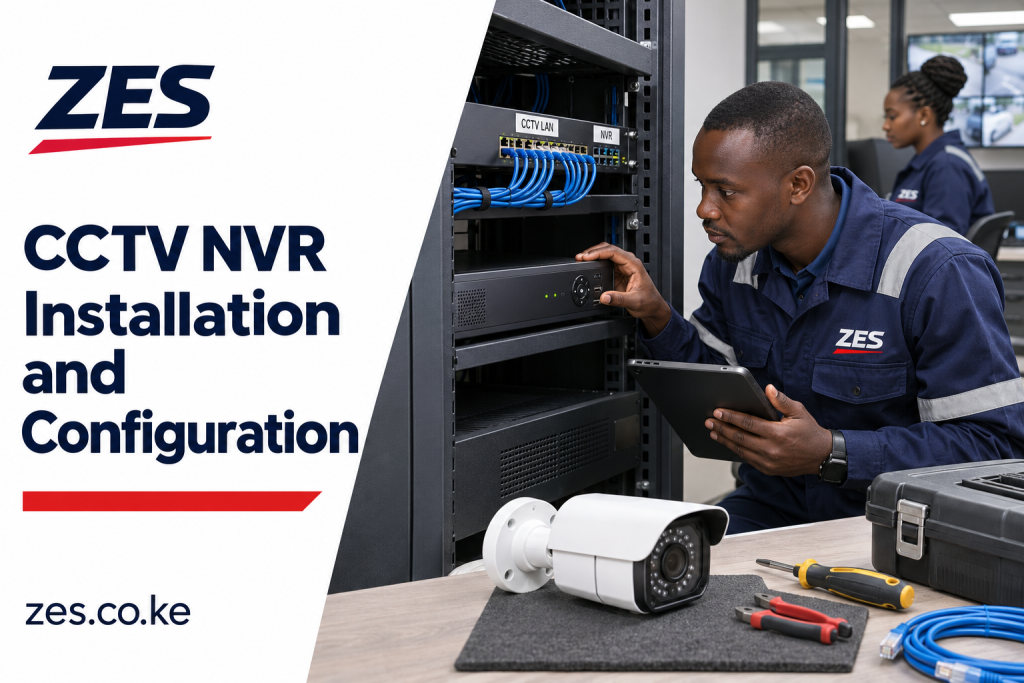
CCTV NVR Installation and Configuration should leave a customer able to find and use the footage the system was purchased to record. Connecting cameras is only part of that work. This guide explains how to brief a new recorder installation or replacement, including existing equipment, recording assumptions, operator permissions and acceptance tests, without treating a live camera grid as proof of complete commissioning.
Inventory the cameras and current recording requirement
Identify the connected cameras, existing recorder and any software already in use. Explain whether the requirement is a new system, replacement, expansion or a recording fault assessment. Provide product references through an appropriate technical enquiry and keep credentials private. Ask the proposal to list confirmed retained equipment separately from items still awaiting assessment. This helps the customer understand where a fixed offer ends and provisional compatibility work begins.
CCTV NVR Installation and Configuration: confirm complete compatibility
The proposed recorder needs assessment against the actual camera count, models and recording functions. Ask the supplier to explain the relevant capacity assumptions, including network and playback requirements. Hikvision's recorder guidance shows why connection topology and bandwidth can matter; the exact proposed equipment remains the reference for the project. Keep any camera substitution or later expansion subject to review rather than assuming that a spare channel establishes every required capability.
Make recording and storage assumptions understandable
State the recording pattern and retention requirement, then ask how the proposed storage was selected. The quotation should identify the supplied storage equipment and the settings on which its estimate depends. Confirm what happens when the selected recording policy reaches its capacity through the customer's approved operating process. Avoid accepting a universal number of recording days without a defined configuration. Later changes to the camera mix or recording settings may require the original estimate to be revisited.
Agree ownership and a suitable replacement plan
Nominate the customer administrator and the users who need viewing or export access. If replacing a recorder, agree how existing information and service interruption will be handled before work starts. Preserve required records through the customer's authorised process rather than assuming they can be discarded or automatically transferred. Include equipment location, power, labels and access for maintenance in the installation scope. Confirm the handover method for account ownership and recovery information privately.
Accept retrieval, export and the final equipment record
Have an authorised operator locate an agreed event, play the recording and create a permitted sample export. Check camera labels and displayed time against the accepted schedule. Record equipment references, recording assumptions, supplied storage and the support route. If retention needs observation over a period, document how it will be reviewed after initial commissioning. The customer should leave handover knowing both how to retrieve footage and who is responsible for the system's ongoing care.
Compare the supplied scope
| Decision | Information to confirm | Useful result |
|---|---|---|
| Compatibility | Camera references and required recorder functions | A supported equipment combination |
| Storage | Recording settings and retention assumptions | An auditable capacity proposal |
| Acceptance | Search, playback, export and ownership | A usable recorder handover |
A practical planning example
A manager replacing a failed recorder may need old recordings preserved while restoring new recording as soon as arrangements allow. The supplier should first establish the existing equipment and the customer's authorised record-handling requirement. Those become explicit scope items alongside the replacement. This scenario does not imply that every failed device permits recovery or that recovery is included in ordinary installation work.
CCTV NVR Installation and Configuration: enquiry checklist
- List existing cameras and recorder references
- Document recording and storage assumptions
- Agree replacement and record-handling responsibilities
- Test an authorised playback and export
Questions before commissioning
Does installing an NVR include footage recovery?
Only if a separately assessed recovery scope is offered and accepted. Do not assume it follows from a recorder replacement.
Can more cameras be added later?
Future expansion needs review of the recorder, storage, network and required functions. Ask for a documented allowance if expansion is part of the brief.
Discuss your CCTV requirement with ZES
Read the related ZES CCTV planning guide and explore CCTV surveillance services. Share the location, equipment information and intended outcome. ZES confirms the appropriate assessment, availability, proposed delivery responsibilities and commercial terms for the actual enquiry.
Request a scoped quotation · Request a site assessment · Call +254 725 345 345
Technical background: Hikvision recorder bandwidth support guidance. Confirm the actual project requirements with the responsible advisers and relevant product information.