
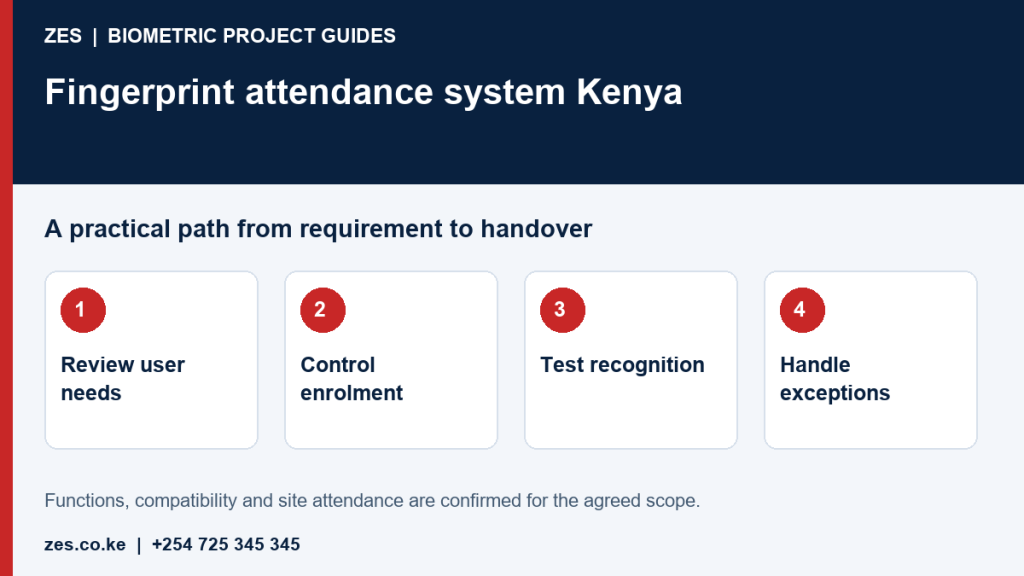
A fingerprint attendance system in Kenya should be evaluated against the people who will use it and the records the employer needs. The scanner is one part of a terminal, software and administration workflow. This guide focuses on fingerprint recognition, enrolment and practical exception handling. It complements a physical installation guide by explaining how an employer can assess whether the recognition method fits daily work before committing to equipment.
Start with the actual users
Describe staff numbers, arrival patterns and the environment in which people will clock. Consider users whose fingerprints may be difficult to recognise reliably. Request a practical pilot and an agreed alternative or exception route. A quoted recognition speed does not establish the experience at your entrance. Evaluate the whole interaction, including retries and queues. Do not infer that every missed recognition is user misconduct or solve the issue by enrolling people without a defined process.
Control the enrolment record
Use stable employee identifiers and check identity through the organisation's authorised process before associating a person with a device profile. Decide who can enrol, amend or remove users. Record the enrolment procedure and a way to correct a mistaken association. Keep unnecessary personal information out of installer demonstrations. The employer should review the purpose, access permissions and handling of biometric information with its responsible advisers rather than assuming that purchasing a scanner resolves those obligations.
Check the link from recognition to attendance
Demonstrate that a recognised interaction creates an event for the correct employee and reaches the intended software. Verify time settings, duplicate events and report retrieval. Distinguish recognition failures from missing network transfers and incorrect shift assignment. These are different faults with different remedies. A clear test follows sample users through enrolment, clocking, synchronisation and the final attendance report rather than declaring success when the reader displays a green light.
Define alternatives and corrections
Document how an employee reports a failed recognition, missed punch or device outage. Authorise particular administrators to review corrections and retain an explanation or change history where required. An alternative recognition method must be assessed for the chosen terminal and operating requirements. The exception process should remain workable during the busiest arrival period. Avoid making staff repeatedly retry a failing interaction while a queue grows and no responsible person is available to help.
Maintain recognition and administrative quality
Follow the selected equipment's cleaning and care instructions. Review repeated failures, damaged equipment and permission changes. Remove leavers through the authorised process and check records when staff move between sites. Keep configuration and reporting responsibilities documented. Ask the quotation to include the relevant software, installation and training rather than assuming they come with the terminal. ZES can review the workplace requirement and confirm a suitable assessment and deployment scope.
Prepare an assessable ZES enquiry
Include the location, organisation type, employee numbers and number of devices or controlled doors. Describe the existing equipment, software, shifts and intended reports. Identify who will approve the scope and receive training. Share sample or sanitised requirements, not employee biometric records or passwords. Ask the proposal to distinguish equipment, supporting infrastructure, software, configuration, testing, training, recurring charges and support.
Frequently asked questions
Is fingerprint attendance suitable for every employee?
Not automatically. Test usability with the intended users and agree an appropriate alternative or exception route.
Is a desktop fingerprint scanner an attendance system?
Not necessarily. Enrolment scanners, attendance terminals and door readers serve different workflows and need separate specifications.
Related biometric guides
- Fingerprint Attendance System Thika: Enrolment and Reliable Clocking for Employers
- Staff Attendance Machine Kiambu: A Device Selection and Purchase Checklist
Discuss your requirement with ZES
ZES reviews each brief before confirming the appropriate assessment, installation or support scope. Site visits, travel, equipment availability and specialist delivery responsibilities are confirmed directly. Final interfaces and functions are agreed against accessible technical information and the written proposal.
Biometric attendance services · Access-control services · Request a quotation · Request a site assessment