
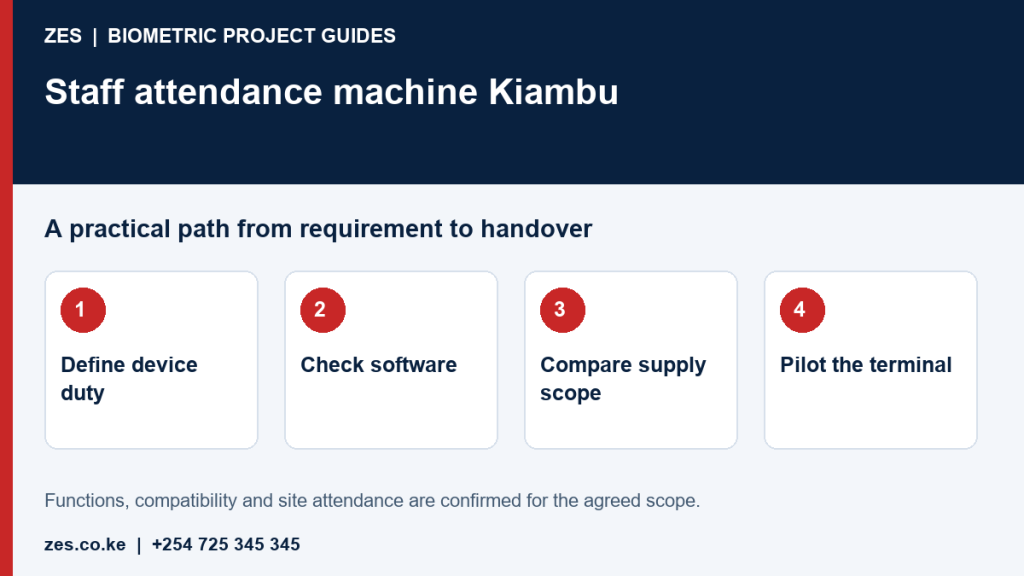
A staff attendance machine in Kiambu should be chosen for the intended users and operating duty. Fingerprint, face, card and PIN functions vary between models, and the same product label can hide important differences in software and support. This guide focuses on the purchase decision rather than a full multi-site rollout. Use it to prepare a device comparison and ask ZES for a scope that explains what the selected machine will actually deliver.
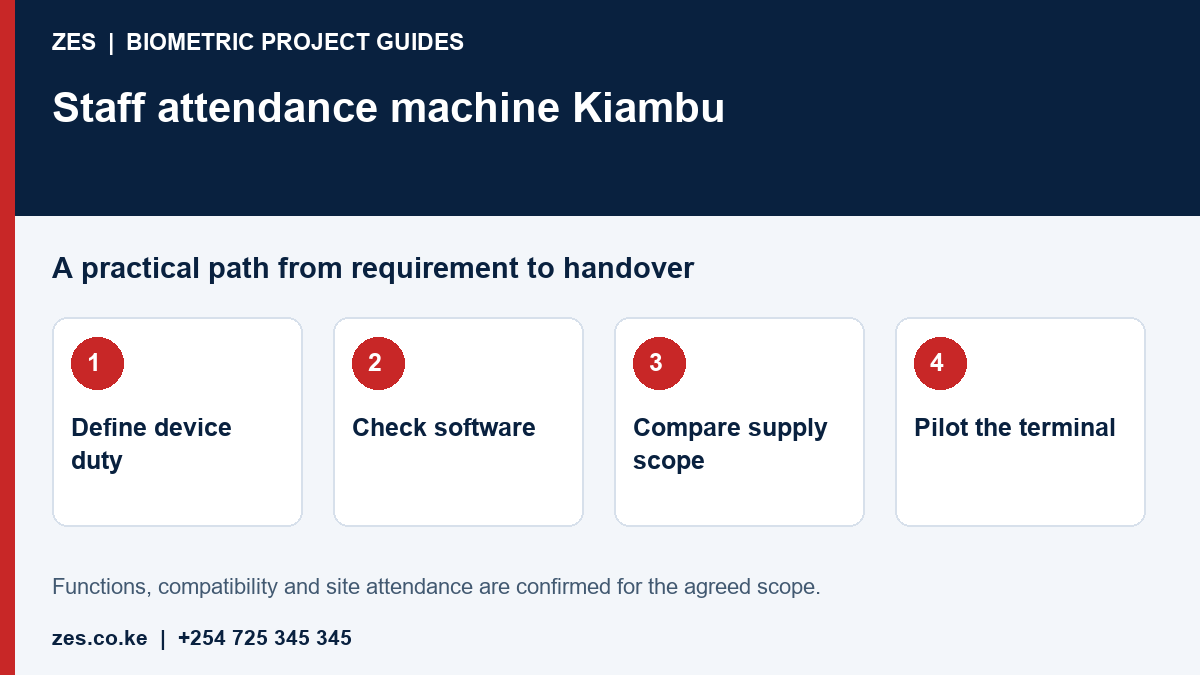
Specify who uses the machine and when
State employee count, peak clocking traffic and recognition requirements. Ask which alternatives are available for users who cannot reliably use a particular method. Consider whether the terminal will be indoors or exposed to site conditions. Maximum user capacity is not the same as a satisfactory arrival experience. A practical demonstration should consider retries and operator assistance, alongside the advertised device specification.
Check records, storage and synchronisation
Ask how the equipment stores events and how they transfer to the intended software. Confirm supported communication methods for the exact model and version. Determine what happens when connectivity is unavailable and how the operator detects a transfer problem. Do not assume a network socket or USB port guarantees compatibility with existing applications. Request documentation and a demonstration of sample event retrieval. Record any limits or manual steps in the quotation.
Distinguish terminal functions from software features
A device may recognise an employee while attendance rules are applied elsewhere. Ask where shifts, corrections and reports are configured. Confirm the software licence, hosting arrangement, supported user numbers and recurring costs. A device-only purchase may leave the employer without the report workflow it expected. Door-access features also require their own assessment of compatible hardware and safety responsibilities. List each requested function and ask the supplier to identify the component that provides it.
Compare supply and installed packages
Separate the terminal model, accessories, mounting, network and power requirements, configuration and training. Ask whether delivery, taxes and travel are included. Verify stock and warranty terms through the current written quotation rather than treating this guide as a live catalogue. Identify who supplies supporting infrastructure. The cheapest machine may be inappropriate if its required software or installation dependencies are unavailable or expensive to maintain.
Test before final acceptance
Use sample employees to check recognition, timestamps, record transfer and report generation. Have the intended administrator perform the routine tasks. Agree an exception route and the support process for device faults. Keep the model, serial information and software basis with the handover. Request a review of employee-record access and management responsibilities. ZES can assess the intended duty and explain the proposed purchase and installation scope for a Kiambu site.
Prepare an assessable ZES enquiry
Include the location, organisation type, employee numbers and number of devices or controlled doors. Describe the existing equipment, software, shifts and intended reports. Identify who will approve the scope and receive training. Share sample or sanitised requirements, not employee biometric records or passwords. Ask the proposal to distinguish equipment, supporting infrastructure, software, configuration, testing, training, recurring charges and support.
Frequently asked questions
Is face recognition always better than fingerprint?
No method is universally best. Assess users, environment, purpose, privacy requirements and tested equipment performance.
Does machine capacity prove it will handle a busy entrance?
No. Peak arrival patterns, recognition retries and queue layout also affect practical suitability.
Related biometric guides
- Biometric Attendance System Kiambu: Planning Staff Records Across Your Sites
- Fingerprint Attendance System Kenya: Recognition, Enrolment and Staff Exceptions
Discuss your requirement with ZES
ZES reviews each brief before confirming the appropriate assessment, installation or support scope. Site visits, travel, equipment availability and specialist delivery responsibilities are confirmed directly. Final interfaces and functions are agreed against accessible technical information and the written proposal.
Biometric attendance services · Access-control services · Request a quotation · Request a site assessment