
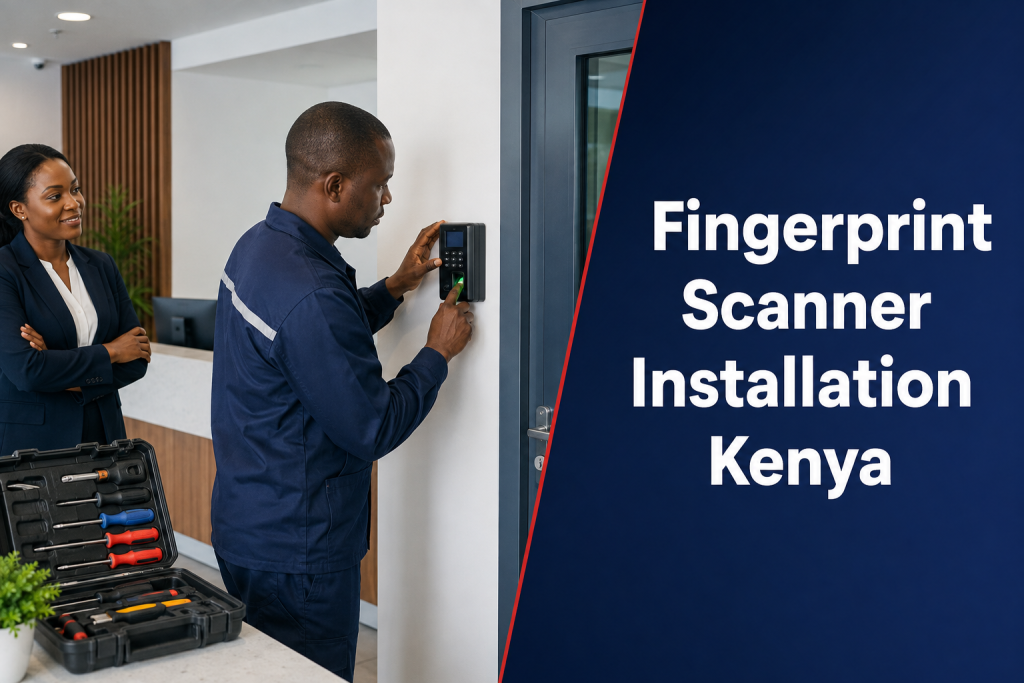
Fingerprint Scanner Installation Kenya projects succeed when the device is matched to its purpose and working environment. Attendance terminals, door-access readers and desktop enrollment scanners may all use fingerprints, but their installation, power, networking and security requirements are different.
First decide what the scanner must do
An attendance terminal records time events. An access-control reader requests permission from a controller and may release a door. An enrollment scanner captures fingerprints for another application. Define the workflow, users, reports and integrations before choosing hardware.
Choose a usable mounting location
Place the device at a practical height with clear approach space, appropriate lighting and protection from rain, dust, heat and impact. Attendance users should be able to queue without blocking doors. Access readers should not be positioned where a user can reach secure-side wiring or tailgate unnoticed.
Power and cable planning
Confirm voltage, current, cable distance, network type and backup requirements from the selected equipment documentation. Route cables in suitable conduit, separate power and data where required, and label both ends. Temporary extension leads and exposed wiring should not become the permanent solution.
Network and offline behavior
Ask whether the terminal needs continuous connectivity or can store events locally. Confirm record capacity, synchronization, IP addressing, secure remote access and what happens after a network outage. Device time must be synchronized because attendance and access reports depend on accurate timestamps.
Enrollment quality matters
Clean sensor surfaces, correct finger placement and multiple good-quality samples can improve matching. Some users may have fingerprints that are difficult to read because of work, age or injury. Do not keep retrying indefinitely; provide a documented alternative that respects the user’s role and the organization’s policy.
Commission the complete workflow
Testing should include successful and rejected scans, new enrollment, user deletion, offline operation, restored synchronization and report visibility. For a door, test the lock, exit device, door contact, emergency behavior and backup. For attendance, test shifts, duplicate punches and supervisor corrections.
Protect biometric information
Under Kenya’s Data Protection Act, biometric data is sensitive personal data. The organization should understand whether the system stores templates or images, where they are stored, who can access them, how they are transmitted and when they are deleted. Review relevant ODPC guidance and obtain professional legal or data-protection advice where needed.
Installation handover checklist
- Device purpose and supported user capacity
- Mounting, cable and power details
- Administrator accounts and password change
- Enrollment and fallback instructions
- Network, time and synchronization settings
- Backup, export and retention procedures
- Commissioning results and fault-reporting route
Attendance or access-control application?
For workforce records, review ZES’s biometric attendance system guide. For protected doors, read the biometric access control system guide.
What affects installation cost?
The device itself is only one cost item. Allow for mounting, protected power, batteries, network points, controller or lock hardware, door preparation, enrollment, software setup, testing and training. Remote branches may also need secure connectivity and travel. A complete quotation should name the supported workflow and exclusions.
Frequently asked questions
Can an existing scanner be connected to new software?
Possibly, if the exact model, firmware, communication method and available integration interface are supported. Confirm with a technical test before promising migration.
Does the installer keep copies of fingerprints?
The organization should establish what the device and software store, who can access it and the service provider’s role. These responsibilities belong in the project and data-processing documentation.
Can the scanner work during a network outage?
Some terminals store transactions locally, subject to capacity and configuration. The design must test offline behavior, clock accuracy and safe synchronization after the network returns.
Request a fingerprint installation assessment
Tell ZES whether the project is for attendance, access control or integration with existing devices, plus the user count, site conditions and software requirements. Request a scoped installation quotation.