

Petrol Station Management Software Kenya buyers should begin with the decisions managers need to make from reliable records. Fuel activity, shop sales, staff permissions and period reporting may involve different systems and owners. This guide adds a software-selection checklist to ZES’s existing fuel-management guide. ZES can assess the requirement and confirm whether an available application, configuration or separately scoped integration is appropriate; this page does not promise an already deployed product with every listed function.

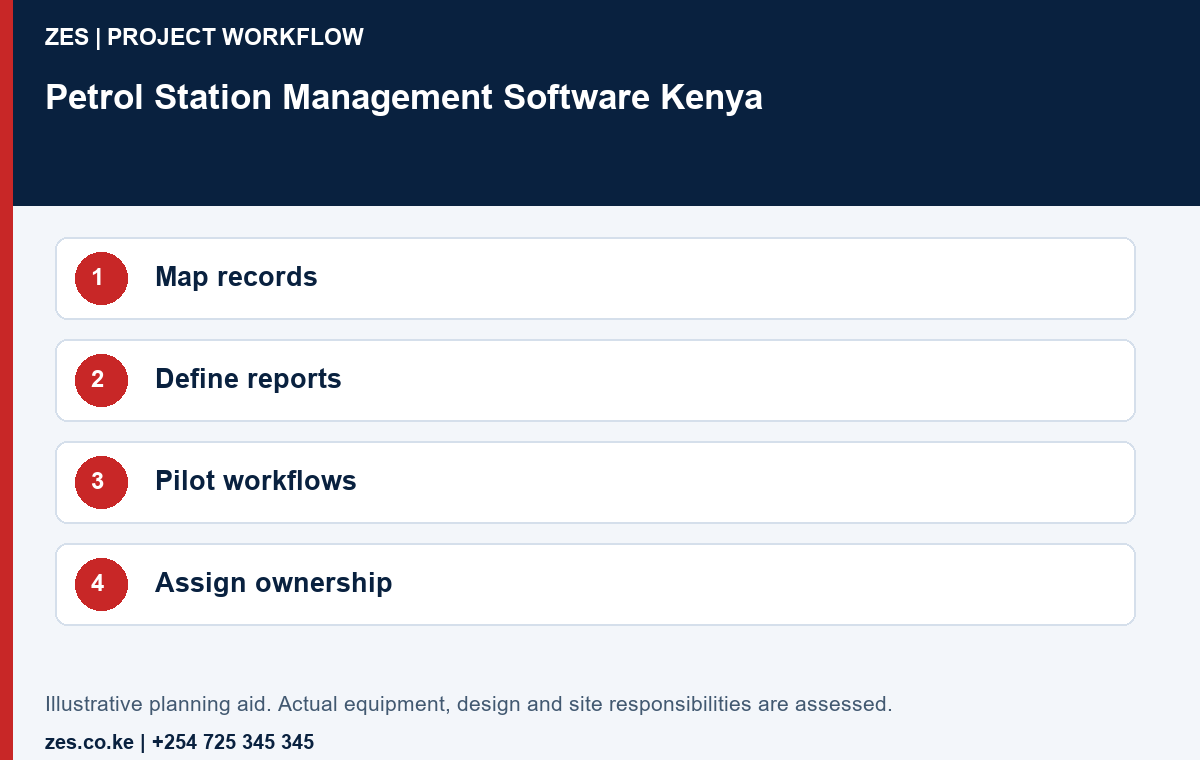
1. Map the operating records
List the records the station already uses and identify their source and owner. Distinguish dispenser activity, payment records, stock observations, shop sales and staff information. Explain which question each record supports. A proposed management application should not merge information solely because it can display several charts; the underlying event meaning and review responsibility must remain understandable.
2. Define the management outputs
Prepare anonymised examples of the daily summary, exception list and period report the organisation needs. Identify who reviews each output and when. Ask the proposer to demonstrate the actual required view using invented data. A dashboard can be attractive while still omitting the fields or explanations needed for the station’s operating decisions.
3. Verify product and interface scope
Identify the proposed application, version, licence and hosting arrangement. For existing equipment or another application, obtain the available interface documentation and confirm access to it. State whether a connection is already supported, needs configuration or requires separate development. Product branding or the presence of a network connection does not establish compatibility with every dispenser, controller or accounting platform.
4. Test corrections and incomplete records
Use sample cases with a missing input, duplicate event and approved correction. Ask the operator to show how each becomes visible and how the final report is reviewed. Preserve the distinction between original source information and an approved adjustment wherever the selected system supports it. The software should help people investigate exceptions without silently turning incomplete data into apparently final results.
5. Agree access and customer ownership
Define who can enter data, approve corrections, review reports and change settings. Ask the proposed application to demonstrate the available permissions and history. Identify the customer account owner and access to exports. Keep credentials private. A supplier support arrangement should not leave the station uncertain about its own records or dependent on a single undocumented administrator login.
6. Pilot one complete operating period
Select a manageable pilot and include the people who will actually operate and review the process. Follow sample records from entry to the intended summary, including exceptions and any agreed transfer. Document manual steps and unresolved requirements. Acceptance should be based on the stated workflow rather than a promise that every future request can be added without cost or further testing.
7. Compare lifecycle and support terms
Request setup, migration, licences, hosting, training, support and any integration work as identifiable items. Confirm recurring charges, renewal conditions and the process for future changes. Ask how the organisation retrieves its information if the service arrangement changes. Current terms and product availability should come from the written proposal, not be inferred from the examples in this planning guide.
Petrol Station Management Software Kenya: demonstration and review workbook
A buyer wants one management-software environment to help station supervisors and the central office work from reviewable records. Start with a process map covering the required inputs, approvals and outputs. Identify existing systems that remain responsible for particular transactions. The example does not assume that ZES supplies a standard product containing every feature mentioned. Ask for the actual product demonstration or a defined development proposal, with interfaces and acceptance cases clearly identified. This prevents a broad software enquiry from becoming an undefined promise to automate the entire business.
The following cases help the buyer specify and compare the actual project. Agree which apply to the proposed software scope and record any exclusions before acceptance. They are hypothetical review prompts, not evidence of a completed ZES client project. The responsible site team and relevant competent parties approve any physical tests or changes to live operations.
Process boundary
List the business processes included in the management software enquiry. Identify which remain in another software application and where staff must move information between the two.
Source ownership
Name the owner of each input and the authoritative source used for reporting. Distinguish entered data, imported data and calculated results before reviewing dashboard appearances.
User roles
Demonstrate the proposed roles using invented users. Check which business actions each may perform and identify any approval separation that depends on a manual operating procedure.
Ordinary transaction
Process a complete invented example from entry to approved report. Retain enough explanation for the station manager to understand how the final figure was produced.
Correction
Apply an authorised sample correction and inspect the supported history. Clarify how the software application distinguishes the original information, changed value, reason and responsible user where required.
Period close
Demonstrate the requested reporting boundary with a late example record. Confirm how the software handles an already reviewed period and which decisions require authorised approval.
Interface software scope
Identify each requested connection by actual product and interface requirements. State whether the proposed work is a file exchange, supported integration or separately scoped development.
Data exit
Export an agreed sample dataset and inspect its meaning outside the software application. Identify which information is omitted and how future migration would be assessed.
Continuity ownership
Assign backup and restoration responsibilities for the actual deployment. Ask for the agreed evidence; an accessible sales report is not proof that the complete software can be restored.
Change control
Request the terms for additional sites, reports, users and interface changes. Keep existing functions distinguishable from future development so that both cost and acceptance remain reviewable.
Detailed buyer questions
Does management software automatically connect to pumps and payment systems?
No. Interfaces depend on the actual equipment, applications, permissions and documented support. Require the proposed connection and error handling to be demonstrated or defined in an agreed delivery software scope.
Should the buyer request a demonstration or a specification?
Usually both are useful. A demonstration establishes existing behaviour, while the written software scope records the selected configuration, remaining development, exclusions and evidence required before acceptance.
Can the software eliminate every manual review?
Do not assume that outcome. Identify the decisions the organisation wants to automate and the exceptions that still need an authorised person. Review the actual supported workflow using representative examples.
Specify decisions and records before software features
Write the business decision that each report or screen must support. A branch manager may need a shift exception, an accountant may need an approved period total and a group office may need a consolidated view. These are different deliverables. Identify the data source, timing, calculation and authorised reviewer for each. A dashboard can be attractive while still leaving the customer unable to explain where a figure came from.
Create a small demonstration dataset using invented records. Include an ordinary transaction, an allowed correction, a late record and a period boundary. Where the enquiry concerns inventory, keep quantity bases and measurement assumptions explicit. Where it concerns sales, distinguish sales records from receipts and settlement. Ask the proposed product or development software scope to show the actual required behaviour instead of treating a generic demonstration as acceptance.
Confirm which functions already exist, which require configuration and which would need development or another service. List the relevant product version, deployment arrangement, licence and interface dependencies. ZES can assess a software brief and propose a defined software scope; this guide does not promise that every listed requirement is available in a ready-made package. Obtain a demonstration or a written delivery and acceptance commitment for the selected solution.
Control imports, changes and reporting boundaries
Give each imported record an identifiable source and agree how repeated imports are handled. Review how a correction is distinguished from a new transaction. Ask what happens when a branch is temporarily offline or a source delivers a record late. A successful file transfer establishes only that information moved; it does not establish that the receiving system interpreted every identifier, date, unit or business rule correctly.
Assign approval and administration roles separately. A person who enters information need not automatically be able to approve it, alter configuration or remove the change history. Demonstrate the selected software application’s supported controls with sample users. Record any requirement that depends on an operating procedure. Do not describe separation of duties as delivered merely because a proposal contains several role names.
Define the reporting boundary for each period. Explain how reopened shifts, late adjustments and branch transfers affect a previously approved view. Keep the original and revised outputs distinguishable where the agreed workflow requires it. Test the customer’s actual review process with the demonstration data. Differences between reports can reflect timing or software scope; they should be investigated before anyone concludes that a particular member of staff or system caused a loss.
Plan exit and continuity from the beginning. Identify customer account ownership, accessible exports, backup responsibilities and the supported restoration or migration arrangements. Specify the evidence expected for those functions. Do not assume that an exported spreadsheet contains everything required to restore a complete software application. If another supplier owns a pump, payment or accounting interface, obtain its documented requirements and confirm who resolves interface faults and future version changes.
Prepare a clear enquiry for ZES
Share the station location, the problem or intended outcome, relevant quantities and the existing equipment or application references. Include available approved plans or anonymised examples where useful. Identify the person who can authorise site access and the contacts responsible for operations and technical interfaces. Keep credentials, employee biometric records and confidential transaction information out of a general enquiry.
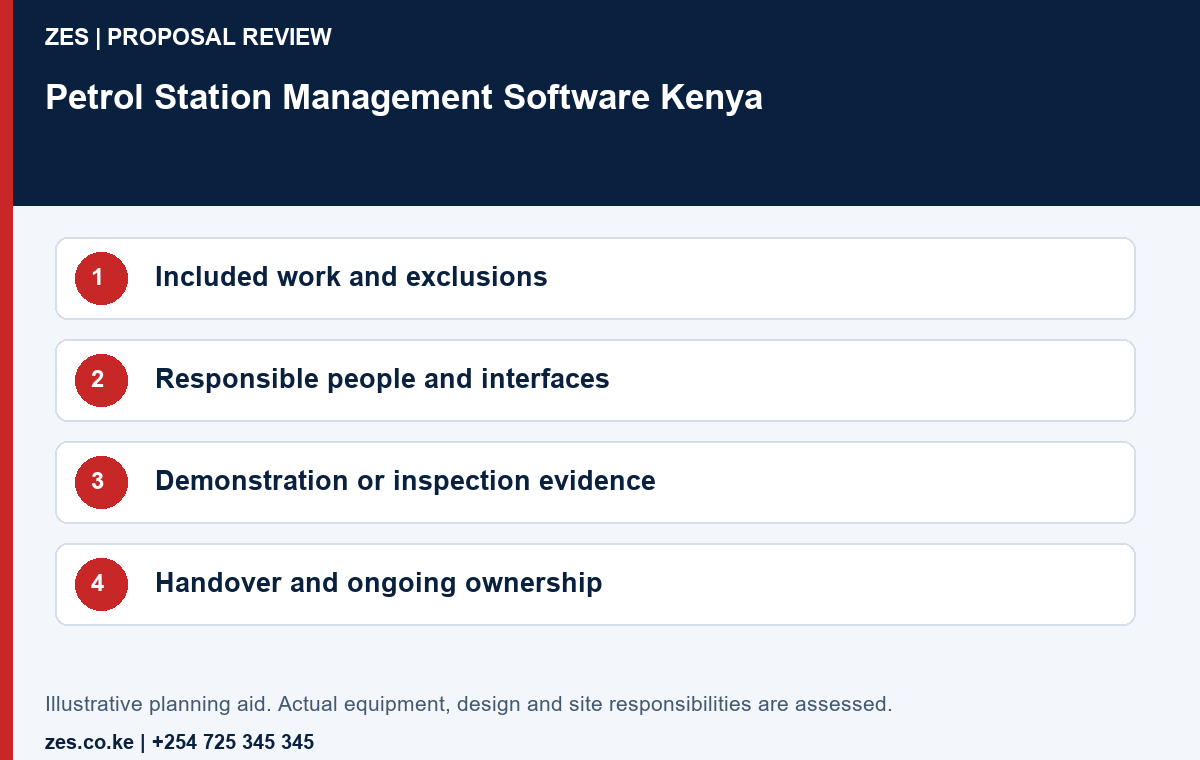
Ask the written proposal to identify the supplied work, exclusions, customer dependencies, current commercial terms and the evidence used for acceptance. Confirm specialist responsibilities and relevant credentials for the actual scope. ZES can review the brief and confirm the appropriate assessment and proposal arrangements. Site attendance, timing, product availability and support commitments are agreed directly rather than promised solely because a project names a particular county or town.
Compare the same complete scope
- Equipment or materials: identify the actual model, specification and documentation.
- Supporting tasks: record enabling work, site access and customer-supplied dependencies.
- Configuration or fabrication: state the work and the responsible approving party.
- Acceptance: agree the demonstration, inspection or verification evidence required.
- Ownership: confirm accounts, records, recurring charges and the future support route.
Frequently asked questions
Does this guide confirm a ready-made ZES application with every feature?
No. The actual product, configuration, supported functions and any development scope must be demonstrated and quoted.
Can existing equipment be connected?
Only after reviewing the actual models, accessible interfaces and the required end-to-end test.
Reference information: ODPC guidance.
Related ZES service · Petrol-station engineering enquiries · Request a scoped quotation · Request a site assessment · Call +254 725 345 345
Further guidance on the existing service
petrol station fuel management system projects require more than buying the main equipment. A fuel-management system should help operators compare deliveries, tank stock, dispenser transactions, adjustments and variances without creating an impractical daily process. This guide explains the questions owners, operators, consultants and procurement teams should resolve before requesting a final quotation.
Choosing fuel controls for a retail station
The first step is to define the required operating outcome. Capacity, transaction volume, site conditions, available utilities, existing equipment, reporting needs and future expansion can change the correct design. A clear requirement also helps suppliers quote the same scope, making commercial comparisons more meaningful.
Zama Engineering Systems approaches petroleum work as an integrated engineering task. Mechanical equipment, electrical power, earthing, controls, networking, security and maintenance access must be coordinated. Final brands, quantities, interfaces and regulatory responsibilities are confirmed during assessment and quotation.
Key items to include in the scope
- Tank and dispenser data capture
- Delivery and reconciliation workflows
- User permissions and audit records
- Variance, exception and management reporting
The quotation should state who supplies each component, who installs it, what tests will be completed and what information the customer must provide. It should also identify exclusions such as civil work, statutory fees, third-party inspections, internet service, ongoing software subscriptions or work by other appointed professionals.
Site assessment and design questions
- What products, volumes or assets will the system handle?
- What equipment and infrastructure already exist?
- Which users need operational, reporting or administrative access?
- What power, network and backup arrangements are available?
- Which alarms, reports, integrations or retention periods are required?
- What environmental, safety and access restrictions affect installation?
Answers to these questions should be documented before procurement. When existing equipment is involved, model numbers, firmware, interfaces, condition and ownership of configuration credentials may need verification.
Installation and commissioning stages
- Requirement review: Confirm the operational problem and measurable outcome.
- Site survey: Review positions, routes, distances, utilities, risks and existing assets.
- Design: Define equipment, interfaces, supporting works and responsibilities.
- Approval and procurement: Confirm the quotation, programme and product availability.
- Installation: Complete the agreed mechanical, electrical, control or network work.
- Testing: Verify integrity, operation, alarms, measurements and communications as applicable.
- Training and handover: Provide authorised users with operating guidance and relevant records.
Common mistakes to avoid
Common problems include ordering equipment before confirming compatibility, omitting essential accessories, undersizing storage or power, failing to define who configures integrations, and accepting a proposal without testing or handover criteria. Another risk is treating remote monitoring or automation as a substitute for sound operating procedures. Technology is most effective when responsibilities, exception handling and maintenance are also clear.
Maintenance and lifecycle planning
The project should identify consumables, inspection intervals, calibration or test requirements, software support, backup procedures and critical spare parts. Operators should know how to recognise an abnormal condition and who receives the first alert. Where data is used for reconciliation or management decisions, time settings, user permissions and audit records should be controlled.
How to compare quotations
Compare complete outcomes rather than headline equipment prices. Check capacities, specifications, accessories, installation, configuration, testing, training, warranty, subscriptions, travel, taxes and exclusions. Ask whether the design can be maintained locally and expanded without replacing the entire system.
Frequently asked questions
Can ZES provide a site survey?
Yes. A survey can establish the current site conditions, required scope and interfaces before a tailored quotation is prepared.
Can existing equipment be retained?
Possibly. Retention depends on condition, capacity, compatibility, documentation and the customer’s required outcome.
Does the system require ongoing support?
Most petroleum, automation and monitoring systems benefit from preventive inspection, fault support and periodic review of settings, sensors, records and user access.
Is regulatory approval included automatically?
No. Permits, licences, professional approvals and inspection responsibilities must be explicitly defined in the project scope and checked against current official requirements.
Discuss Your petrol station fuel management system Project
Contact ZES with the site location, project stage, available drawings and required outcome.