
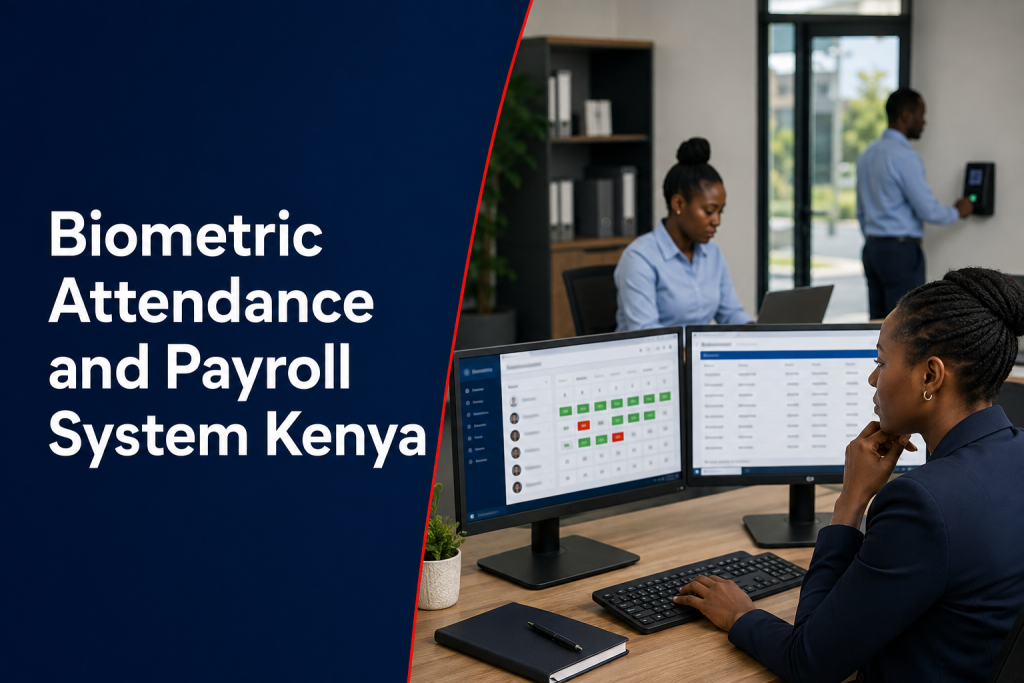
A Biometric Attendance and Payroll System Kenya project should turn verified time events into reviewable payroll inputs. It should not send every clock-in directly to salary calculations without checking shifts, leave, overtime approvals, missing punches and manual corrections.
Understand the data flow
A typical workflow is: biometric device records an event, attendance software assigns it to an employee and shift, supervisors review exceptions, HR confirms leave and overtime, then payroll receives approved totals. Each stage should have a named owner and a clear cut-off time.
Map payroll rules before integration
Document working days, normal hours, grace periods, breaks, overtime categories, night shifts, public holidays, leave and unpaid absence. The technology should implement approved organizational rules; it should not create employment policy.
Multiple punches and overnight shifts
Factories, hospitals and security operations may record several punches per day or shifts that cross midnight. Test these scenarios using real examples. Confirm how the system handles early arrival, forgotten clock-out, duplicate scans and work that continues beyond the planned shift.
Exception review protects payroll accuracy
A dashboard should highlight missing, unmatched or unusual records for human review. Supervisors can confirm operational facts, while HR applies policy. Corrections should record the original value, new value, reason, approver and timestamp.
Export or direct integration?
A controlled CSV or spreadsheet export can be suitable when volumes are manageable and validation is strong. An API or database integration may reduce manual handling but requires field mapping, authentication, error handling and reconciliation. “Compatible with payroll” is not enough; test the exact product, version and data fields.
Use stable employee identifiers
Names can be duplicated or changed. Use an approved employee number that matches HR and payroll records, and define how new hires, transfers and exits are synchronized. Prevent one employee from being represented by multiple active profiles.
Human review before financial decisions
Biometric records can contain errors caused by device faults, enrollment problems, outages or incorrect schedules. Do not use a missing biometric event as the sole basis for pay deduction or discipline. Provide a documented correction and appeal process with authorized human review.
Protect sensitive information
Biometric templates, attendance events and payroll data require strong access control and limited use. Kenya’s Data Protection Act classifies biometric data as sensitive personal data. Review the ODPC guidance library, define roles and retention, secure exports and avoid emailing uncontrolled payroll files.
Integration acceptance tests
- Normal day, rest day and public-holiday scenarios
- Day, night and cross-midnight shifts
- Approved and rejected overtime
- Leave, absence and missing-punch correction
- New employee, transfer and termination
- Duplicate and unmatched employee identifiers
- Export totals reconciled to a controlled manual sample
- Reprocessing without double payment
Factory and multi-branch applications
Manufacturers should review the factory biometric attendance guide. Organizations with distributed locations should use the multi-branch attendance guide to plan synchronization and centralized approvals.
What affects integration cost?
Cost depends on device and payroll products, available APIs or export formats, employee-data quality, number of rules, branches, historical migration, testing and support. A custom connector generally needs mapping, authentication, error logging and version-change planning. Ask for a discovery stage before accepting a fixed promise based only on product names.
Frequently asked questions
Can ZES integrate existing biometric devices?
Integration may be possible after confirming the exact models, firmware, communication method and vendor interfaces. A technical assessment should prove data access before the production scope is agreed.
Should payroll read directly from every terminal?
A controlled attendance layer is usually safer because it can normalize devices, apply schedules and route exceptions for approval. The final architecture depends on the existing systems.
Can managers edit attendance records?
Only authorized roles should correct records, and every change should preserve the original value, reason, timestamp and approver. Untracked edits undermine payroll confidence.
Request an integration discovery session
Share your attendance devices, HR master data, payroll product, shift rules, approval workflow and desired outputs. Request a scoped ZES assessment before committing to a direct integration.